New in the Shortcuts Library: Meta AI shortcuts

Check out my shortcuts for Meta AI on the web – quickly start a new chat, browse Vibes creations, generate an AI image or video, and access AI Studio.

I’ve just added a new folder to the Shortcuts Library — my set of Meta AI shortcuts for interacting with Meta AI, the assistant from the makers of Facebook and Instagram.

Use these for Meta AI on the web – quickly start a new chat, browse Vibes creations, generate an AI image or video, and access features of AI Studio where you can create your own AI chatbot.

  • Open Meta AI: Opens the URL for Meta AI so you can ask anything, choose from one of their suggestions, or scroll down to browse Vibes.
  • Talk with Meta AI: Opens the URL for the Talk feature in Meta AI, activating voice mode on your device right away so you can begin speaking your prompt.
  • New chat with Meta AI: Opens the URL to a new chat with Meta AI, focusing on the keyboard so you can start typing your prompt right away.
  • Open Vibes from Meta AI: Opens the URL to the Vibes page of Meta AI where you can browse and watch creations from others.
  • Create media with Meta AI: Opens the URL to the Create tab of Meta AI, where you can view your own creations and create something new by describing your image. “You can create images and videos to inspire others.”
  • Open the AI Image Generator from Meta AI: Opens the URL for the AI Image Generator from Meta AI where you change options like aspect ratio or aesthetics along with your prompt. Capabilities listed include “Create images,” “Create an image of yourself,” “Edit images,” “Restyle images,” “Animate images,” and “Analyze images.”
  • Open the AI Video Generator from Meta AI: Opens the URL for the AI Video Generator in Meta AI, where you can create, remix, and share AI videos. Capabilities listed include “Create custom animations,” “Edit images,” “Extend videos,” “Get more done,” “View your creations,” and “Restyle and edit.”
  • Show my notifications from Meta AI: Opens the URL for the Notifications page for Meta AI where you can see interactions on your creations.
  • Show my profile on Meta AI: Opens the URL for your profile on Meta AI. On import, asks you to enter your username.
  • Show demos from Meta AI: Opens the URL for AI Demos from Meta, where you can “[e]xplore the latest AI experiments from Meta, where bold ideas meet the edge of research, creativity, and technology.”
  • Show Meta AI Studio: Opens the URL to the AI Studio from Meta (hosted on Instagram.com) where you can create your own AI or “find and interact with AIs created by others.”
  • Create an AI with Meta AI Studio: Opens the URL to the Create an AI page in Meta AI Studio, where you can “make an AI for deep conversations, help with specific topics or just for fun,” “craft a specific voice for your AI and give it capabilities like search and image generation,” and “chat privately or make an AI public for others to discover.”
  • Show my AIs in Meta AI Studio: Opens the URL for “Your AIs” in Meta AI Studio, where you can manage AIs that you’ve created.

Check out the folder of Meta AI shortcuts on the Shortcuts Library.

Featured Shortcuts

shortcut-open-meta-ai-icon
Open Meta AI
Opens the URL for Meta AI so you can ask anything, choose from one of their suggestions, or scroll down to browse Vibes.
shortcut-talk-with-meta-ai-icon
Talk with Meta AI
Opens the URL for the Talk feature in Meta AI, activating voice mode on your device right away so you can begin speaking your prompt.
shortcut-new-chat-with-meta-ai-icon
New chat with Meta AI
Opens the URL to a new chat with Meta AI, focusing on the keyboard so you can start typing your prompt right away.
shortcut-open-vibes-from-meta-ai-icon
Open Vibes from Meta AI
Opens the URL to the Vibes page of Meta AI where you can browse and watch creations from others.
shortcut-create-media-with-meta-ai-icon
Create media with Meta AI
Opens the URL to the Create tab of Meta AI, where you can view your own creations and create something new by describing your image. “You can create images and videos to inspire others.”
shortcut-open-the-ai-image-generator-from-meta-ai-icon
Open the AI Image Generator from Meta AI
Opens the URL for the AI Image Generator from Meta AI where you change options like aspect ratio or aesthetics along with your prompt. Capabilities listed include “Create images,” “Create an image of yourself,” “Edit images,” “Restyle images,” “Animate images,” and “Analyze images.”
shortcut-open-the-ai-video-generator-from-meta-ai-icon
Open the AI Video Generator from Meta AI
Opens the URL for the AI Video Generator in Meta AI, where you can create, remix, and share AI videos. Capabilities listed include “Create custom animations,” “Edit images,” “Extend videos,” “Get more done,” “View your creations,” and “Restyle and edit.”
shortcut-show-my-notifications-from-meta-ai-icon
Show my notifications from Meta AI
Opens the URL for the Notifications page for Meta AI where you can see interactions on your creations.
shortcut-show-my-profile-on-meta-ai-icon
Show my profile on Meta AI
Opens the URL for your profile on Meta AI. On import, asks you to enter your username.
shortcut-show-demos-from-meta-ai-icon
Show demos from Meta AI
Opens the URL for AI Demos from Meta, where you can “[e]xplore the latest AI experiments from Meta, where bold ideas meet the edge of research, creativity, and technology.”
shortcut-show-meta-ai-studio-icon
Show Meta AI Studio
Opens the URL to the AI Studio from Meta (hosted on Instagram.com) where you can create your own AI or “find and interact with AIs created by others.”
shortcut-create-an-ai-with-meta-ai-studio-icon
Create an AI with Meta AI Studio
Opens the URL to the Create an AI page in Meta AI Studio, where you can “make an AI for deep conversations, help with specific topics or just for fun,” “craft a specific voice for your AI and give it capabilities like search and image generation,” and “chat privately or make an AI public for others to discover.”
shortcut-show-my-ais-in-meta-ai-studio-icon
Show my AIs in Meta AI Studio
Opens the URL for “Your AIs” in Meta AI Studio, where you can manage AIs that you’ve created.

Posts You Might Like

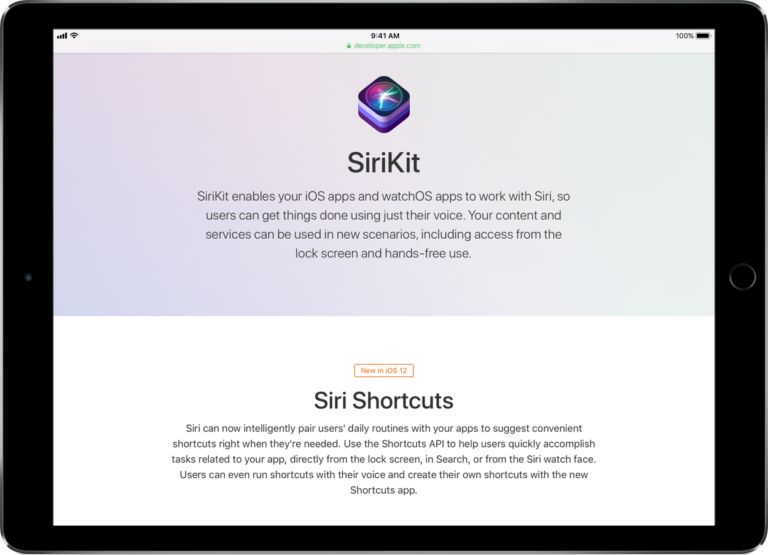
» My piece on TechCrunch – and the Shortcuts app is here!
iOS Today #611: Setting up Focus Modes on your iPhone
My guest spot on iOS Today on TWiT where we talked about how to personalize your custom Focus modes in iOS 15 or iOS 16, from silencing specific notifications to switching screens based on location.
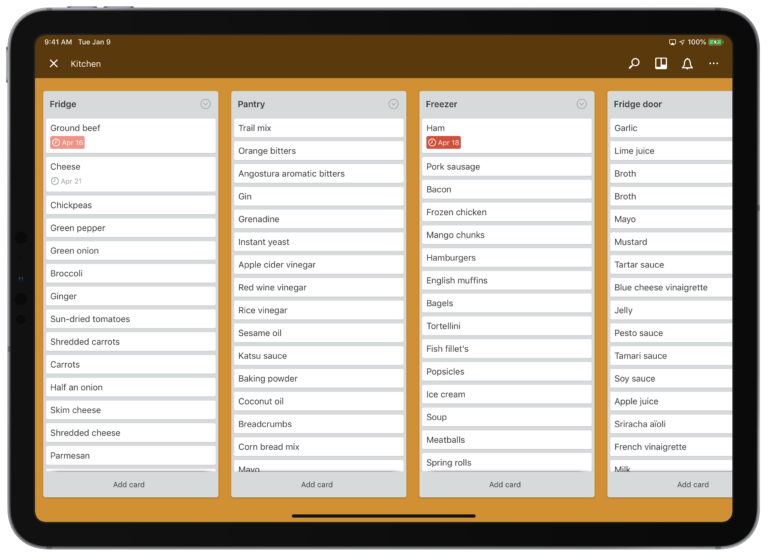
Preventing food from expiring with two Siri Shortcuts
When you have a bad habit you just can’t break, setting up some Siri Shortcuts can help. I put together two custom shortcuts for logging when my food expires into Trello and Reminders - plus I can ask Siri to let me know the status of my kitchen.
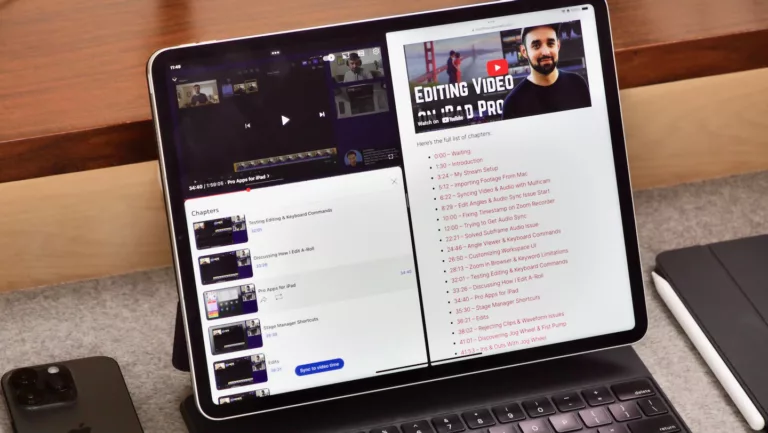
How to quickly link all your YouTube chapter markers using Shortcuts
If you publish YouTube videos or livestreams with chapter markers, you might want to link back to those moments – here's how to generate the full list using Apple's Shortcuts app.