You need to try this CarPlay customization trick that no one talks about »

Nate Pangaro from How-To Geek explains how to use Shortcuts automations for CarPlay to play a custom sound.
The CarPlay customization shortcut trick

From Nate Pangaro on How-To Geek:

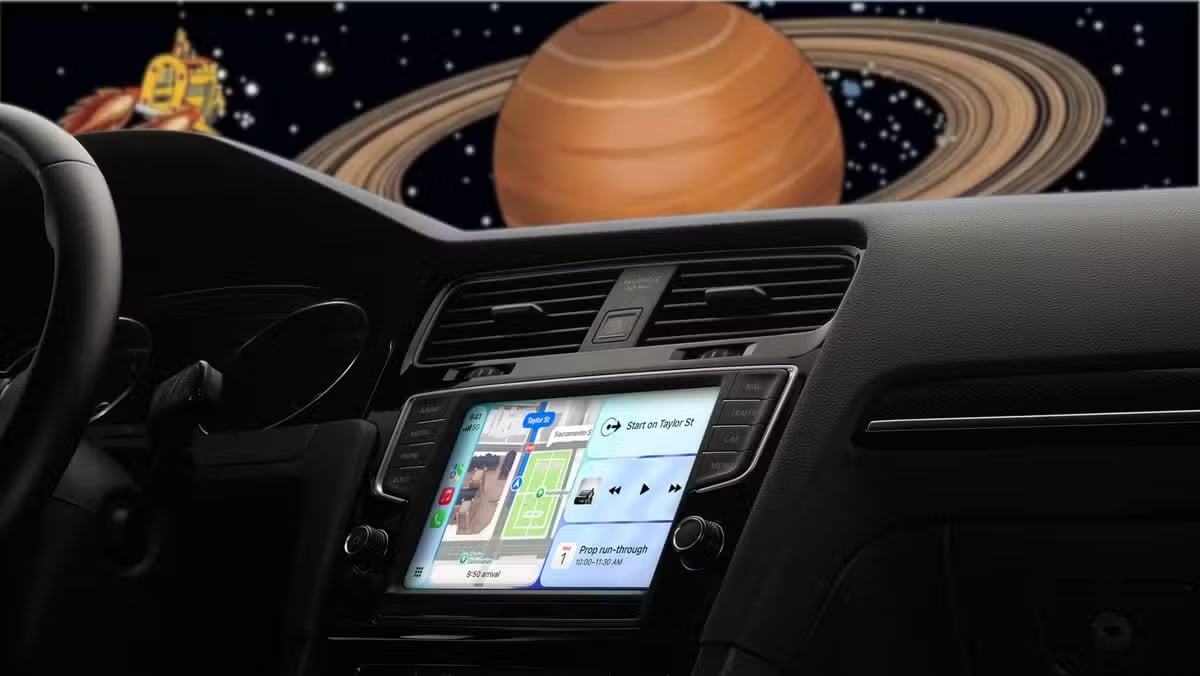
When you use CarPlay, you probably just start some music, enter a destination, and drive off. However, there is a lesser-known feature that can make your CarPlay experience a lot more personal and fun: setting a custom greeting or sound when it connects to your car.

How to add your custom sound to CarPlay

Add a custom sound to play when your iPhone connects to CarPlay

While it may seem hard to do at first, adding a sound—either personalized or prerecorded—to play when you first connect to CarPlay is fairly simple. To do so, all you need is a car that supports CarPlay and the Shortcuts app.
View the original.

Posts You Might Like

Automators: Vision Pro Automation »
Automator hosts Rosemary Orchard and David Sparks talked in detail about the Shortcuts and automation experience of the Apple Vision Pro – excellent episode.
Apple reveals 45 app and game finalists for the 2024 App Store Awards »
Apple’s App Store Editors have shared their list of developers “who delivered the highest levels of user experience, design, and innovation.”
12 ways to get the most out of Shortcuts for iPhone
Shortcuts for iPhone is always with you, fits in your pocket, & utilizes the iPhone’s special features — here's how to best use it.
How to Use ChatGPT With Siri on Your iPhone »
Nelson Aguilar from CNET shares how to take advantage of all that ChatGPT has to offer – using today's tech, like Shortcuts.