

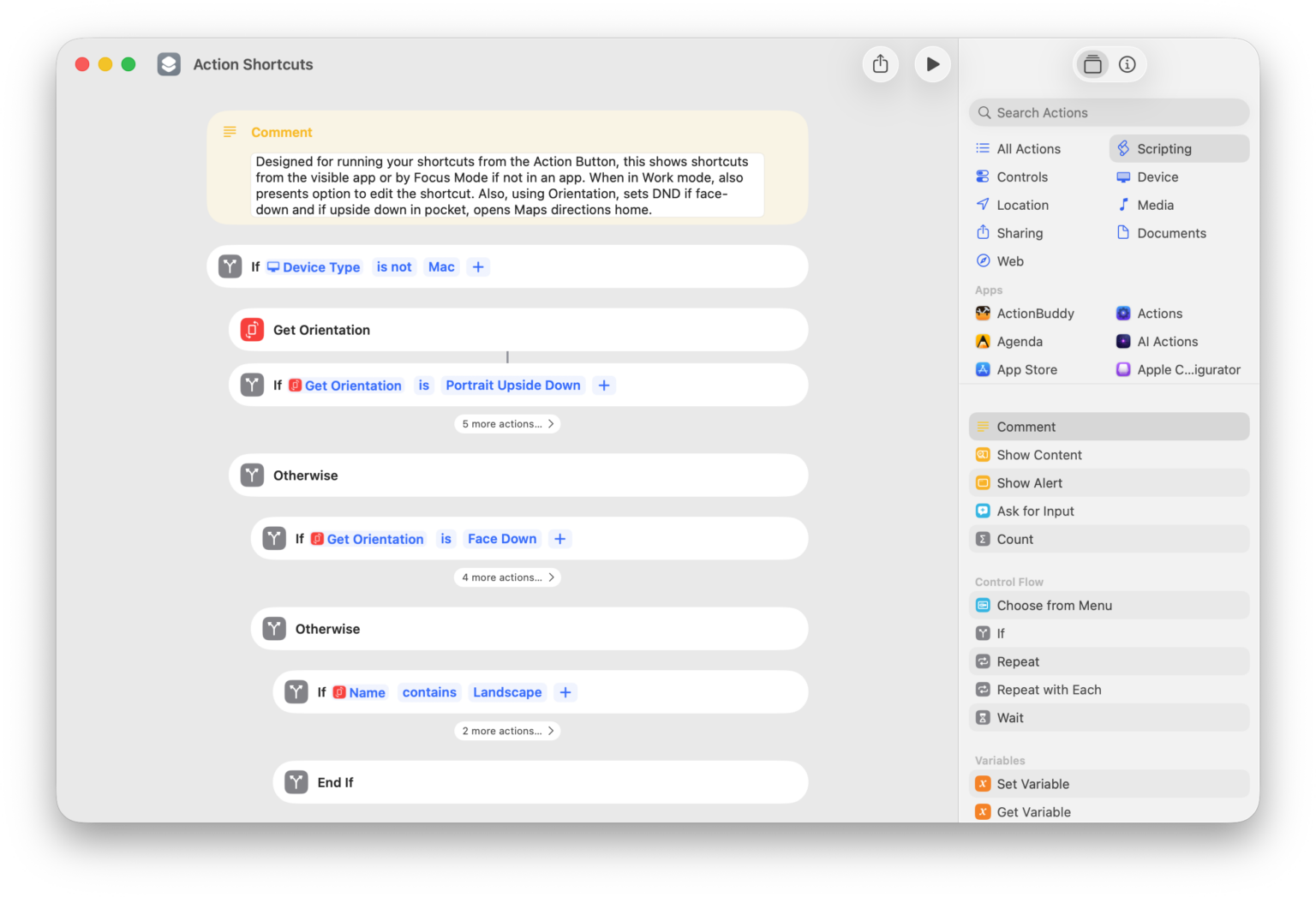







Go to Home Screen
Returns to the Home Screen immediately, dismissing any active apps, Home Screen pages, or Control Center screens.

Mute Switch
Turns the volume down to 0%. If device is already muted, increases the volume to 35%.

Set Ringtone Volume
Asks you to choose the volume level. Optionally, set this to a preset level and run this always change it to the exact volume you want your phone to ring at.

Toggle Airplane Mode
Toggles the state of AirPlane mode on or off (depending how it’s currently set).

Show Spotlight search
Activates Spotlight search without a query, ready for you to type before showing results.
Toggle Control Center
Activates or deactivates Control Center (depending on its current status) – works best with Siri.


Translate
Starts dictation, then translates the text to English (or a language of your choice).

Open Side Button preferences
Opens the deep link into Settings > Accessibility > Side Button where you can adjut the Click Speed, Press and Hold to Speak, and Side Button Confirmation for Switch Control and AssistiveTouch.

Check In with my family
Starts a Check In with a preselected set of Contacts chosen on import.

Open Search in Notion Mail
Opens the link to the Search field in Notion Mail so you can start typing your query in the search box.

Show QuickBooks reports
Opens the Reports page of QuickBooks Self-Employed so you can track and visualize your progress.

Shortcuts Membership
Enhance your experience with bonus shortcuts, folder bundles, and exclusive perks.


Action Directory
Discover endless possibilities by combining the building blocks for Shortcuts.