










Open into a List in Ivory
Pulls your List data from the Mastodon APi, then opens the deep link into Ivory for that list.

Add recommended Mastodon lists
Adds a pre-set list of names as new Lists on Mastodon.

Mastodon API List Write Access Token
Stores your List:Write token for the Mastodon API to reuse in other shortcuts.

Open from my Mastodon Lists
Pulls your List data from the Mastodon API and lets you choose one to open.

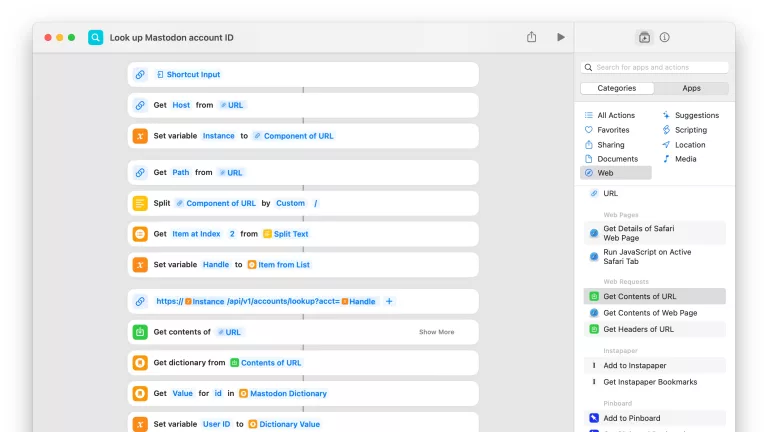
Add account to Mastodon list
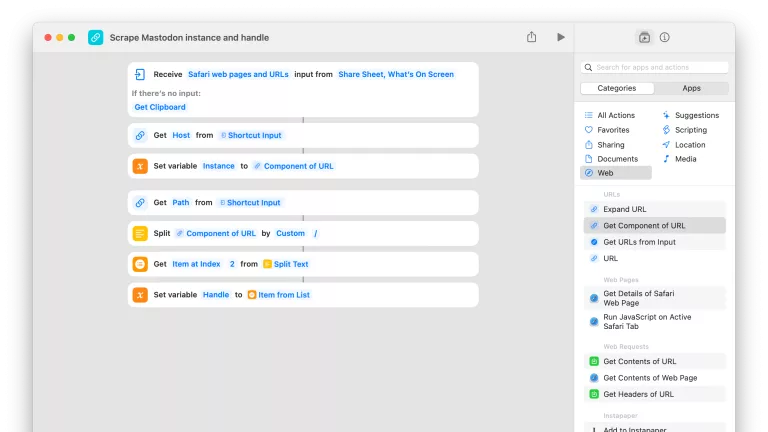
Grabs the account from any Mastodon link and lets you pick which Lists to add them to.

Mastodon API List Read Access Token
Stores your List:Read token for the Mastodon API to reuse in other shortcuts.


Create new podcast episode
Opens Transistor.fm to the new episode page for your pre-selected podcast so you can upload a new file, give it a title and description, and publish.

Start Podcasts
Immediately play the latest episode or first item in Listen Now in the Podcasts app.

Arrange 2 screens horizontally
Organizes my dual-monitor setup to align side-by-side. When not run from Mac, works remotely using SSH.

Open TikTok
Opens the TikTok app, plus sets volume to the absolute lowest possible level.

Set the thermostat to Home
Tells your Ecobee to activate the Home comfort setting for your everyday temperature range.

Shortcuts Membership
Enhance your experience with bonus shortcuts, folder bundles, and exclusive perks.


Action Directory
Discover endless possibilities by combining the building blocks for Shortcuts.