

















Open Apple TV Sports
Opens the TV app to the Sports tab to show categories like football, soccer, baseball, and other sports alongside your Favorite Teams.


Watch Star Wars
Presents a menu of all the Star Wars films and TV shows in order, linking to the TV app page for each entity.

Watch Lord of the Rings
Presents a menu of the six Lord of the Rings movies, with corresponding deep links into the TV app for each.

Browse the TV Store
Presents a menu for opening into the TV app to the Store section, either directly usnig a deep link, using the iTunes actions in Shortcuts, or Apple’s RSS feeds for top movie and TV content – plus categories for dedicated “rooms” in the TV app for special content.

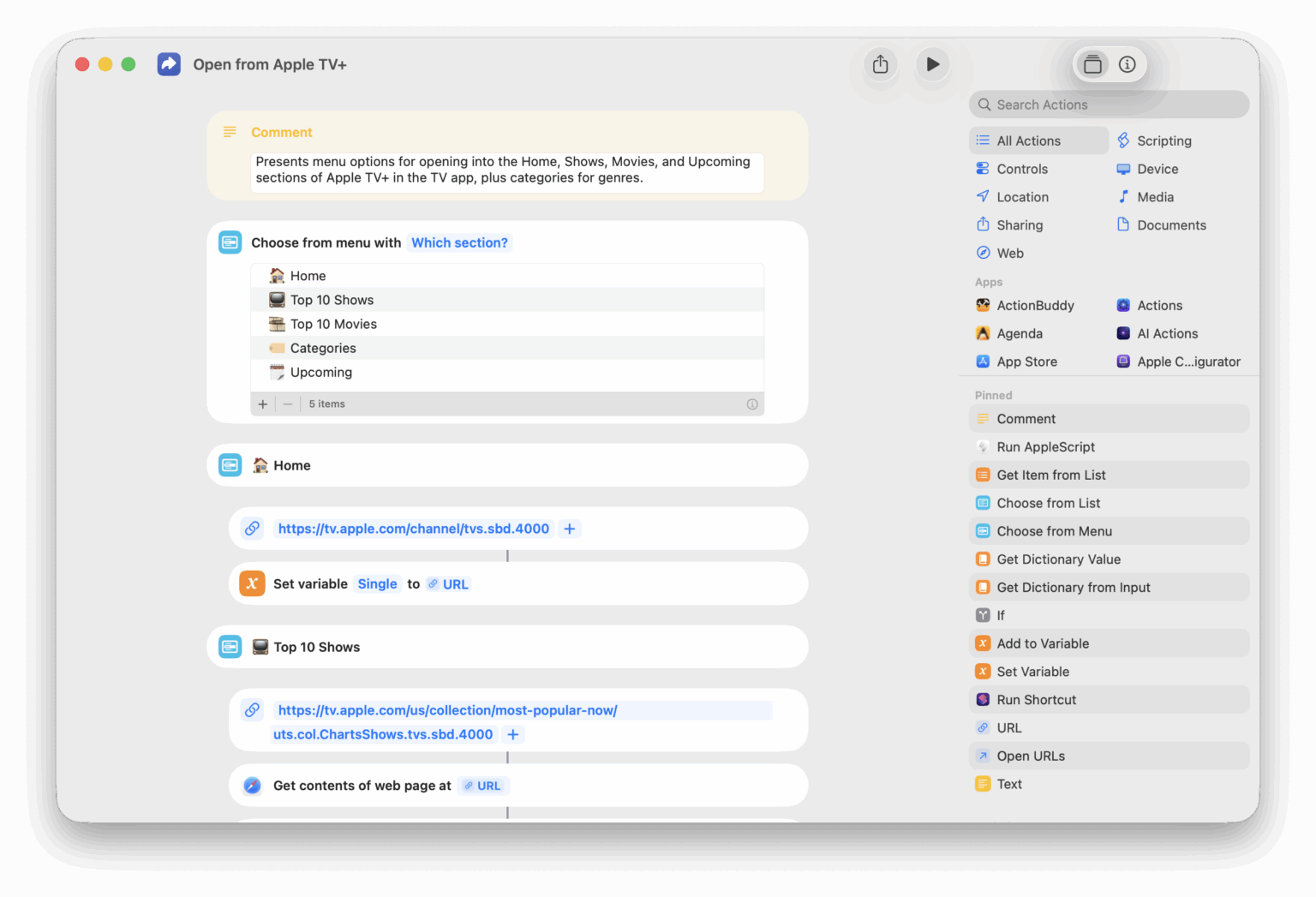
Open Apple TV home
Opens the main Home tab of the TV app where you can view and add content to your Up Next queue.

Open Criterion TV
Opens the Criterion Collection app for Apple TV that lets you view films from the catalog.

Toggle Announce Notifications
Switches the “Announce Notifications” feature for Siri on or off (depending on how it was last set).

See stories from Apple News Today
Opens to the Apple News Today podcast category, where you can find individual episodes published as stories as well as links to articles mentioned in the show.

Show my podcast embeds
Opens the URL for the Embeds page for your Transistor podcast.



Automators Membership
Enhance your experience with bonus shortcuts, folder bundles, and exclusive perks.


Action Directory
Discover endless possibilities by combining the building blocks for Shortcuts.