


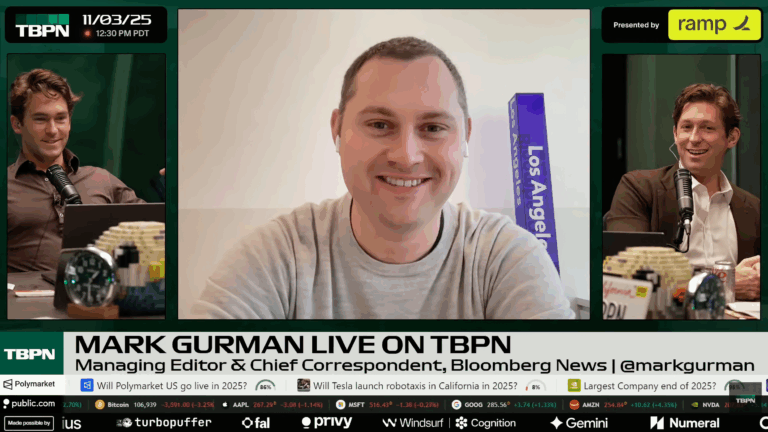



Watch TBPN TV
Takes the RSS feed for TBPN YouTube channel and opens the most recent item. Includes option to AirPlay to the Apple TV, or opens in full-screen on Mac.




Open TBPN on X
Opens the link into @TBPN’s profile on X, either on the web or into the mobile app.

Play TBPN on Apple Podcasts
Finds and plays the latest episode of TBPN in the Apple Podcasts app. Also follows the show if you’re not already.


Face Swap
Gets shortcuts from an “Apple Watch faces” folder, presents the list, and swaps to your chosen face.

Open my spreadsheet
Opens a specific spreadsheet in the Numbers app. Works well for your current in-progress document.

Show My Sports news
Opens to the “Sports” tab in the News app where you can see live games and stories from your favorite teams. If on iPhone and iPad, you can open links directly to games in the TV app.

Open subreddits
From a list of subreddit names, lets you choose a subreddit, pull items from its RSS feed, and choose from the results before opening it into the Apollo app for Reddit.

Open Pages document
Opens a specified Pages document of your choice. Works well for your current in-progress doc.

Automators Membership
Enhance your experience with bonus shortcuts, folder bundles, and exclusive perks.


Action Directory
Discover endless possibilities by combining the building blocks for Shortcuts.