
I am super happy to announce that I’m a judge for the new Shortcuts contest hosted by MacStories as part of their new “Automation April” campaign – the contest is live now!
As part of the Shortcuts contest, anyone can submit two shortcuts to be judged by a panel of Shortcuts users, including myself, for Best Shortcut in five categories:
- Best Overall Shortcut
- Best HomeKit Shortcut
- Best Productivity Shortcut
- Best Media Shortcut
- Best Mac-specific Shortcut
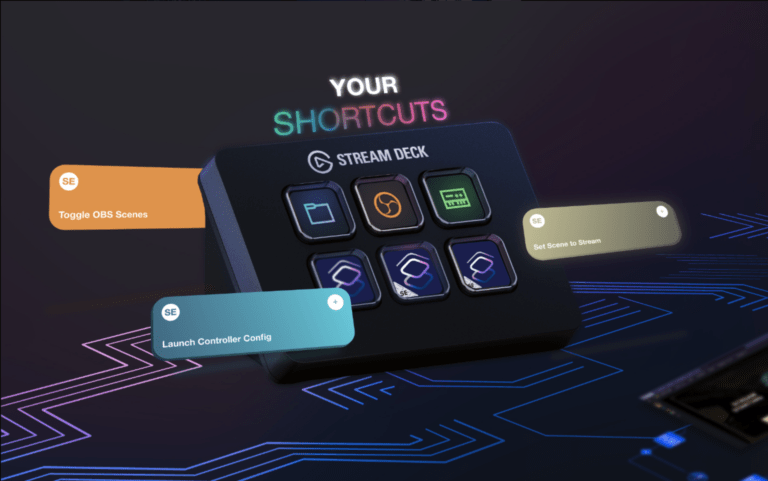
MacStories has all the details for what goes to winners, but you have a chance to win a Stream Deck XL, an Analogue Pocket handheld gaming system, and 3 years of ClubMacStories.
I’ll be one of the judges for the contest alongside my pals Alex Cox, Chris Lawley, Rosemary Orchard, David Sparks, Jason Snell, and Simon Støvring (in addition to Federico, John, and Alex from MacStories) – we’ll be looking through your shortcuts and picking winners together after submissions close on April 20.
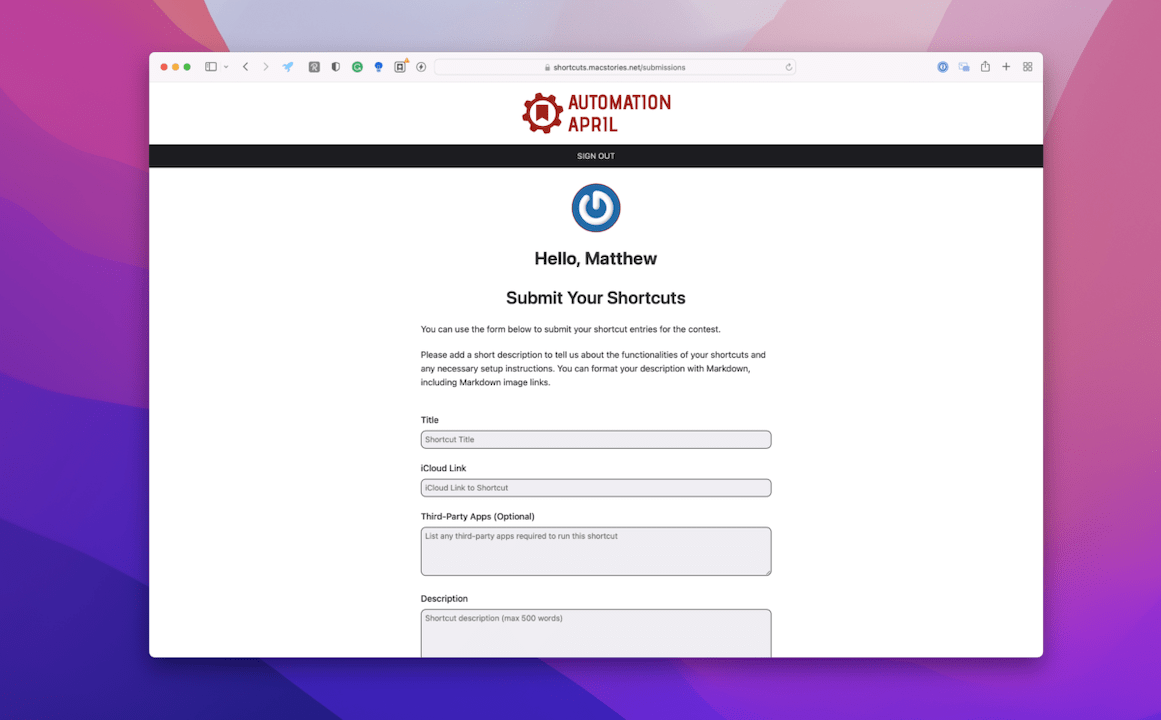
Enter your shortcuts by signing up for a free Club MacStories account and adding the name, link, and up to 500 words describing your submission – plus, you can edit your submission later, so no worries if you change your idea later.
Read the whole announcement from MacStories here, and then get started – I’m looking forward to seeing your shortcuts! ?