You Can Change The Elgato Prompter Between Text, Chat, and Display Modes »

Elgato's teleprompter is multi-purposes – you can record scripts, interact with chat, or put any app up on the display.

From @elgato:

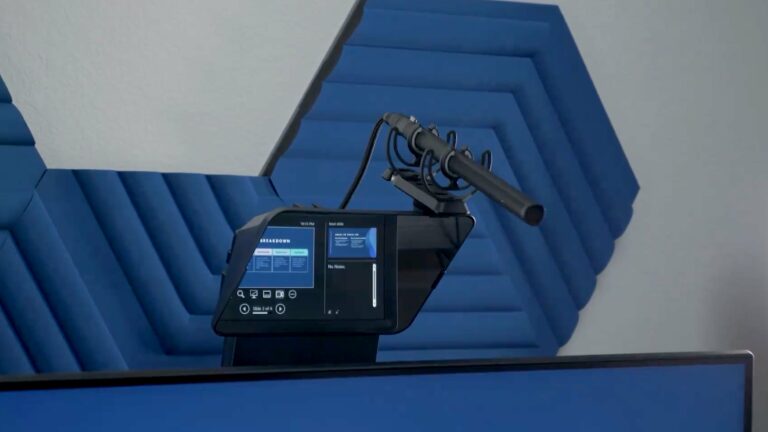
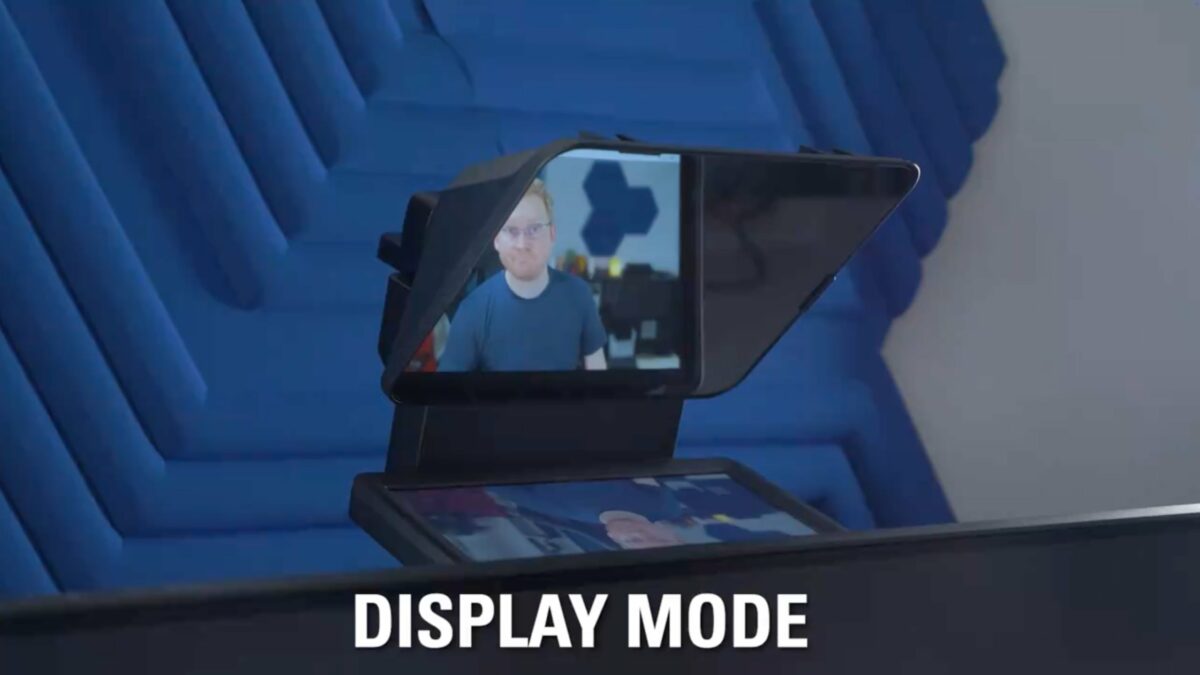
With a built-in 9” screen, you can use Prompter to display video scripts, stream chat, or even mirror any window or app from your computer automatically.

[Video]

I mostly use the Prompter in Display Mode to mirror my whole desktop and pull up specific windows like Zoom or Ecamm when I want to look directly into the lens.

I want to try Stream Mode with Twitch chat while gaming later this year, but I haven’t found a good workflow for Text Mode and video scripts just yet…

View the post and get the Prompter from Elgato.

P.S. You can use my Elgato Partner code ZZ-CASSINELLI for 5% off at checkout.
 

Posts You Might Like

Stream Deck + Pairs Perfectly With the Elgato Prompter »
The Stream Deck + has physical dials so you can scroll up and down on the Elgato Prompter.
Action Sharing Lets You Share Individual Stream Deck Actions (Like Shortcuts) »
Elgato has updated the Stream Deck application to allow sharing actions as files, which is exactly what I needed for my Shortcuts Catalog.
Move Over iPhone Pocket, I Want AirPods Beanies Back
With the drop of Apple's knitted sleeve for iPhone—the iPhone Pocket—I am reminded of the Native Union's AirPods Beanies, a product I still use daily.
How Fast Should My Internet Be To Stream? »
Elgato have shared a guide for ensuring your network speeds are fast enough to livestream – my app Ecamm Live needs even more for High Quality mode.