Last week, I came across a useful shortcut for calling into meetings, tweeted out by Matt Galligan, former founder of Circa and now CEO of Interchange1:
I hate always having to open my calendar app to find the phone number of the next meeting I need to call into. So a while back I built a shortcut to streamline the whole process, and it’s saved a bunch of time.
Here it is in case you find it useful too:https://t.co/SUjxFnEPs8
— Matt Galligan (@mg) April 12, 2019
The shortcut grabs your next calendar event, extracts the phone number, and dials it for you – with a trigger phrase set up, you can just say “Dial In” to Siri and it’ll just work.
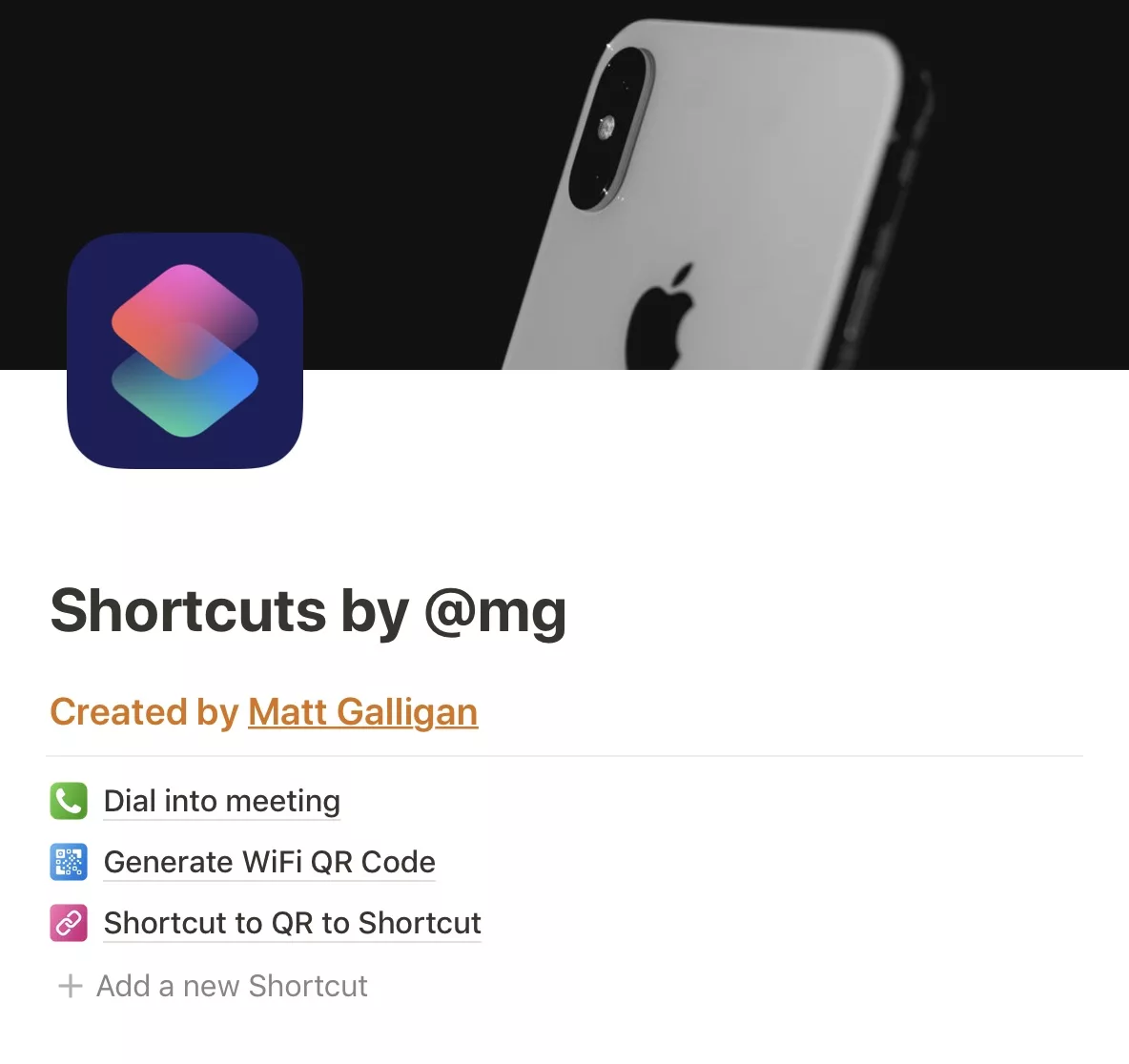
Matt also has a neat way for sharing this and his other shortcuts: using Notion.
Using Notion’s public pages, he’s set up a site called “Shortcuts by @mg” that’s a simple page, linking to his other shortcuts on their own standalone Notion pages.
On each shortcut page, he’s placed the icon, name, a link to the shortcut, and three sections:
- What it does
- Why I built it2
- How it works
Then, at the end, he also includes a QR code that, when scanned with your Camera app, will open the shortcut in the Shortcuts app for you ready to install. Even further, he generates the QR code using another shortcut listed on the site as well.
Here’s what an individual shortcut page looks like on my iPad Pro3:

This is a fantastic way to share shortcuts, and I like the simplicity of the messaging that makes it easy to wrap your head around it.4
For anyone who’s looking for an easy way to share your creations for Shortcuts, it seems like Notion might be a good solution. I’m usually all about people owning things on their own website, but this is pretty slick and simple too.
- And the older brother of a guy I interned with at VayerMedia ↩
- Why he built it ↩
- Yes it’s uncharged, and I turned off my tab and favorites bar to show it all) ↩
- I first experimenting with similar bulleting of how the shortcuts work in my long piece on The Sweet Setup for Ulysses – Quick Capture with Ulysses on iOS: Using the Share Sheet and Shortcuts to Save Ideas, Notes, and More. ↩