Federico Viticci is back again with his 8th annual review of Apple’s primary OS, this time covering iOS 16 in 15 pages on MacStories.net.
In particular, I wanted to highlight Part 7, which deals with Shortcuts:
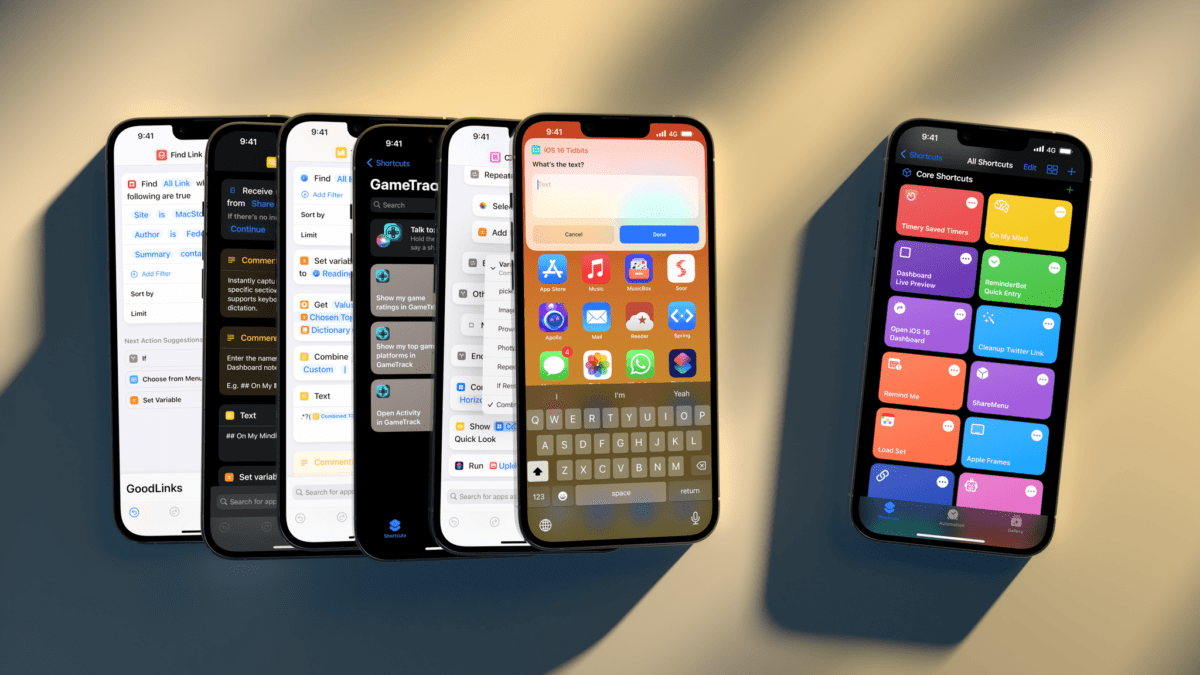
In iOS 16, the Shortcuts app hasn’t undergone a major redesign or technical rewrite; instead, Apple’s efforts have focused on adding more actions for system apps, extending the developer API, bringing more stability, and making Shortcuts more approachable for new users.
The last point is both important and likely the reason why some Shortcuts power users will be disappointed by this year’s update. There isn’t a lot for them in this new version of the app: as we’ll see in my iPadOS review, there’s no integration with Files quick actions, no support for Stage Manager actions, and no system-wide hotkeys still. If you’re an advanced Shortcuts user and were wishing for more system-level enhancements in addition to stability this year: I hear you, but we’ll talk about this later on.
What we do have in iOS 16 is a fascinating new feature to get newcomers started with the Shortcuts app, a grab bag of useful new actions for Apple apps, and some solid developer-related enhancements that will make third-party actions much better than before. Let’s take a look.
In the three pages dedicated to everything Shortcuts, Federico covers App Shortcuts, new actions, and other Shortcuts improvements.
I agree with most everything Federico covered, although I do suspect App Shortcuts still prove useful to power users like him and I rather than mostly aimed at new users (as he posited) — it’s nice to not have to set up basic shortcuts for my apps, and I can focus my custom shortcuts on only the more advanced use cases instead.