Following the release of iOS 16.2 on Tuesday, Apple published an update in their Support knowledge base detailing new features and issues fixed in Shortcuts in the last few releases since iOS 16, iPadOS 16, watchOS 9, and macOS Ventura launched.
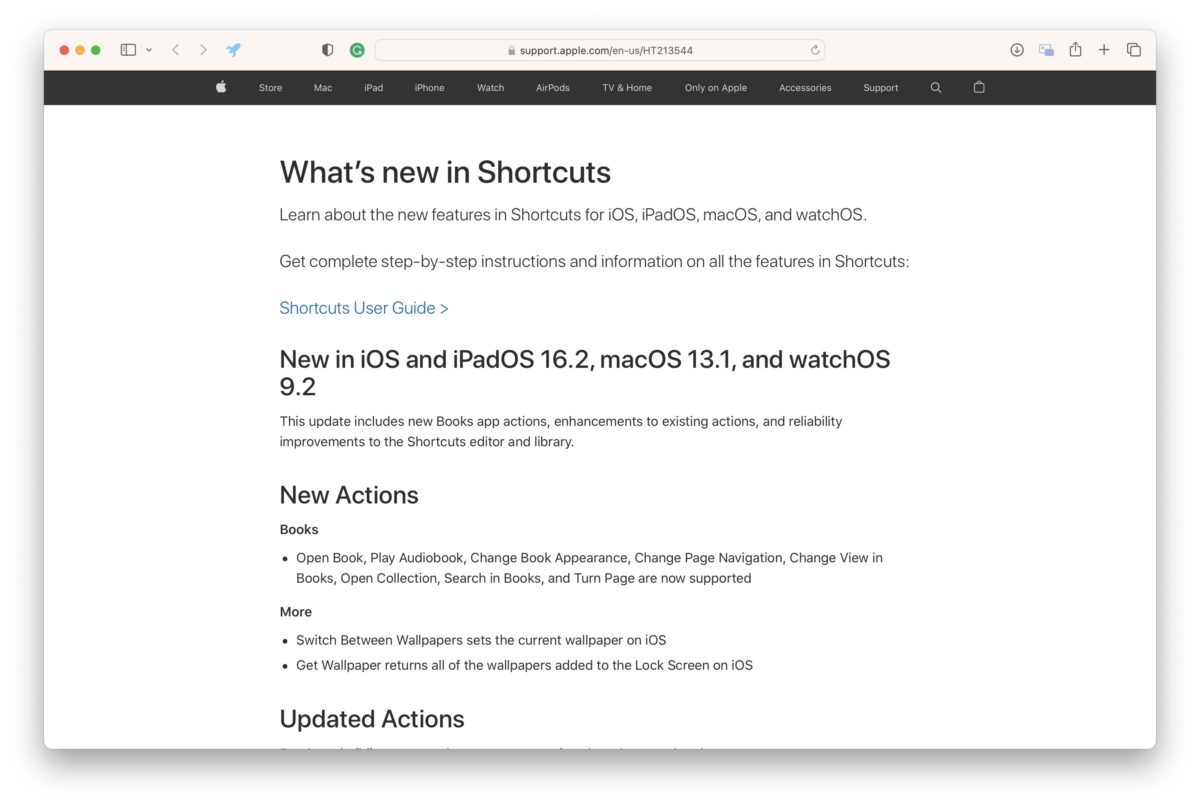
The main headline features for iOS 16.2 are new actions for Books and changes to the Wallpaper actions:
- Open Book, Play Audiobook, Change Book Appearance, Change Page Navigation, Change View in Books, Open Collection, Search in Books, and Turn Page are now supported
- Switch Between Wallpapers sets the current wallpaper on iOS
- Get Wallpaper returns all of the wallpapers added to the Lock Screen on iOS
The following are listed under Updated Actions in iOS 16.2, but they are notable enough to mention here:
- Set Wallpaper Photo can now set photos for wallpapers that use iOS 16’s new widgets and customization options
- Get Battery State can now check charging state (charging, connected to charger)
In iOS 16.1, the main features were new/updated actions for Clock, Reminders, Safari, and more:
- Open Clock Tab is now supported
- Create Alarm, Toggle Alarm, Get All Alarms, and Start Timer are now supported on macOS
- Open Reminders Smart List is now supported on iOS and iPadOS
- Get Article using Safari Reader is now supported on macOS
- Get Current Focus enables checking current Focus status
- Configure Focus Filter actions allow setting Focus Filters for apps on macOS
- Search in Shortcuts allows starting a search in the Shortcuts app
For the main release of iOS 16, Apple added actions for Safari, Maps, Clock, Notes, Mail, Voice Memos, Reminders, Files, and more — you can read about those in detail from my summer preview piece.
And finally, in a section titled “Shortcuts Editor,” Apple lists the following fixes:
- New keyboard shortcuts are available on iPadOS for faster editing
- Icon search lets users find shortcut icon glyphs by name
- Quick controls in the shortcut document menu include: Rename, Choose Icon, Duplicate, Move, Add to Home Screen, and Export File
- Next Action Suggestions can now be dragged and dropped into a shortcut
- Improved performance and reliability
Be sure to read the full piece to see the Updated Actions for each release as well.
Or, read about the previous iOS 15.4 release notes for Shortcuts — once again I’m thankful for these changelogs as there are small details, especially in the Updated Actions, that I wouldn’t have noticed otherwise.