




















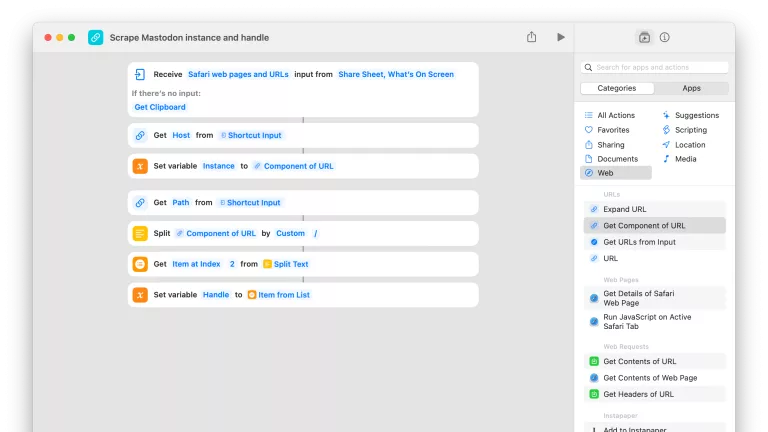


Create Mastodon List
Asks you to enter the name for a new list, then creates it using the Mastodon API.

Open into a List in Ivory
Pulls your List data from the Mastodon APi, then opens the deep link into Ivory for that list.

Look up Mastodon account ID
Isolates a Mastodon handle from a link and looks up the account identifier.

Mastodon API List Write Access Token
Stores your List:Write token for the Mastodon API to reuse in other shortcuts.

Open from my Mastodon Lists
Pulls your List data from the Mastodon API and lets you choose one to open.

Add recommended Mastodon lists
Adds a pre-set list of names as new Lists on Mastodon.

Check miles logged
Opens the Milage Log of QuickBooks Self-Employed so you can track how many miles you’ve travelled as business expenses.

Show Portland in Flipboard
Opens the Flipboard topic for Portland – check for a topic for your local area.



Add list elements
Takes text, splits it by new lines, and adds an asterisk and a space before each for pasting as a list in Markdown-compatible apps.

Show Transistor API documentation
Opens the developer documentation for the Transistor API.

Automators Membership
Enhance your experience with bonus shortcuts, folder bundles, and exclusive perks.


Action Directory
Discover endless possibilities by combining the building blocks for Shortcuts.