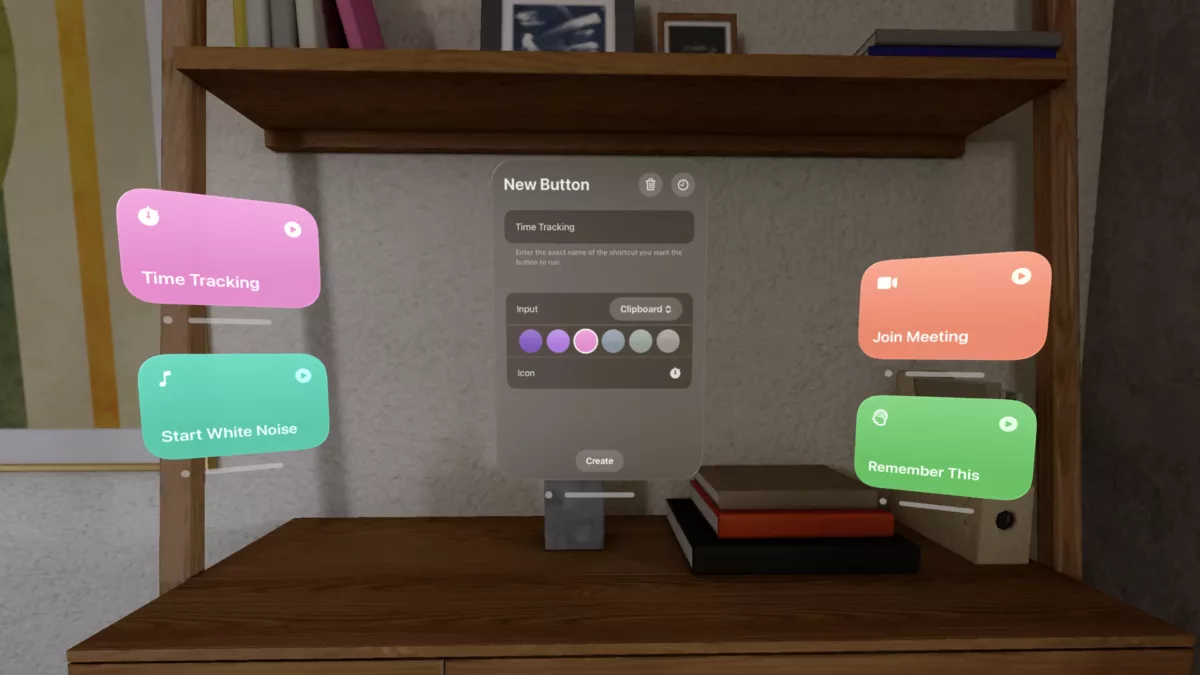
Finn Voorhees, developer at Detail and creator of apps like Unsqueeze and Castaway, has announced an app for Apple Vision Pro called Shortcut Buttons. The app, available now, lets you place a floating tile for a shortcut in your spatial computing environment and run it instantly – how freaking cool is that?!
According to the site, here’s what Shortcut Button is for:
Shortcut Buttons is great for placing relevant automations nearby when working on notes, calendars, tasks, and other productivity apps. You can avoid switching over to the shortcuts app running in iPad compatibility mode and instead just tap a small nearby button, similar to how you might run a shortcut from the Shortcuts widget on iOS/iPadOS.
Shortcut Buttons is also useful for setting up home automation shortcuts in relevant places. Easily dim the lights or order food when watching a movie, or start a timer when cooking in the kitchen.
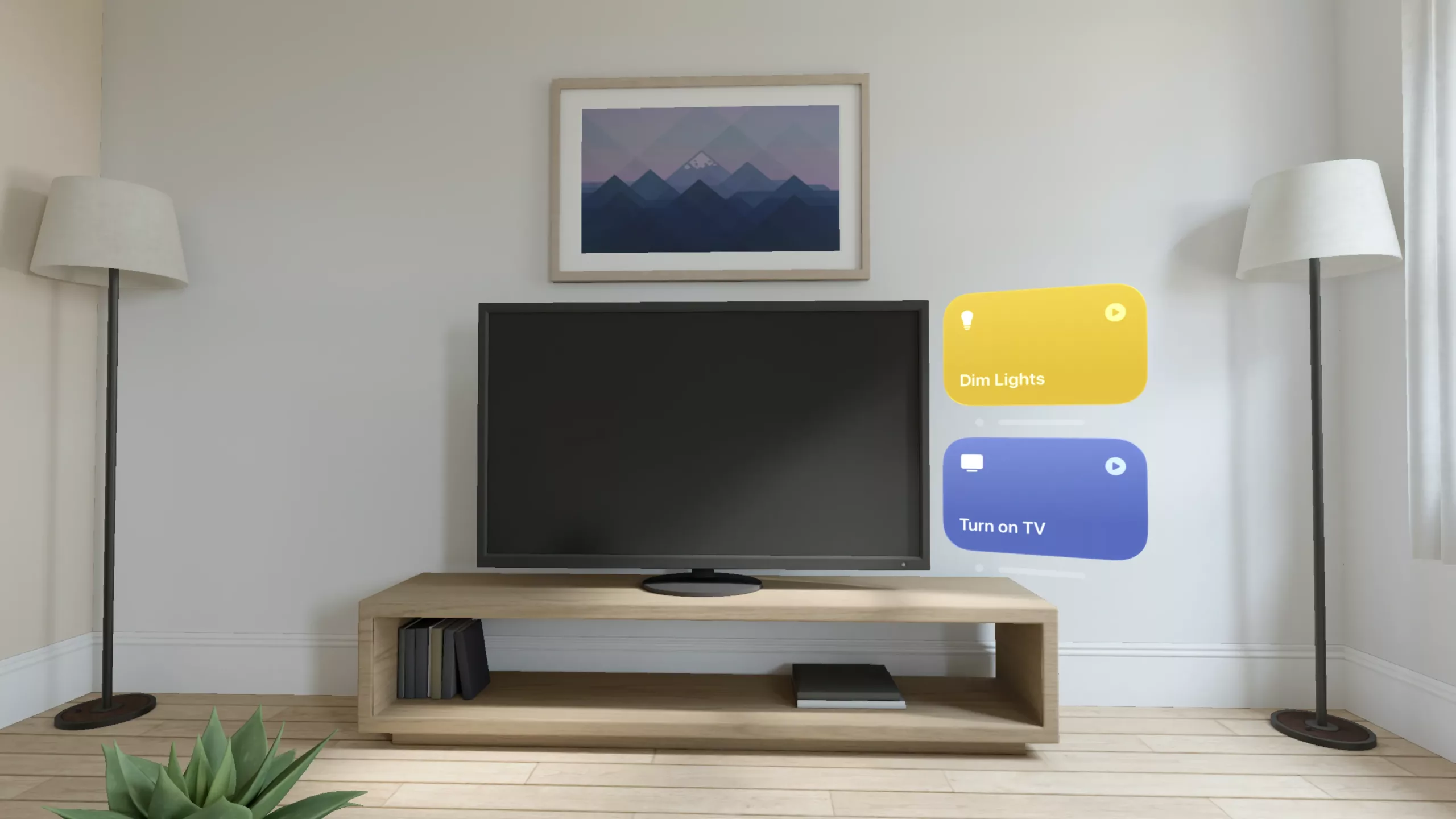
With Shortcut Buttons, you can place as many shortcuts as you want, which will anchor-in-place in your spatial computing environment, making it easy to launch your shortcut from anywhere, just by looking at it.
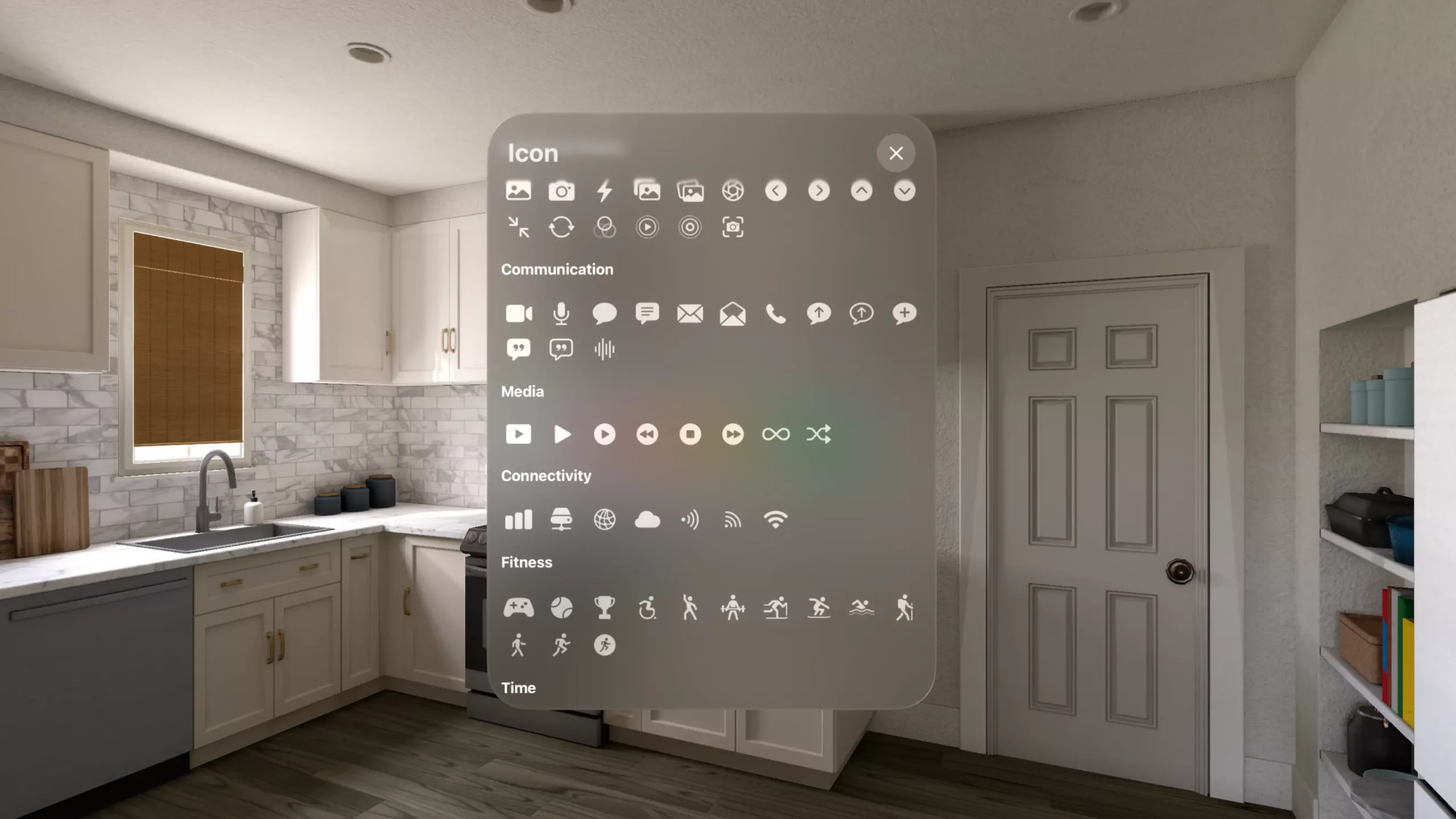
Plus, you can style your Shortcut Buttons according to your preferences, making sure they fit into your environment nicely.
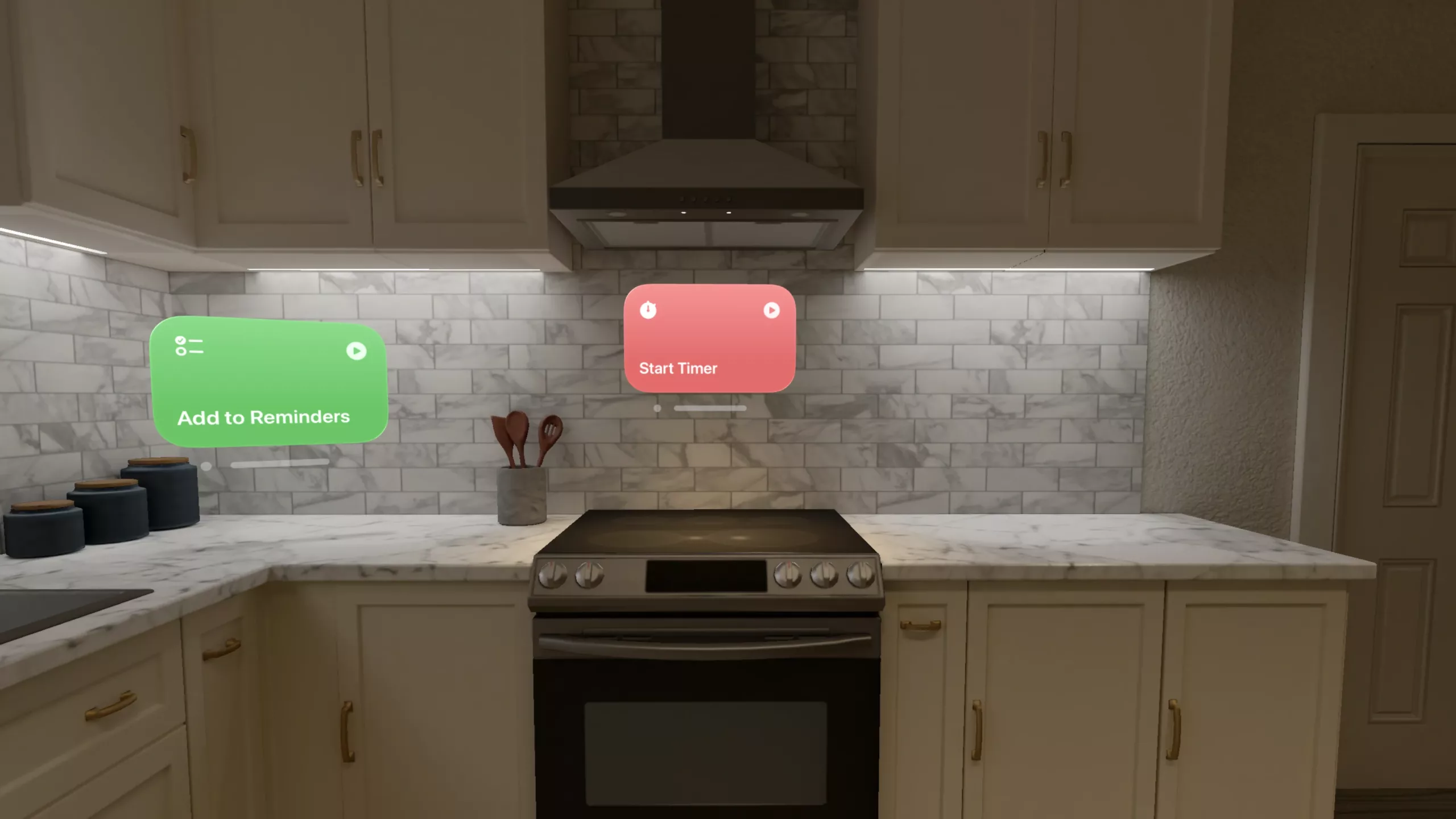
Particularly useful will be the clipboard access, which will let you copy something in visionOS and send it to the Shortcut Input of your shortcut – while browsing for recipes in your kitchen, you could easily copy one and send it to your Recipes list with your Shortcut Button floating over the countertop.
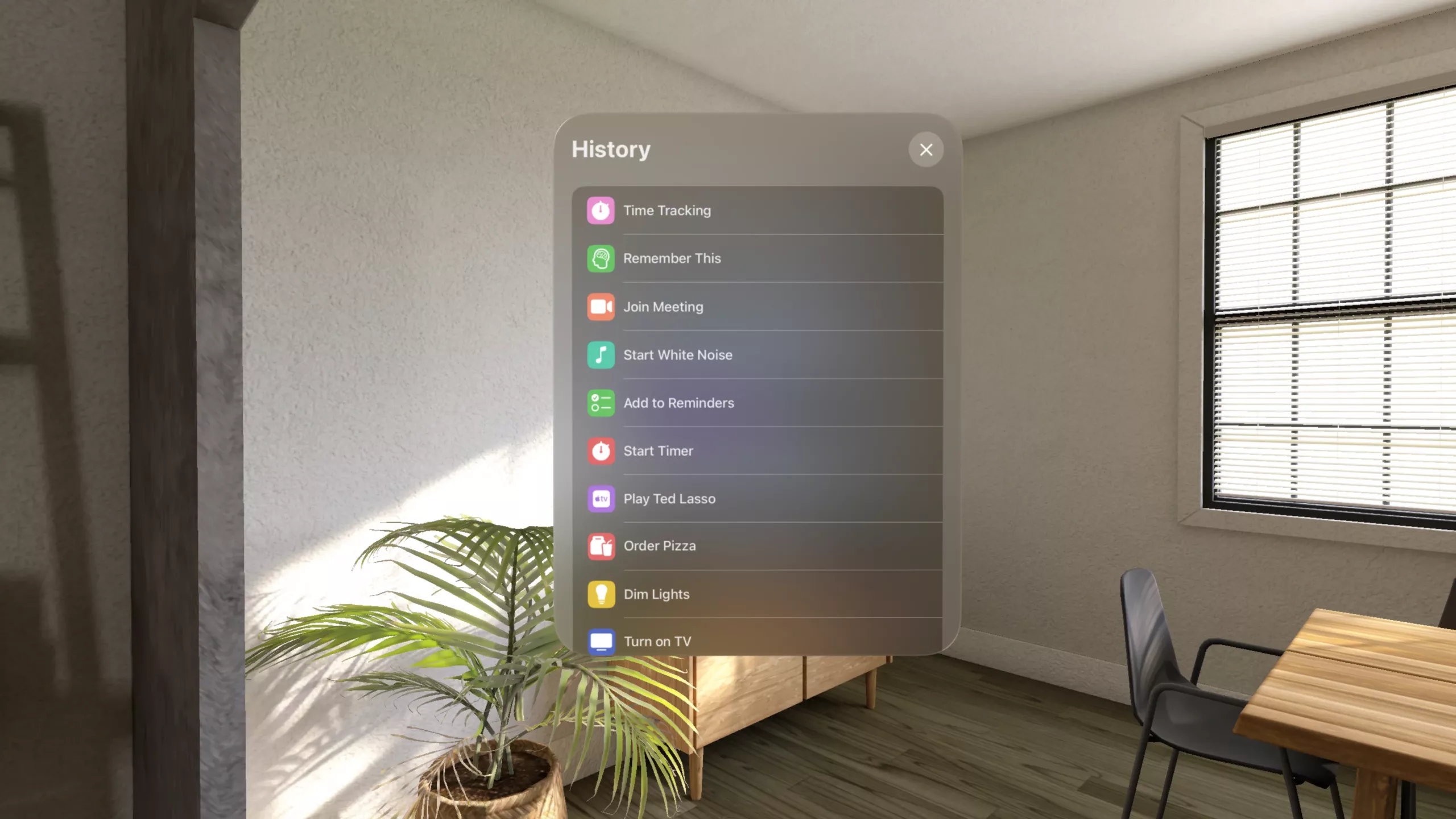
The History view is also incredible, because most Shortcuts users run the same shortcuts over time – this will be super handy for your most-used shortcuts on Apple Vision Pro.
Shortcut Button is available for Apple Vision Pro for an up-front price of $7.99 – a small fee that’s certainly worth it for such a perfect spatial computing utility.
Check out the Shortcut Buttons site, get Shortcut Buttons on the App Store, and view the launch post on Mastodon.