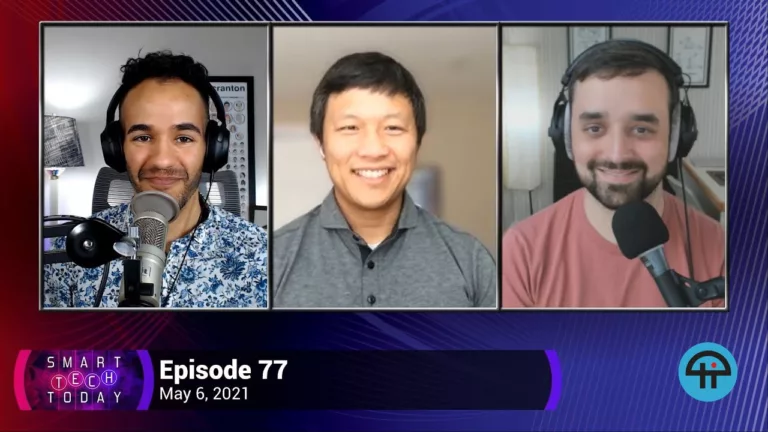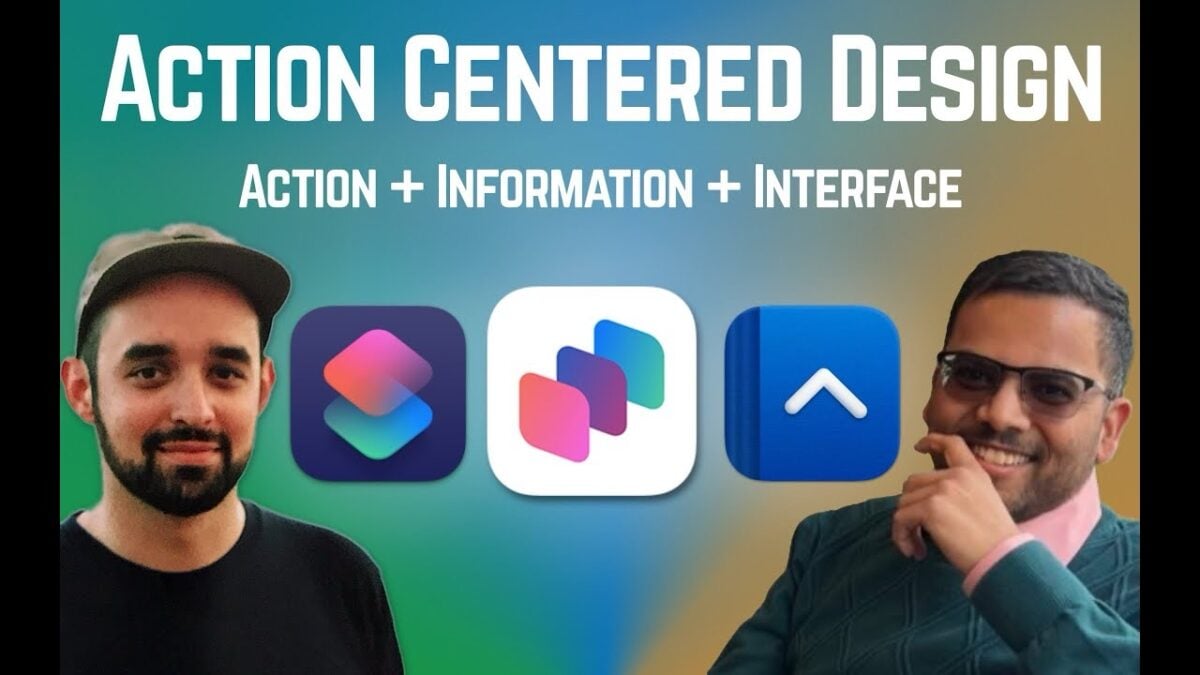
From my stream with Vidit Bhargava on YouTube Live — tune in:
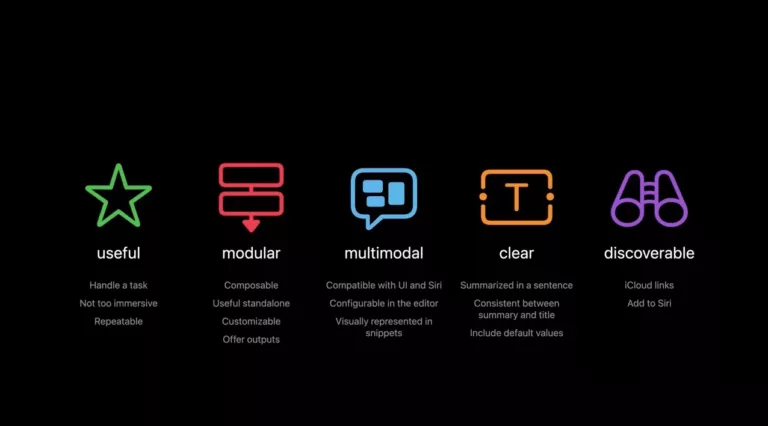
This week, designer and developer Vidit Bhargava joins me to talk about his framework for app development centered around designing actions first, particularly as it relates to Apple Intelligence.
Read about the framework here: https://blog.viditb.com/action-centered-design-framework-talk/
Chapters (generated with Descript):
00:00 Introduction and Guest Welcome
02:32 Guest Background and App Development
03:45 Evolution of App Design
05:56 Action Centered Design Framework
08:46 Designing for Multiple Platforms
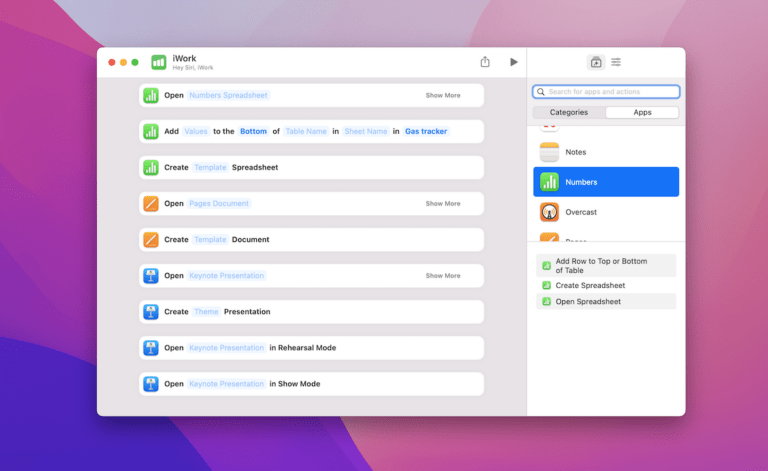
13:21 App Intents and Practical Examples
16:52 Future of App Design and AI Integration
48:14 Demo and Practical Applications
57:06 Exploring App Intents and Practicality
57:27 Challenges of Mobile AI Implementation
58:12 Battery Life and AI Advancements
58:53 Apple’s Approach to AI and Actions
01:01:35 The Future of Shortcuts and Automation
01:03:38 Innovative UI and Interaction Design
01:08:53 Custom Interactions and Maintenance
01:10:27 Generative Coding and Platform Variability
01:15:17 AI and App Intents in Real-World Applications
01:33:59 Economic Models for AI-Driven Apps
01:41:20 Concluding Thoughts and Future Prospects