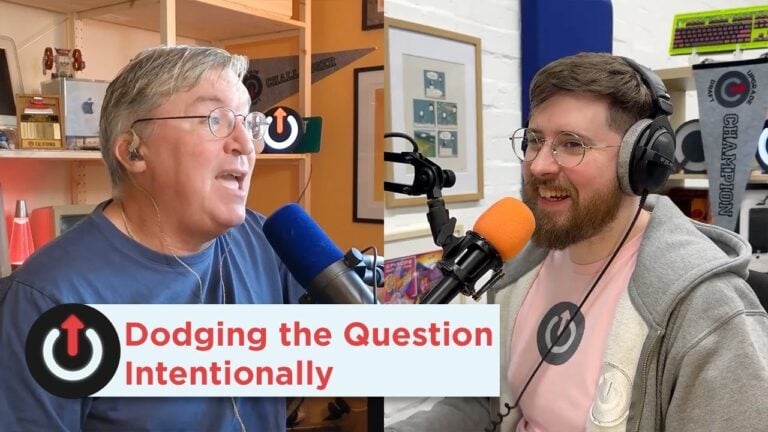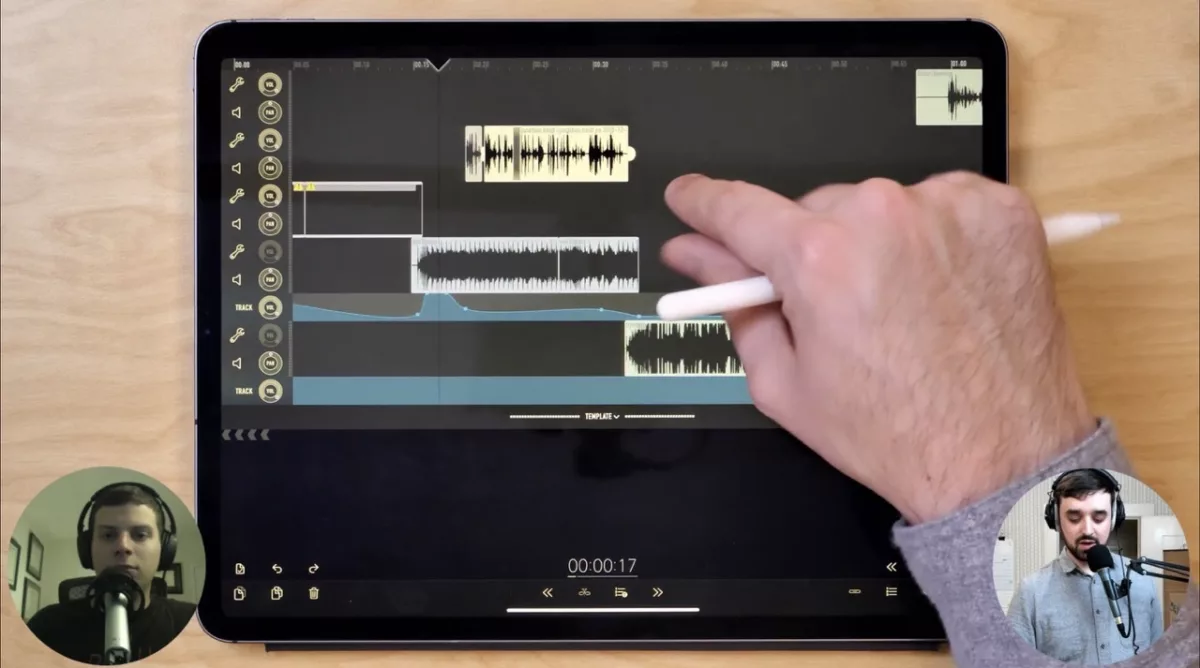
Last Monday night, I streamed on Twitch for about a half hour on the topic of Ferrite for iPad with my friend Alec Pulianas, a computer engineer and podcast editor at AMP Creative Studios.
We both edit podcasts and audio using Ferrite, a purpose-built audio editing app designed primarily for spoken word content (as opposed to Logic Pro or Garage Band which were built for music). It works on both iPhone and iPad, enabling a very natural touch input paradigm for editing your audio that both Alec and I prefer to use.
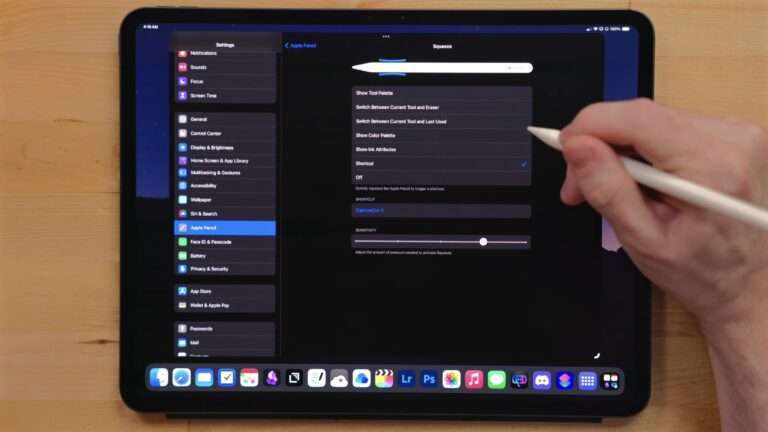
In our stream, we talked about the additional benefits when you edit on the iPad, including how using the Apple Pencil in this app feels like a remote control and which custom settings we use to edit.
We also covered details like Ferrite templates, the keyboard shortcuts, and a few of the downsides as well – it doesn’t have the same speed-changing capabilities as Logic, for example.
I really enjoyed talking with Alec—he’s a great guy—about this tool we both enjoy, especially because it’s changed how I edit audio and opened up where I can do my work.
Check out the clip on Twitch and follow my channel if you want to see future streams like this.1
- I’ve saved the entire stream as a “highlight” so it lasts past Twitch’s normal 30-days, but doing so unfortunately removes the live view count and chat comments. ↩