Apple reportedly replacing Siri interface with actual chatbot experience for iOS 27 »

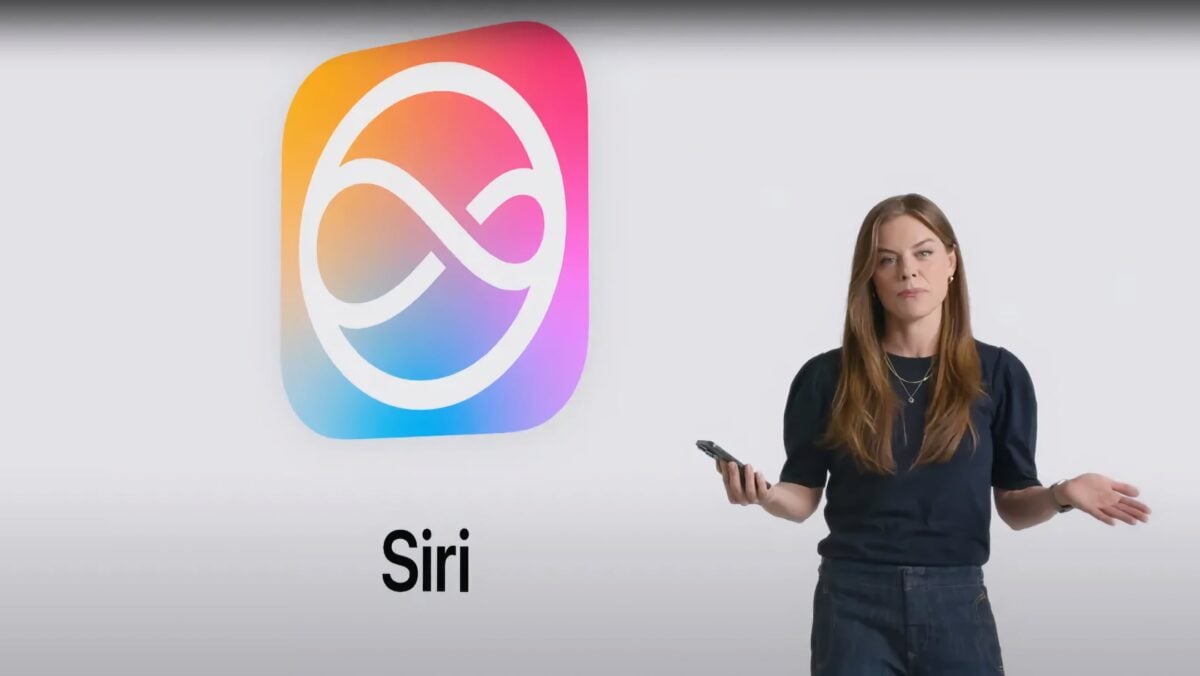
Code-named Campos, Siri will convert to a chat experience rather than one-off requests – check out the full report from Bloomberg.
Apple reportedly replacing Siri interface with actual chatbot experience for iOS 27 »

Mark Gurman, quoted by Zac Hall on 9to5Mac:

Apple Inc. plans to revamp Siri later this year by turning the digital assistant into the company’s first artificial intelligence chatbot, thrusting the iPhone maker into a generative AI race dominated by OpenAI and Google.

The chatbot — code-named Campos — will be embedded deeply into the iPhone, iPad and Mac operating systems and replace the current Siri interface, according to people familiar with the plan. Users will be able to summon the new service the same way they open Siri now, by speaking the “Siri” command or holding down the side button on their iPhone or iPad.

More details on the upcoming chatbot version of Siri.

View the quoted story on 9to5Mac and view the original on Bloomberg (paywalled).
 

Posts You Might Like

5 WWDC features I’ll actually use more than Apple’s new Siri AI »
Graham Barlow at TechRadar talks about Describe a Shortcut and how it's coming to Shortcuts for Mac.
Apple execs talk updates on The Talk Show, WVFRM with MKBHD
John Gruber and MKBHD interviewed Apple executives just after WWDC – make sure to watch/listen.
Josh Elman, Product Marketing for Siri and Apple Intelligence, Joins a16z
John Elman, formerly Product Marketing at Apple, has left his most recent work on Siri and Apple Intelligence to rejoin the startup investing world as a partner at a16z.
Apple Adds New Shortcuts Action For Camera Modes in iOS 17
New in iOS 17 – an "Open Camera" action that lets you immediately open to your preferred mode. Here's the list of modes – and a set of shortcuts to go with them.