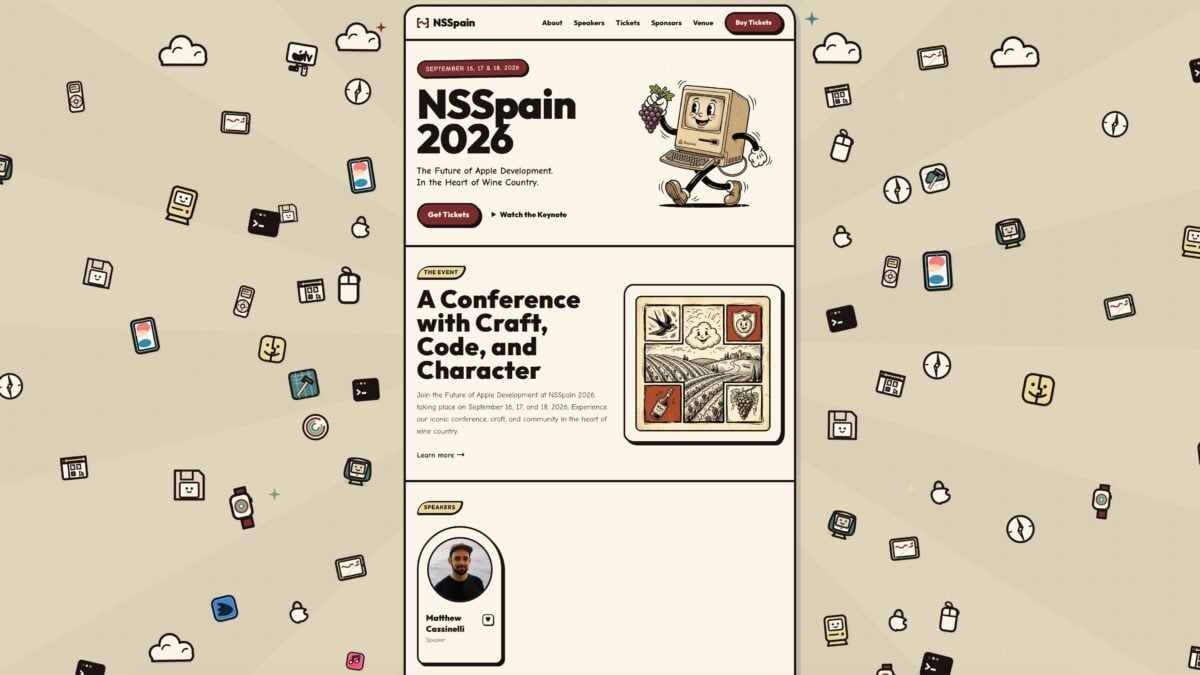
Hello folks – I am pleased to announce that I’ve been accepted to NSSpain 2026 as a conference speaker, kicking off a track around Siri AI with my talk “Preparing Your App for Siri AI: App Intents Deep Dive.” This wonderful iOS developer conference is hosted in Logrono, Spain from September 16-18 and you can get your tickets here.
He'll be diving into "Preparing Your App for Siri AI: App Intents Deep Dive", straight from the guy building suprcomputer to automate Siri AI integration
I’ll be walking through the API using my custom framework, expanding on what’s new in iOS 27, and giving you practical takeaways for implementing App Intents in your apps.
Previously, I spoke at NSSpain 2024 when Apple Intelligence was originally announced, and now these features are finally releasing in full as part of Siri AI.
If you’re still considering going, buy a ticket today and book your flights ASAP – the conference is just before the city’s annual Rioja Wine Harvest Festival, so it’s both an incredible trip and you’ll learn everything you need to know to get ready for Siri AI.
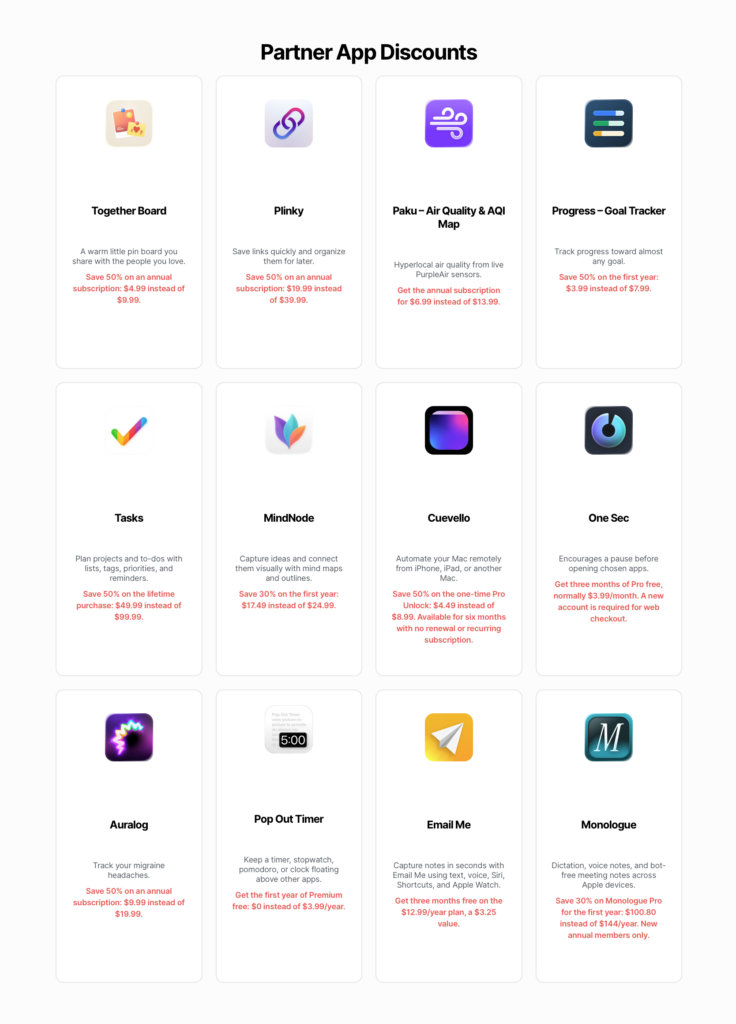
I am excited to announce a new addition to my Membership benefits – discounts from select partner apps & services!
My first partners are Together Board, Plinky, and Paku – indie apps built by developers Cory Bohon, Joe Fabisevich, and Kyle Bashour (respectively). These lovely developers are offering 50% off their annual subscriptions, which you can access from any tier of my membership program.
Together Board
Built from developer Cory Bohon, Together Board for iPhone and iPad lets you set up a shared space with a partner or friend and collaborate on what appears on each others’ boards – plus it works great with Siri & Shortcuts. Here’s how it’s described on their website:
A warm little pin board you share with the people you love. Photos, sticky notes, polls, and countdowns — pinned to one cozy cork board that syncs to everyone’s devices. No accounts, no feeds, no noise.
Together Board is offering 50% off the annual subscription of $9.99, saving you $4.99 while giving you a full year of Together Board to use.
Plinky
Built from developer Joe Fabisevich, Plinky for iPhone, iPad, Mac, and Apple Watch lets you track links on all platforms, with a robust set of Shortcuts actions available to use. Here’s how it’s described on the App Store:
Save from any app or browser, then organize with tags, folders, reminders, widgets, and Shortcuts across your iPhone, iPad, and Mac. Plinky is the easiest way to save links from any device, so you can enjoy them later.
Plinky is offering 50% off the annual subscription of $39.99, saving you $19.99 while letting you add Plinky to your workflow for a full year.
Paku
Built from developer Kyle Bashour, Paku for iPhone is an elegant air quality tracker and AQI map app. Here’s how it’s described on the App Store:
Wildfire smoke season is here. See what’s actually in your air, block by block, and get an alert the moment the sensor down the street crosses your threshold.
See the air you’re actually breathing.
Most apps give you one AQI number for your whole city. Paku shows you live readings from thousands of PurpleAir sensors, including the one down the street, so you know when it’s safe to open the windows, go for a run, or send the kids outside.
Paku is offering 50% off the annual subscription of $13.99/year, saving you $6.99 while giving you Paku Pro for a full year – here’s the summary:
Keep a closer eye on air quality this wildfire season with Paku Pro. Set up alerts as AQI changes, monitor with Live Activities, and unlock all of Paku’s widgets.
Become a member today
Once you’re a member, check out the Discounts page for special App Store links to redeem your subscriptions.
Membership tiers are now $15 for 3 months and $50 for a full year – already the perks are worth two full quarters and almost as much as the entire annual subscription.
We’ll be adding new apps regularly, so bookmark the Discounts page and check back in occasionally to see what’s new.
I am preparing new membership benefits from partner apps & services – from discounts to free passes – and looking for a set of beginning partners for the initial 3-month trial.
We’ll be gathering Tuesday, June 9th from 2-4pm at the Marriott Residence Inn San Jose Cupertino right in Main Street Cupertino, across the street from Philz – that’s just a 20 minute walk from the Apple Park Visitor Center.
Join us to discuss new Siri updates, improvements to Apple Intelligence, and how App Intents—the API that powers Shortcuts—is an integral connection between your app and the Apple ecosystem. Together, we’ll cover everything you need to need to know to get ready for the new Siri in September (finally)!
Anyone interested in AI, Siri, Apple Intelligence, App Intents, and Shortcuts in California during WWDC26 is welcome to join us – both WWDC attendees and non-ticket holders alike are welcome!
I want to thank this year’s sponsors: TapKit, plus RevenueCat, Lumy, Walletsmith, and Sqim. With their support, we’ll have a more structured approach with the following:
2:50-3:20 – State of the Union recap (Apple Intelligence-focused)
3:20-3:50 –Open Q&A + Community Discussion
3:50-4:00 – Recap, Thank You
Sponsors
Key Sponsors:
TapKit is a Mac app that lets you control your iPhone with Claude and Codex – you can give your agent an iPhone and see what they can do (built by TJ Littlejohn of Jootsing Research): https://www.tapkit.ai
Community Sponsors:
RevenueCat is used by the world’s best apps to power purchases, manage customer data, and grow revenue on iOS, Android, and the web: https://revenuecat.com
Lumy is a beautiful sun tracking app that recently introduced Modes, updated with a new design, included season info, and added a reflect & share feature (built by Raja V, along with Calzy and Currenzy): https://lumy.app
Walletsmith gives you full control over your iPhone’s wallet, letting you create custom Apple Wallet passes, import existing ones, customize their appearance and data, and select when and where they become relevant (built by Juan Rodriguez): https://walletsmithapp.com
Sqimis an iOS app that lets you preview and interact with your iOS builds from high-fidelity cloud simulators, closing your iOS development feedback loop. Works with any remote control agent like Codex or Claude so you can code on-the-go. Your AI agent uses sqim-cli in your Mac to securely authenticate and push builds. Learn more (built by Neel Makhecha and Juan Djuwadi at Milq):https://milq.ai/sqim
From Greg Pierce, developer behind Agile Tortoise who makes Drafts and Tally:
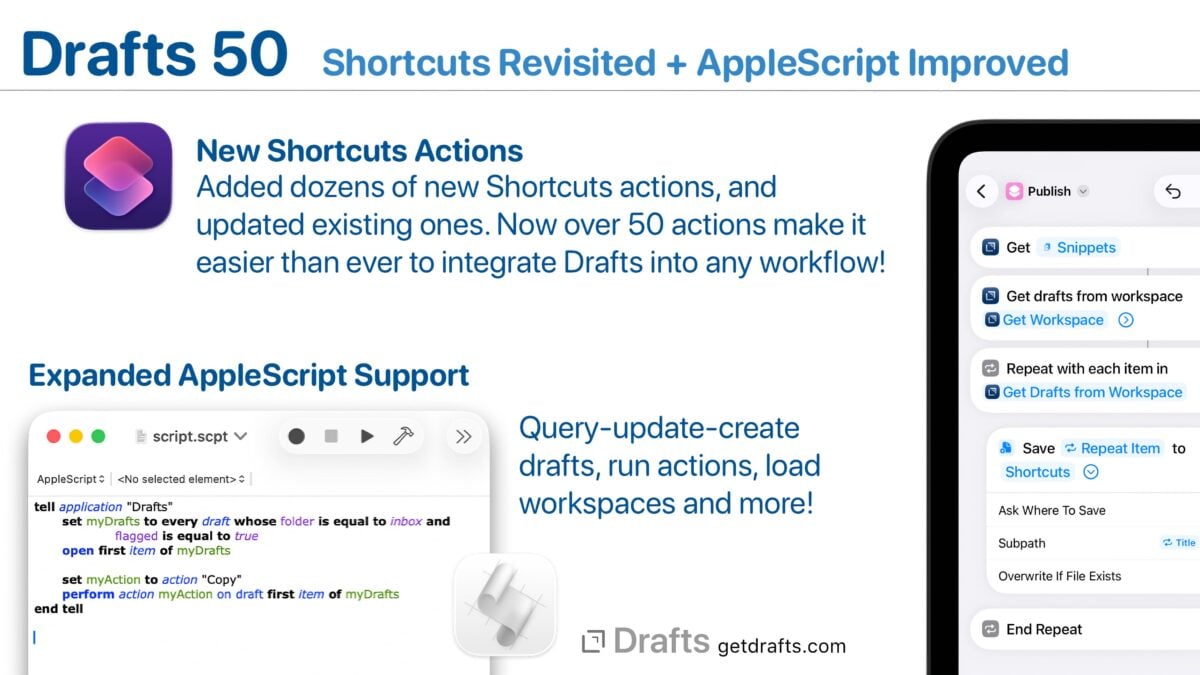
Enhanced Shortcuts Support
Drafts has always had good Shortcuts support, but we wanted it to be great! This build delivers on that with dozens of new actions (over 50 now!). We also did a complete review of existing actions and improved them with more flexible parameters, better descriptions, and more. A few highlights of the changes:
More extensive options in “Find Drafts” allow you to query by date ranges, location information and more.
Many more convenience actions to work with Drafts, making it less finicky to configure common actions, like “Append to Draft”, “Archive Draft”, etc.
Access draft version histories and action logs from Shortcuts.
Control of the Drafts interface – like hiding and showing side panels, toggling pinning and link more.
Easier to configure, granular commands for actions like appending, prepending to drafts, archiving, and editing individual draft properties.
This work was done with the help of Matthew Cassinelli, recognized Shortcuts expert, and we really appreciate his expertise and attention to detail bringing together these updates. We tried not to break any existing shortcuts in the process of making these updates, but it’s possible some minor behavior changes were made. Please get it touch if you have any issues and we can help direct you to solutions.
It was a very full-circle moment helping Greg with his App Intents/Shortcuts over 15 years after he invented the x-callback-url spec that enabled Workflow in the first place. Only makes sense that Drafts has the best implementation possible.
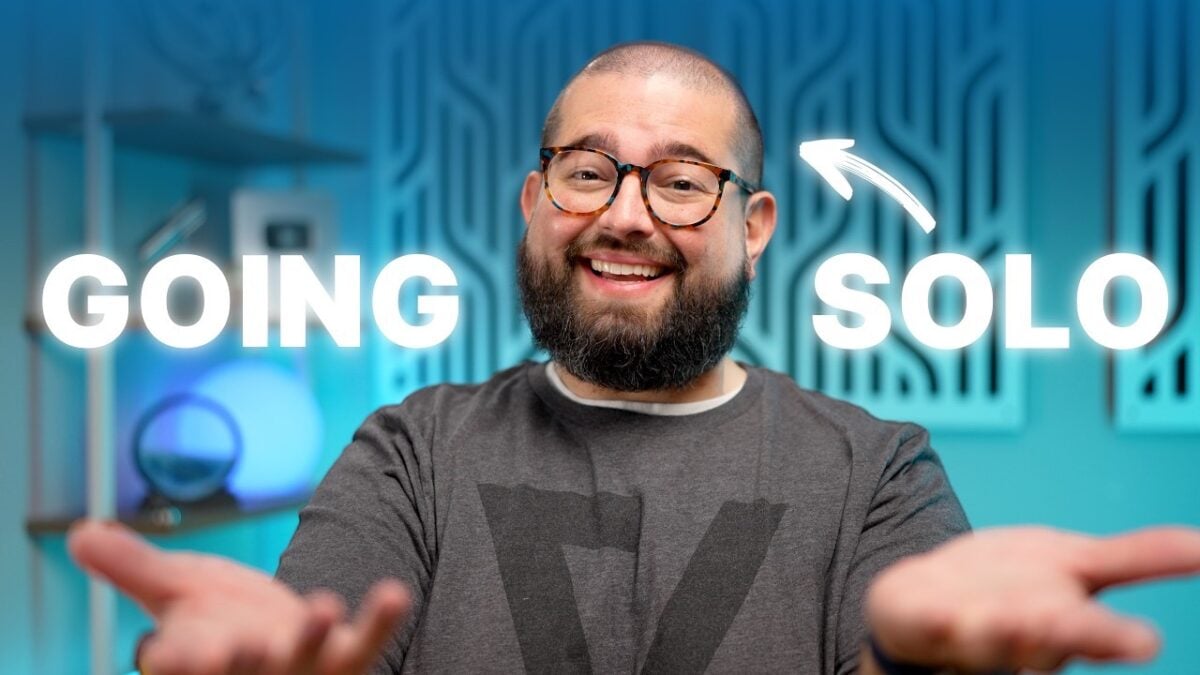
If you’ve seen any linked posts on my blog, you’ve probably seen Stephen Robles – a prolific content creator who’s made a massive impact in the Shortcuts community the last few years. Just last week, Stephen announced that, thanks to the support of his community, he’s gone solo and left his job to pursue YouTube & his Shortcuts membership full-time.
My congratulations to Stephen – he’s an amazing person, a hard worker, and has given me so value with his Shortcuts work.
Become a member of the community and gain access to my ShortcutsGPT, Shortcut of the Week, searchable Shortcuts database, priority Shortcuts requests, and more!
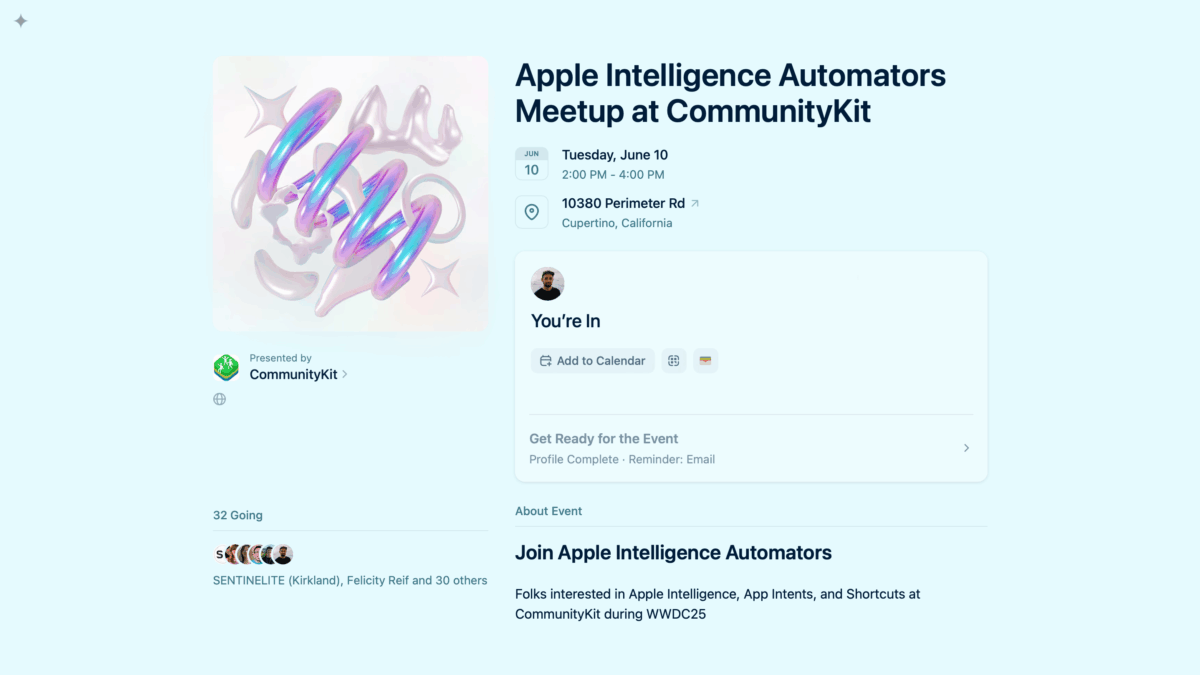
Hello friends! It’s my pleasure to announce my second-annual WWDC meetup 1, this time as part of the free CommunityKit conference under the name “Apple Intelligence Automators” – sign up here for the free event on Tuesday, June 10 from 2:00 PM – 4:00 PM.
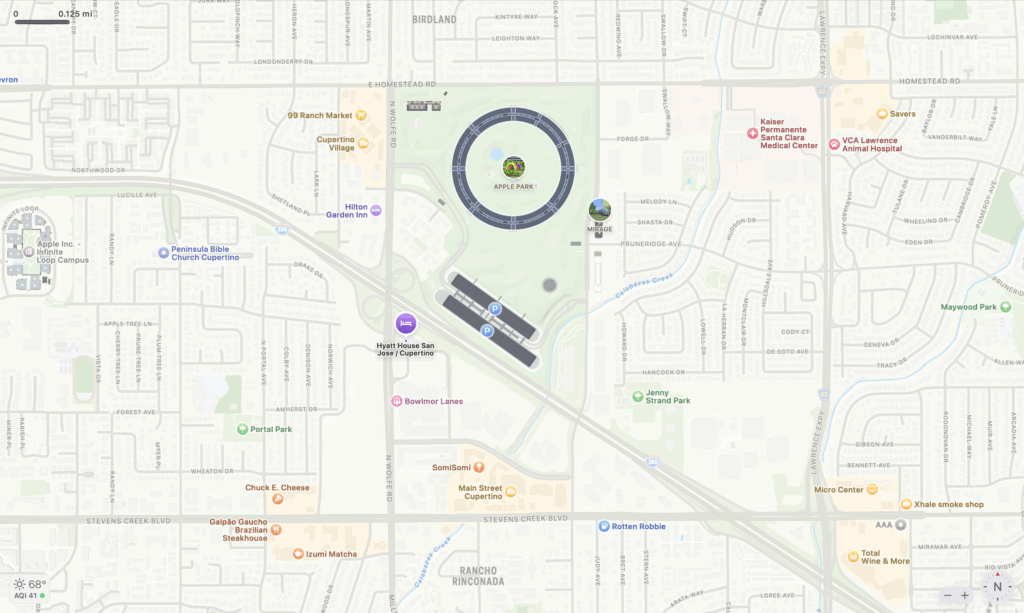
Located inside the Hyatt House San Jose / Cupertino at 10380 Perimeter Rd in Cupertino (just a few minutes from Apple Park), we’ll be discussing the announcements from the WWDC keynote address and State of the Union from the day prior as it relates to Apple Intelligence, App Intents, and Shortcuts.
With Apple Intelligence being the focus of last year’s WWDC, and delays on those features pushing things back, we should have plenty to talk about.
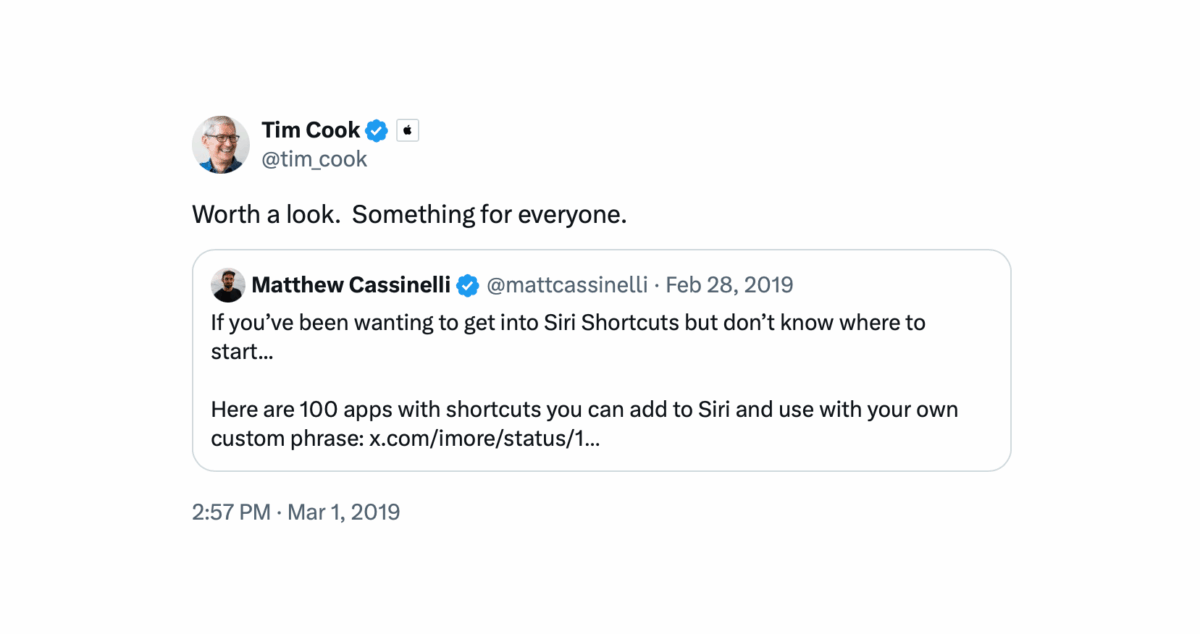
In the post, Gruber was recalling a quote from Steve Jobs’ comment about his blog, which he had inexplicably hadn’t linked to (until now) – upon reading that, I realized I had my own Tim Cook moment in a similar realm.
Six years ago, on February 28, 2019, I published a story for iMore where I collected over 100 apps that work with Siri, tweeting:
If you’ve been wanting to get into Siri Shortcuts but don’t know where to start…
The next day, at about 3pm, Tim Cook quoted my post, saying:
“Worth a look. Something for everyone.”
In the moment, I sent a simple “Thanks Tim!” back, but never posted about it on my blog. So, here we are – while you’re here, see what else I have that’s worth a look – there’s something for everyone.
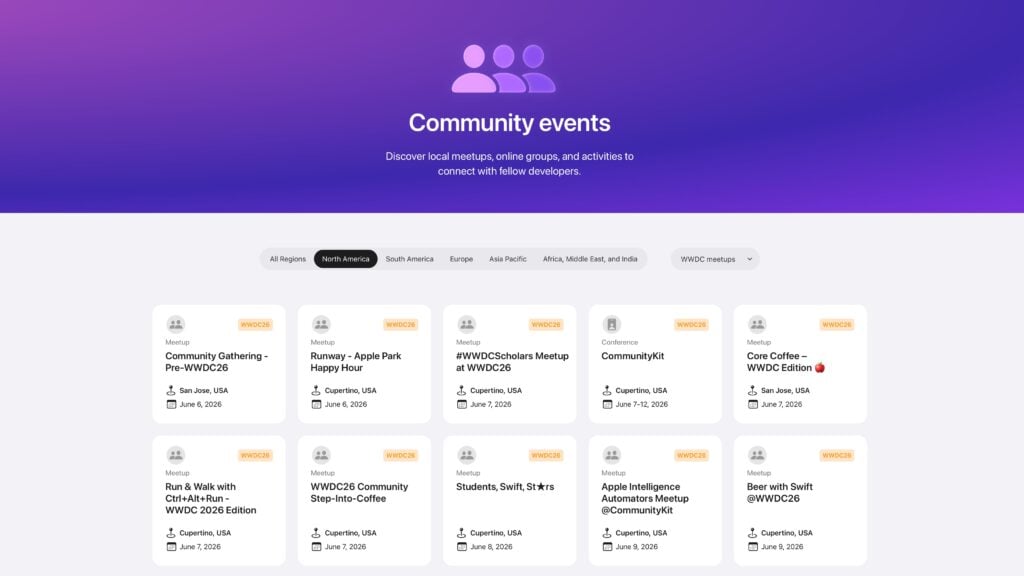
If you’re interested in “going” to WWDC, but don’t have a developer ticket – you should sign up for CommunityKit, the alternative conference1 for Apple developers, media, and fans.
From June 9 though 11, join us at the Hyatt House Cupertino to gather with your fellow participants, learn so many new things, and build some great memories.
Each day, we’ll be joined by our wonderful communities, such as Shortcuts, and iOSDevHappyHour, to name a few. We’ll also be hosting a live recording of Swift over Coffee, focusing on everything new at WWDC.
Yes, you read that right – I’ll be hosting a Shortcuts/Apple Intelligence/App Intents meetup during one of the afternoons that week! Schedules will be announced later, and I’ll update this post plus create another when I know my official time slot.
Located just a few minutes away from Main Street Cupertino and the Visitor Center at Apple Park, this free conference is designed specifically to make it easy to know where to go if you’re in town for WWDC, merging past events like the watch party from the iOS Dev Happy Hour into one event.
You can watch the WWDC Keynote and State of the Union with developer friends on Monday, plus attend live podcast recordings, join community meetups like mine, and access a hackathon space to work on new ideas all day Tuesday & Wednesday.
To be clear: this means most social events are moving the from San Jose to being more focused in Cupertino this year, so folks don’t have to make their way back-and-forth across those 8 miles as much. This also means anyone coming from out-of-town or from San Francisco can stay/park at the Hyatt House each day and easily access most WWDC social events.
If you’re unsure if it’s worth coming to WWDC, let this post convince you – it’ll be a blast and you’ll have something fun to do to Monday, Tuesday, and Wednesday that week.
Not to be confused with the now-defunct AltConf. ↩
Yes, the official conference has been back for years. But I kept hearing people at Deep Dish Swift ask if the social WWDC is “back”.
Yes, it is is! The social scene has been growing for a few years, but took a while to figure out better.
Now, more of us are coordinating together to make it like the old days where, if you didn’t have a ticket, you could go to AltConf. Now, you can go to CommunityKit! ↩
“Siri helps our users find what they need and get things done quickly, and in just the past six months, we’ve made Siri more conversational, introduced new features like type to Siri and product knowledge, and added an integration with ChatGPT. We’ve also been working on a more personalized Siri, giving it more awareness of your personal context, as well as the ability to take action for you within and across your apps. It’s going to take us longer than we thought to deliver on these features and we anticipate rolling them out in the coming year.”
Gruber also gives his analysis of the situation, which you should read in full.
It’s my pleasure to announce that I’ll be a conference speaker at Deep Dish Swift in Chicago, which runs this April 27 to April 29, 2025!
My talk will be covering Apple Intelligence and the portion powered by App Intents APIs, in many ways acting as a follow-up to my just-posted talk “Preparing your App for Apple Intelligence” talk about App Intents from this past September at NSSpain.
I’ll be joining a wonderful group of speakers from the Apple developer community for three days of talks, a live recording of the Launched podcast, and a lot of deep dish pizza.
Check out all the details on the Deep Dish Swift website. If you’re an Apple developer, buy your ticket to attend – and, if you’re going, let me know and I’ll see you there!
Developers, indies, and organizations – let’s work together to make your App Intents and Apple Intelligence implementation the best!
I’m now available for consultation work on Apple’s App Intents and Shortcuts implementations for app developer of all sizes, whether you’re a team, an indie dev, or part of a larger organization.
With my 10+ years of experience working in Shortcuts (as a former member of the Workflow team), I’ve built out a consulting process to educate, strategize, design, and build on top of a complete App Intents and Shortcuts implementation for your app.
I’ll explain the history of Shortcuts, how we got from Workflow to Apple Intelligence, walk you through the developer sessions, recommend intents specific to your needs, share personalized feedback on your implementations, provide extensive documentation and copywriting, and even create any number of custom workflows on top of what we build together, extending your app to the ecosystem with hand-built third-party integrations.
Plus, we can do everything mentioned above together, or just a few parts – let’s schedule a one-hour meeting and discuss what you need.
Pricing depends varies per engagement, but I’m happy to customize anything depending on your goals and timeline.
Now is the time – let’s build App Intents for the rest of us.
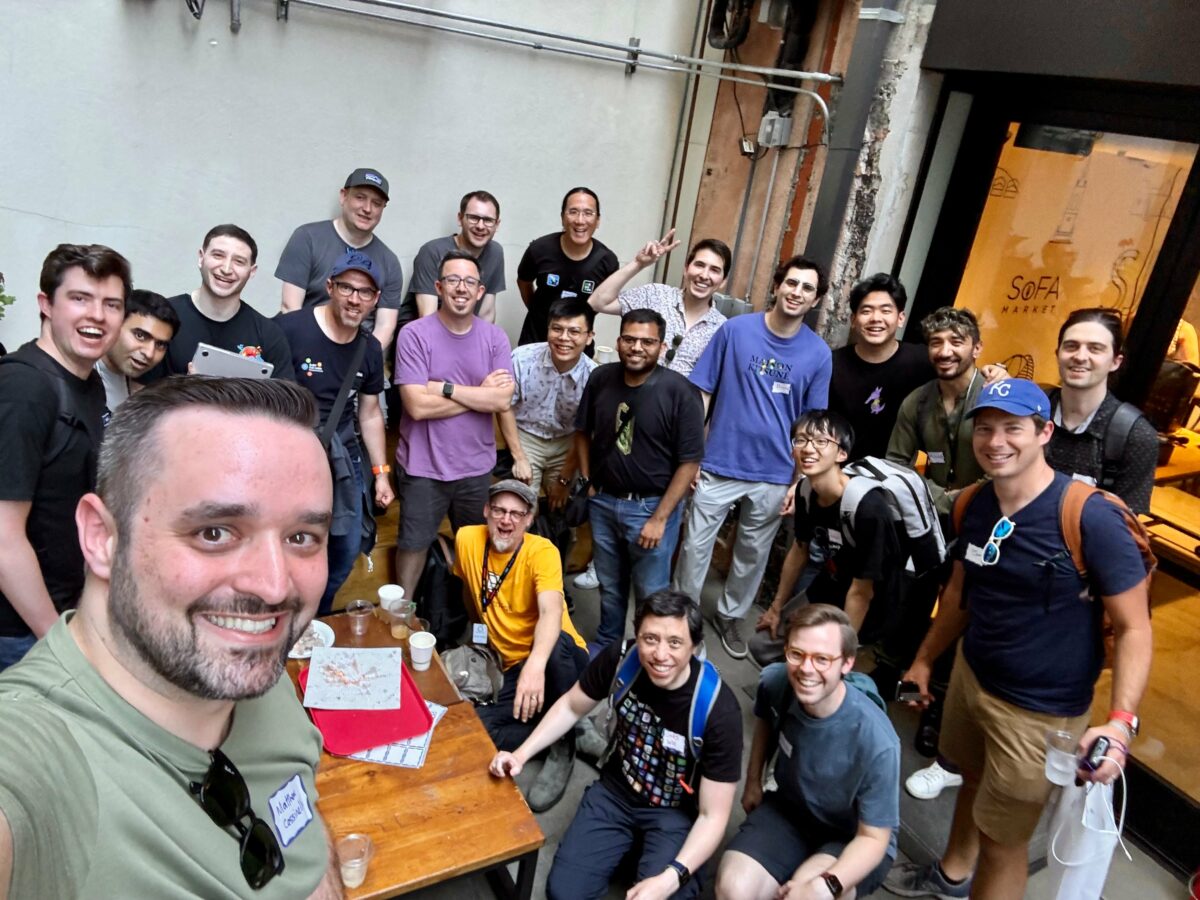
My second-ever Shortcuts meetup was a great success1, with an excellent group of folks chatting at SoFA Market for a few hours on Tuesday afternoon at WWDC.
We talked about Apple Intelligence, the prominence of App Intents and my new consulting gig to help developers implement everything, and, thanks to some special guests, had excellent discussions about the Shortcuts app.
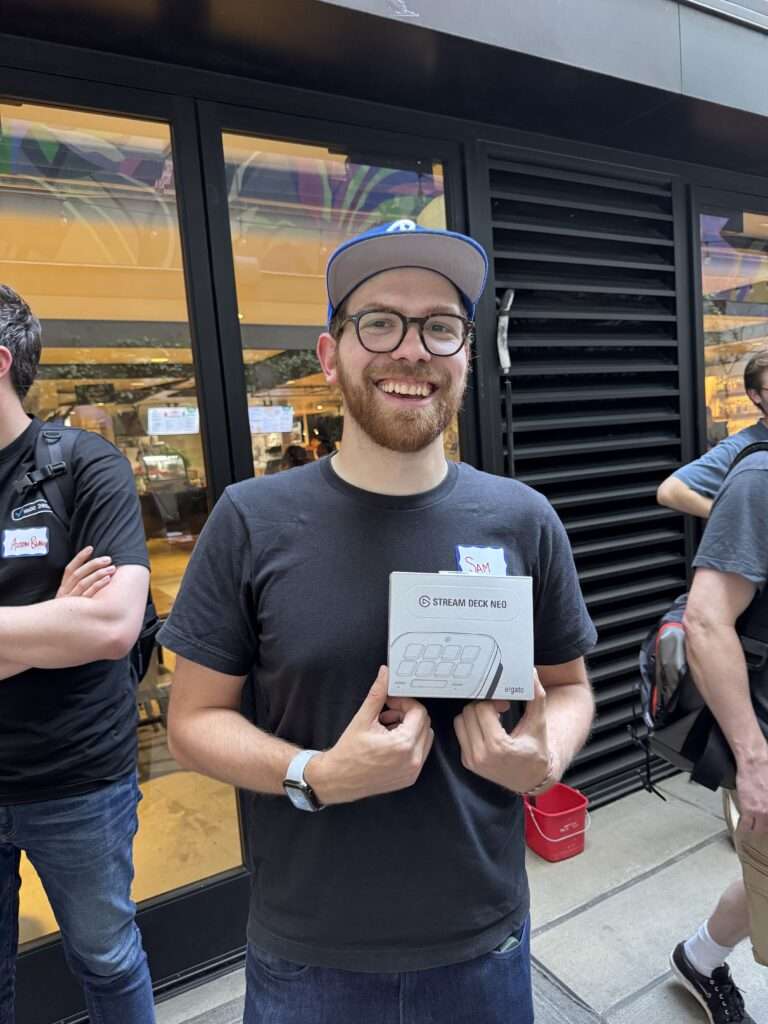
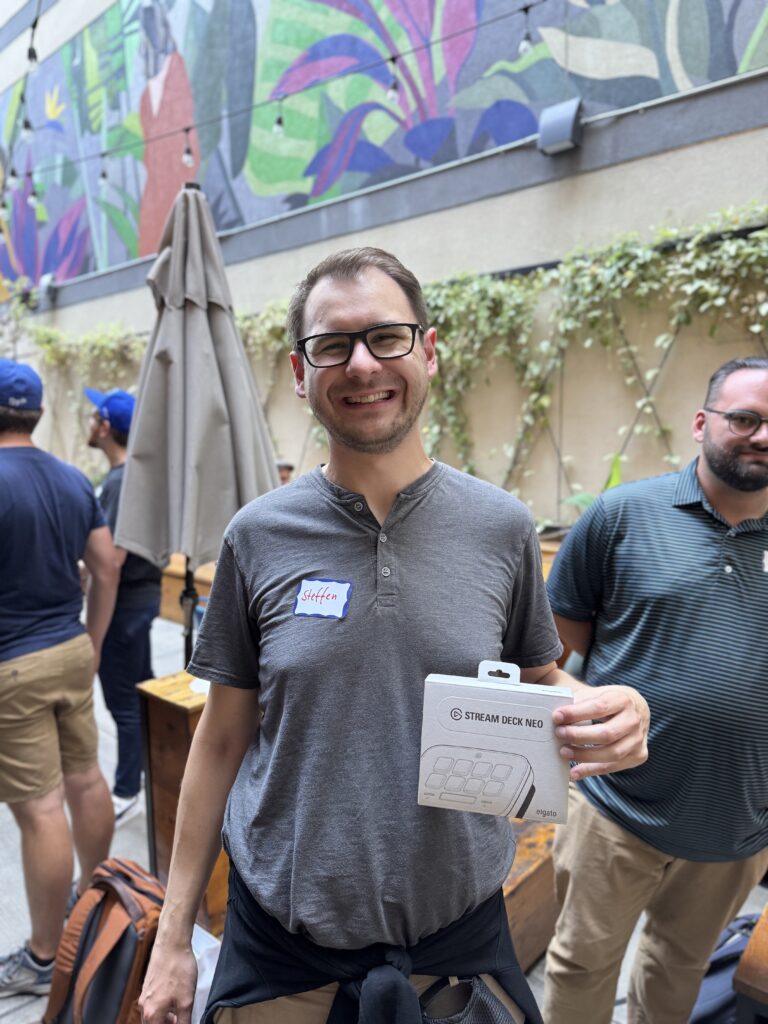
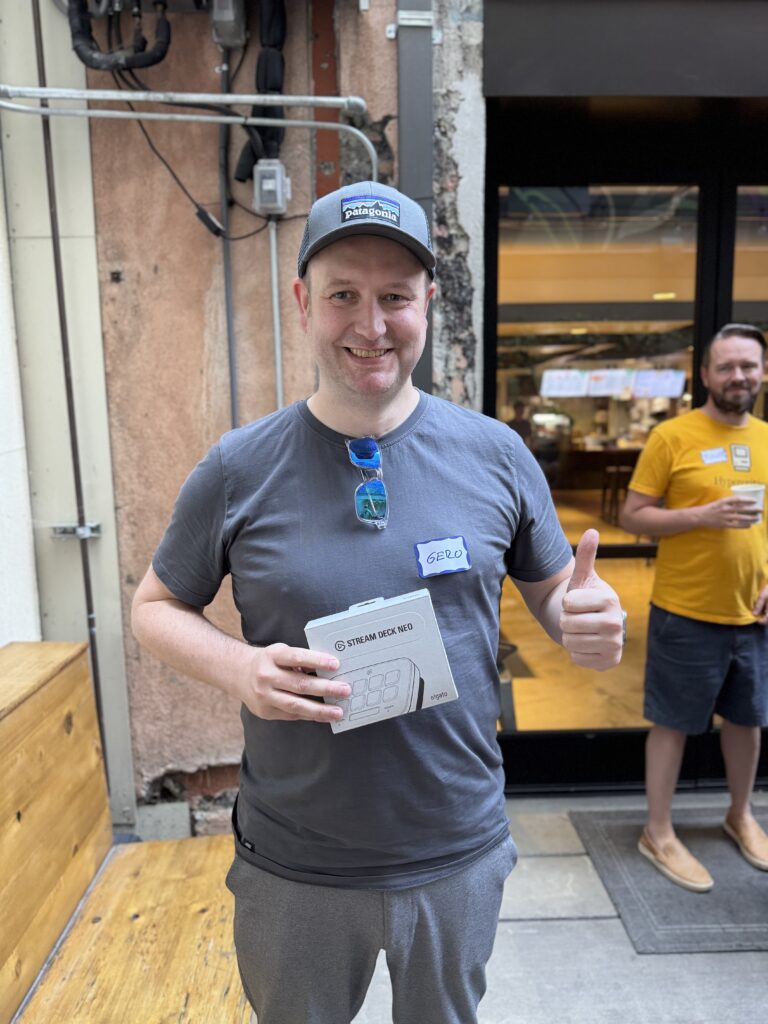
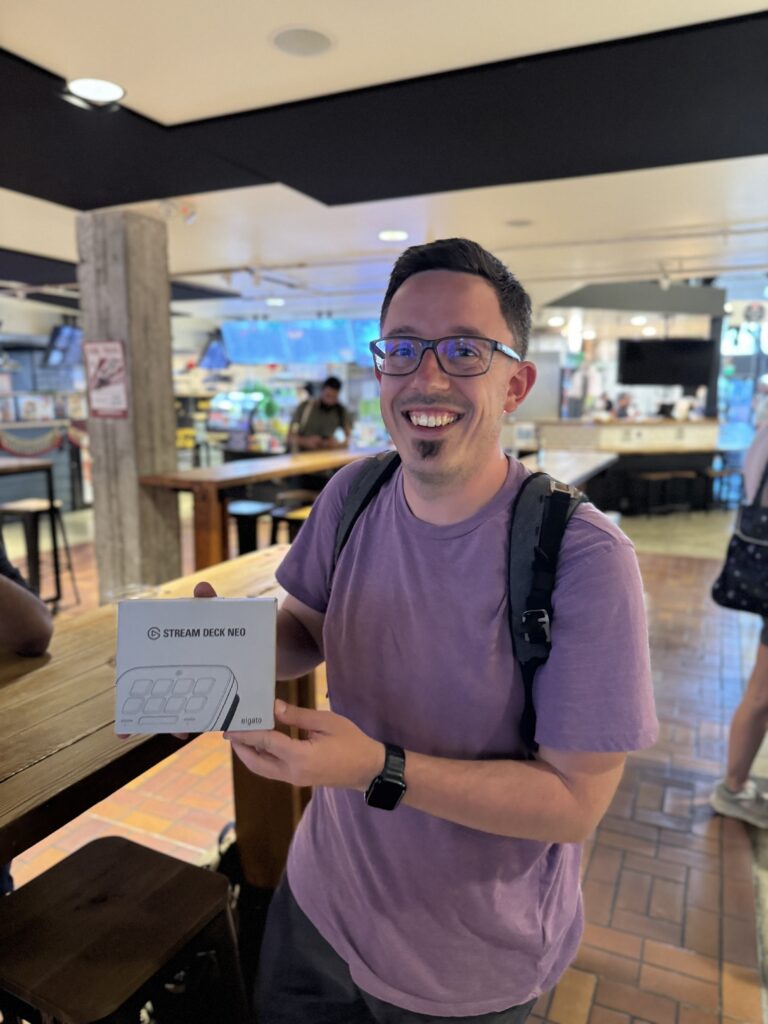
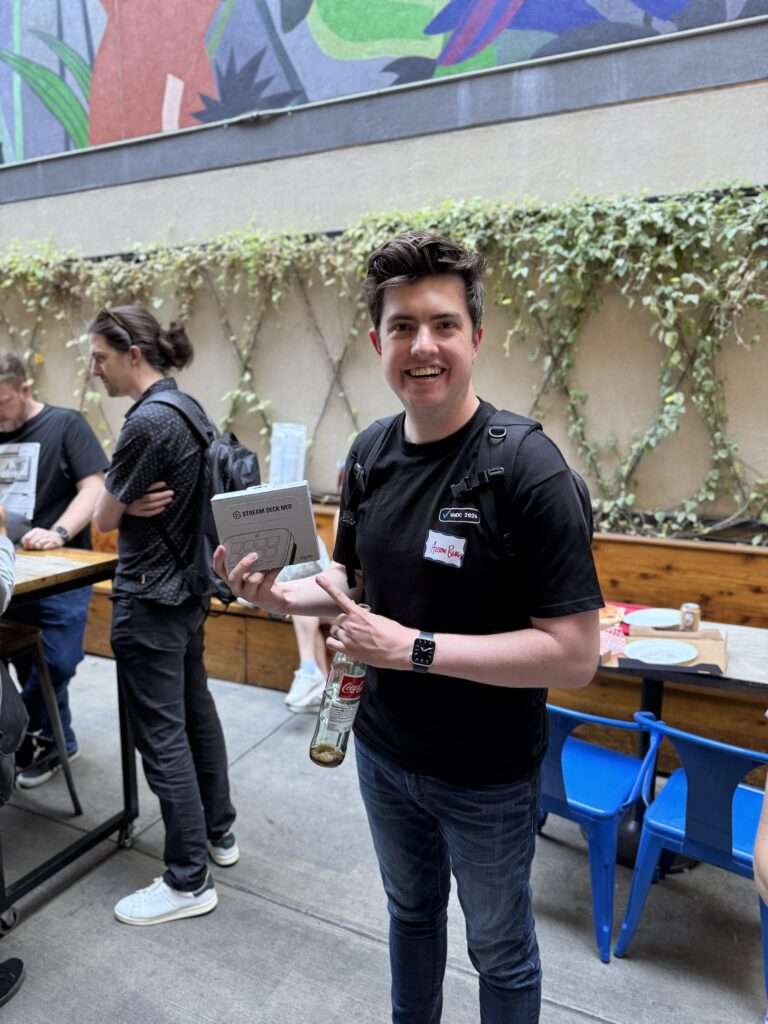
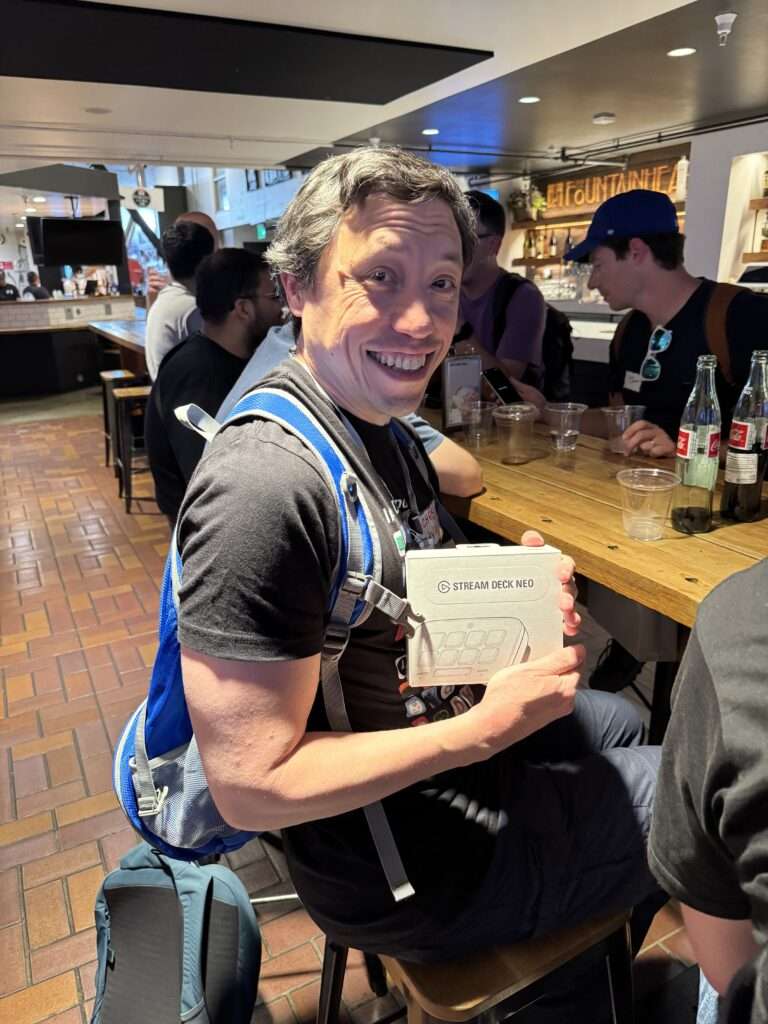
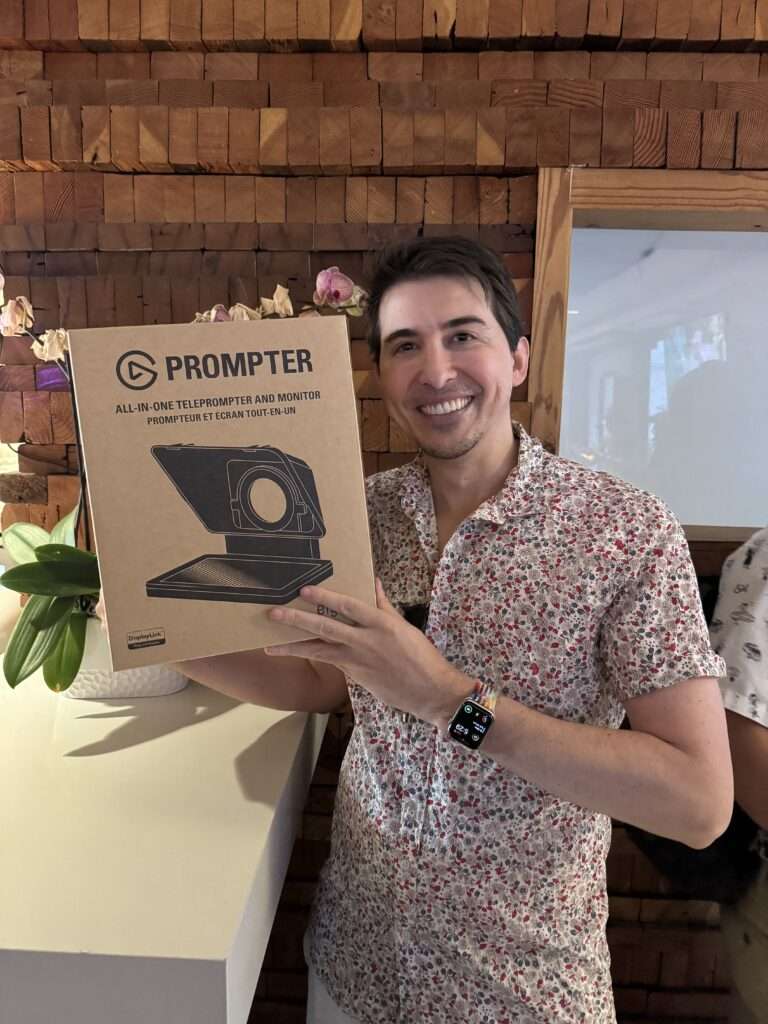
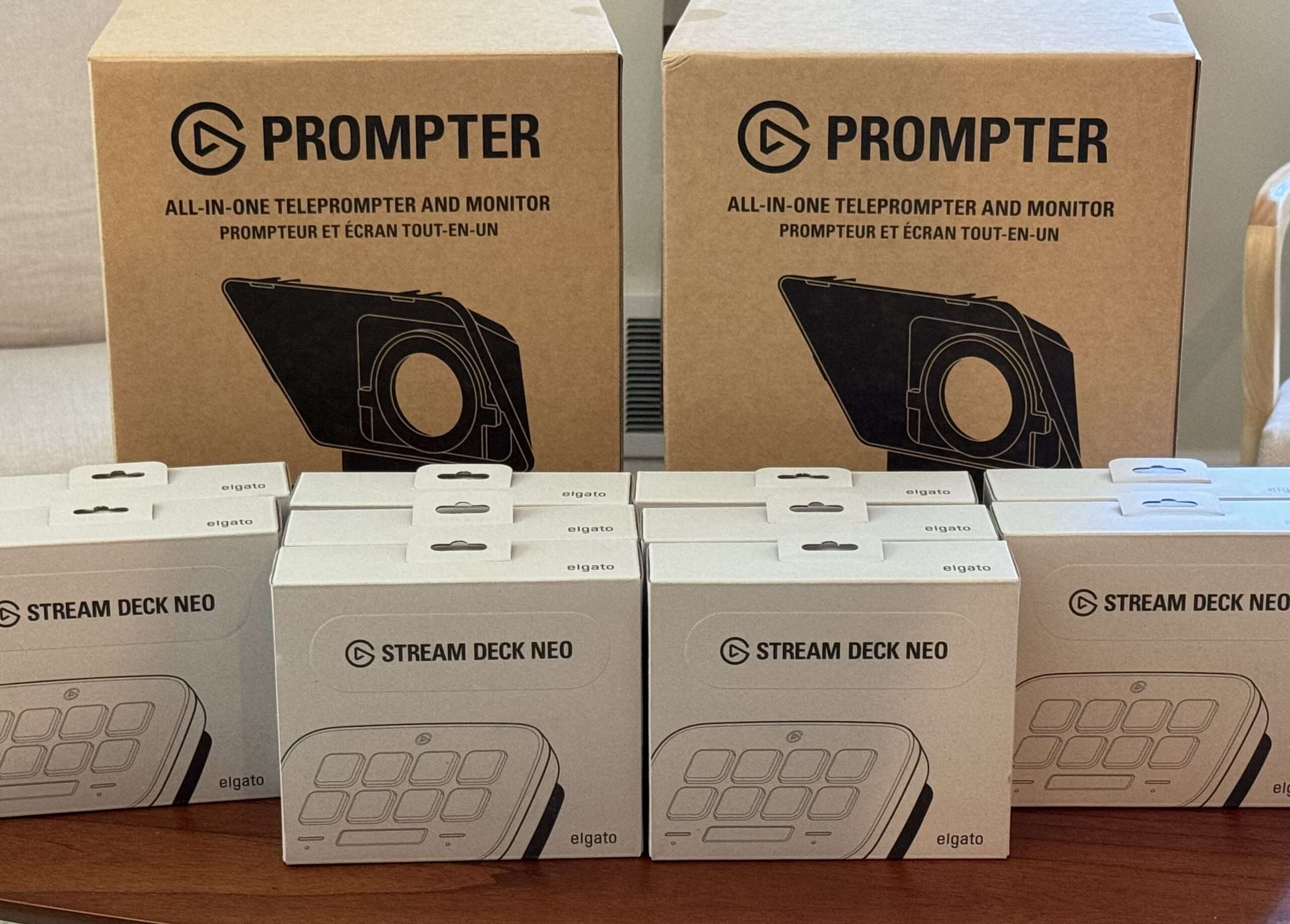
Plus, for fun, I was able to give away 10 Stream Deck Neos and two Prompters, courtesy of Elgato – below are some great photos from (most of) the winners. Unfortunately, I only thought to take a group photo right at the very end when some folks had already left – however, I’ll remember each and every one of you in my heart.
In order to pick winners, I had to do something on-brand – so I ran this shortcut every 10 minutes while we were at the event, letting Siri pick from the list of attendees from the event page to choose a winner.
Thanks again to everyone who was able to make it on such short notice – I’m already working on plans for next year, so be on the lookout a few months before WWDC’25.
P.S. Special thanks to Ben McCarthy and Adam Tow for the help managing the Elgato gear and with nametags.
P.P.S. While not technically representative of the entire group, I am fully aware that the main photo is 100% men, and it is my failing that there was not a wider diversity – I am already making plans to affect this for next year.
We had at least 5x the turnout the original 4-person meetup back in 2019. ↩
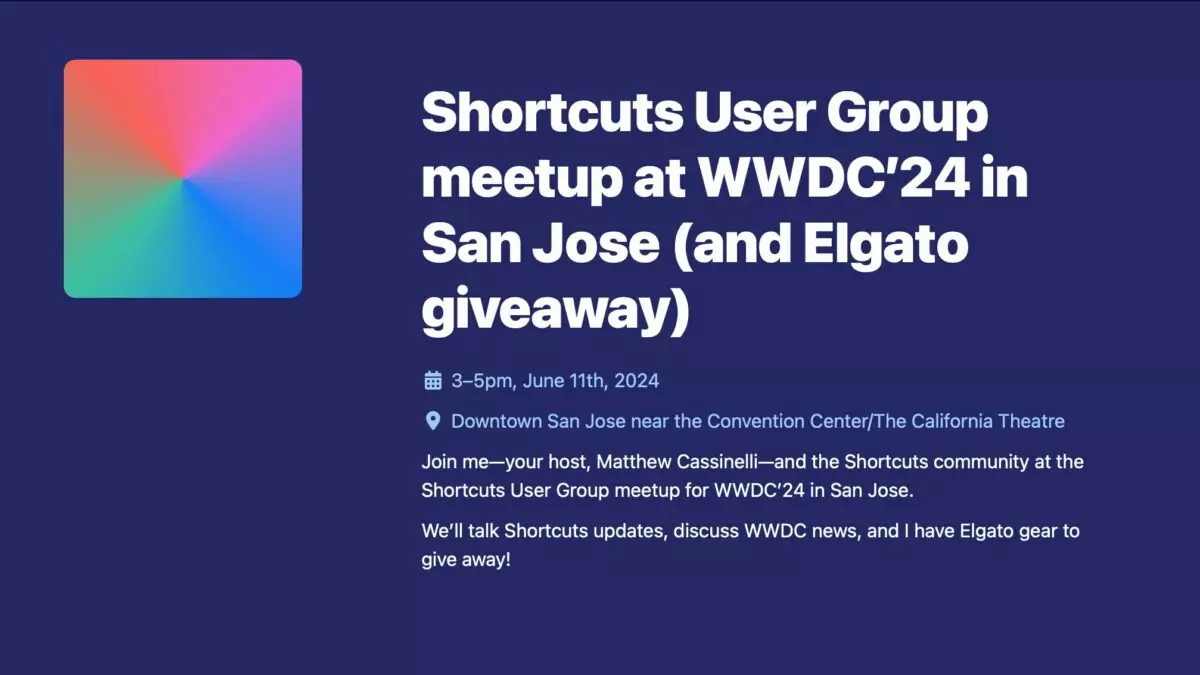
Hello developers, creators, and Apple enthusiasts in the Bay Area – let’s gather together for an informal Shortcuts User Group meetup to talk post-WWDC in downtown San Jose on Tuesday, June 11 from 3-5 pm.
Let’s talk Shortcuts, WWDC, and all things Apple – plus, I’ll have gear from my Elgato partnership to give away to attendees – including the Prompter and Stream Deck Neo.
Gear is here, and I’m getting packed – this is going to be fun!
Tickets for the back patio are almost gone – get yours today!
The goal of #iOSDevHappyHour is to allow current and aspiring iOS Developers a place to share experiences, share knowledge, simply hang out, build community, and even enjoy a drink or two online. Join us at this month’s event!
This month’s event includes:
Community guest speakers
Three breakout rooms (topic-based and random assignments)
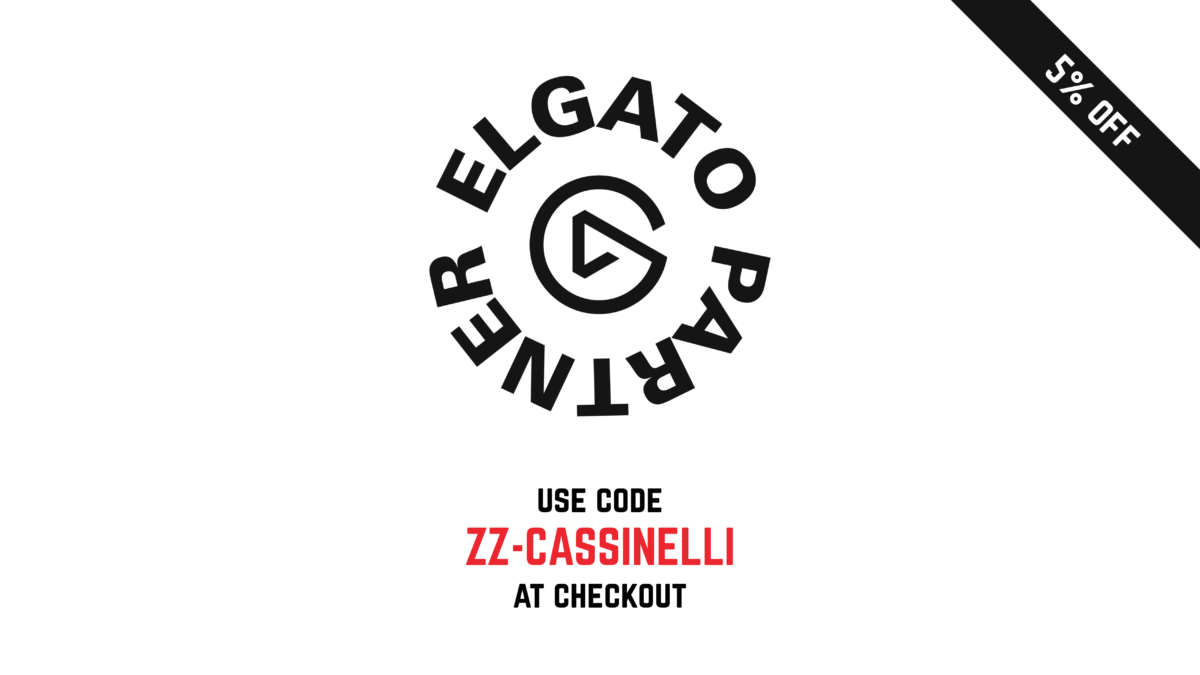
I’m happy to follow up on my Elgato Partner announcement and offer a 5% discount code for my community by using my partner link and entering in code ZZ-CASSINELLI at checkout.
The discount is available on all Elgato products through Elgato.com. To see the discount in action, feel free to use my link, add items to your cart, enter the code, and see the update total before checking out.
Note: the discount does not apply to accessories, replacement parts, or things like Stream Deck faceplates, and is also not stackable with other discounts or bundles.
Thanks again to Elgato for the Stream Deck bundle and I look forward to creating more throughout the year!
Check out Elgato products and use my code ZZ-CASSINELLI for 5% off at checkout.
Hello brands, businesses, and developers – I’m excited to announce that my work is now open for sponsorship opportunities, starting with YouTube!
If you’re a brand or business looking to connect with a passionate audience through high-quality media, let’s talk! Whether it’s through product reviews, sponsored content, or more unique collaborations, let’s explore how we can work together.
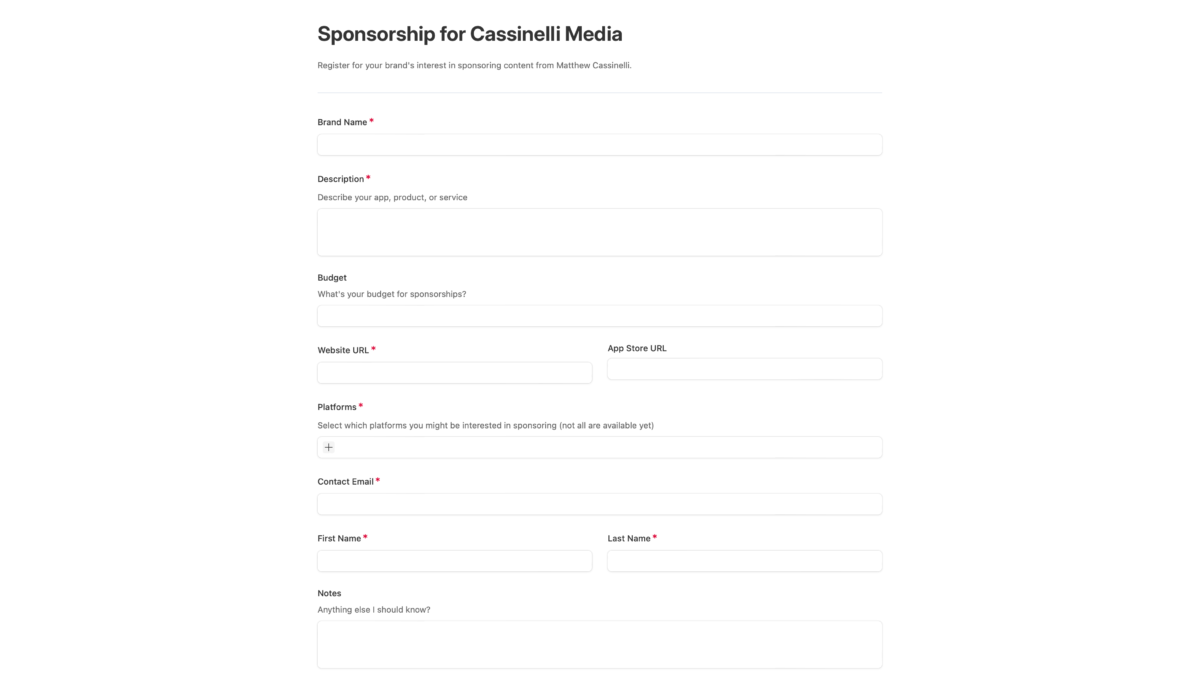
To register your company’s interest, fill out this form – and if you’re particularly interested in being first in this process, feel free to reach out directly.
Thank you for your support, and I look forward to sharing about the fun new projects this will enable.