Automating My Household Chore Reminders »

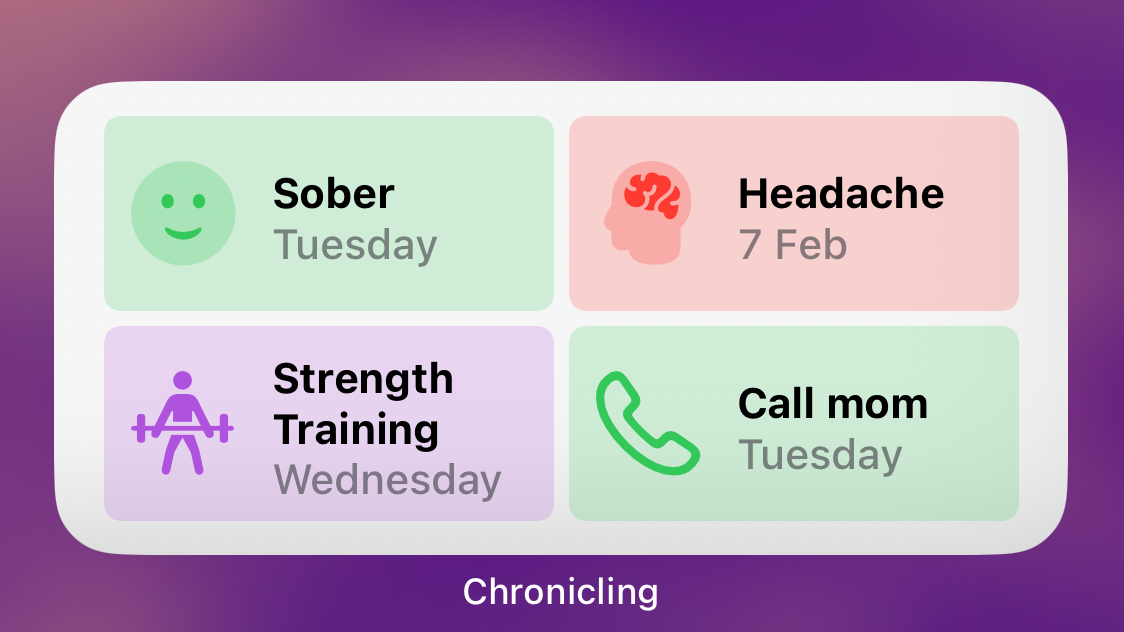
Tom Robertson covers his Shortcuts-powered setup that uses Chronicling to store the status of his chores and Reminders to alert him when things are due.

From Tom Robertson at Coeffiencies:

Living in a house, or even an apartment or condo, as an adult, requires periodic maintenance tasks, like cleaning the bathroom, changing your sheets, replacing the furnace filter, etc. A lot of these tasks should ideally be done on a regular schedule, like changing your sheets every two weeks, or your furnace filter every 3 months for example.

I’m sure a lot of people just kind of mentally keep track of this kind of stuff, but I’ve never really trusted my own memory on it. And I don’t like the idea of a room being dirty serving as my reminder to clean it. I’d ideally like to clean it before it gets too dirty.

So to keep up-to-date on my household tasks, I need a way to help me with of the following:

  1. How many days has it been since I did that task?
  2. A reminder to do that task if it’s past the time it needs to be done.

Tom basically made the perfect solution I’ve been looking for using Reminders, Chronicling, and two custom shortcuts – well done.
View the post on Coeffiencies.

Posts You Might Like

Automatically Trigger iPhone Low Power Mode Earlier (with Shortcuts) »
Tim Hardwick at MacRumors has a write-up for how to use the Low Power Mode automation in Shortcuts to set a custom value – which I use on iPad every day.
What’s new in Shortcuts for iOS and iPadOS 17.0, macOS 14.0, and watchOS 10.0 »
Apple has posted release notes for this year's updates to Shortcuts – in this post, I contextualize what's new, and what's missing from the release notes.
Chris Lawley’s MUST have Shortcuts Automations: What’s on my iPad »
Chris Lawley shares his top shortcuts and automations for working on the iPad – I always love seeing the latest versions of Chris' workflow.
“Make your Mac dance” with MacSparky’s Keyboard Maestro Field Guide
David Spark’s latest Field Guide has been my guide for learning Keyboard Maestro, the Mac automation multitool that’s crazy useful.