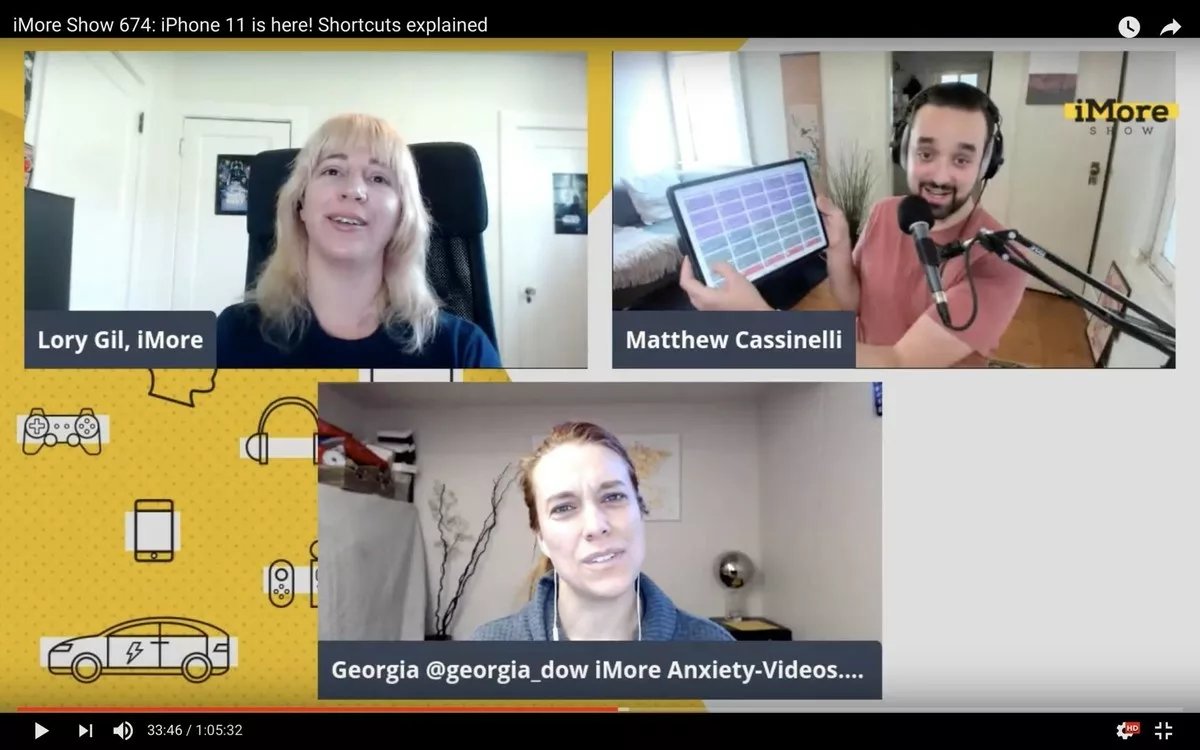
The day after iOS 13 launched, I was a guest on the iMore show to talk all about the updates to Siri Shortcuts (and a bit about the new iPhone):
Shortcuts expert Matthew Cassinelli is here with a wealth of information for making life better with iOS 13! He guides Lory Gil and Georgia Dow through the basics of shortcut creation and shares some of his own creations from matthewcassinelli.com.
I had a really great time talking to Lory Gil and Georgia Dow – Lory is the editor at iMore and corrects the mistakes in my freelance articles, and Georgia does a wonderful job as Senior Editor there too.
We also recorded this as a livestream, so here’s the video if you want to follow along – I even turned on my main camera with a top-down shot for part of it:
I gave them step-by-step instructions on how to make a GIF with Shortcuts, explained how the redesign makes things a lot easier to learn, and covered cool new Automations that are now available too.
We all got more and more excited as the episode went on, which was truly awesome – I could tell that the new changes made a lot of things click for them, which was fun to experience in real time.
I highly recommend you watch to the episode, listen in Apple Podcasts, or add the show via RSS.