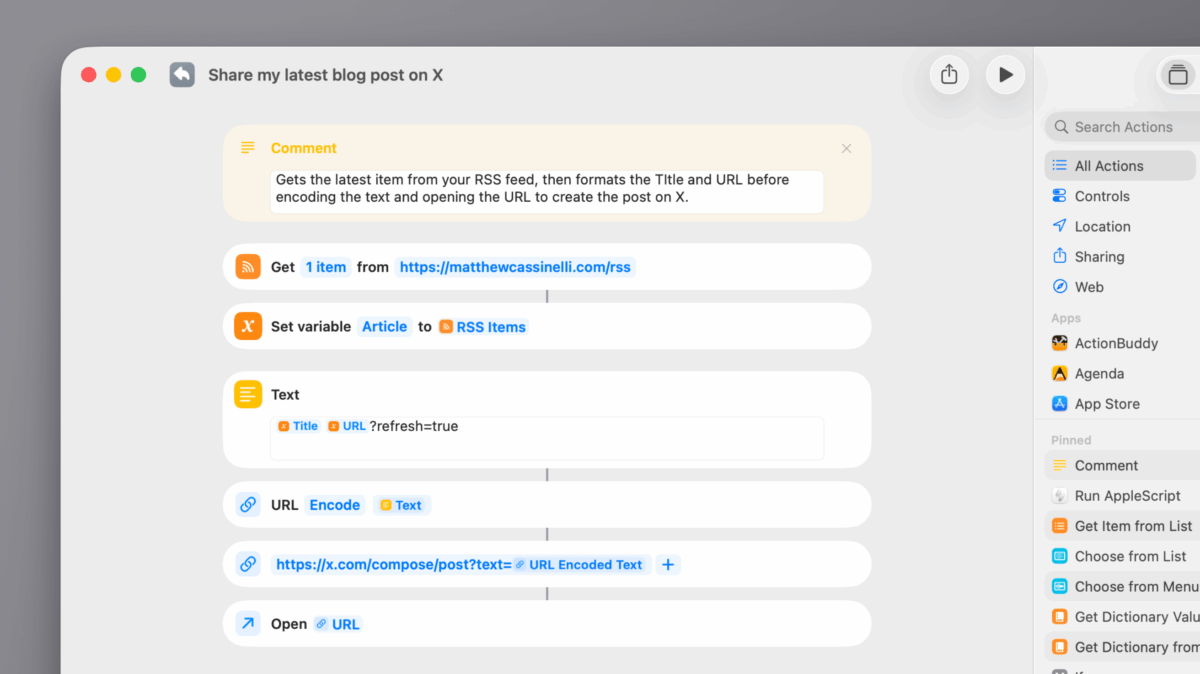
How to Fix Images From Your Blog Not Showing Up in Posts on X (Twitter) »

If you are posting from your blog on sites like X and your header images aren't showing up, append a random query parameter so the URL is different.

When sharing from my blog, I’ve been having the tiniest problem for ages – for about one out of every ten posts, the images from my blog will simply not show up on Twitter, like the image below:
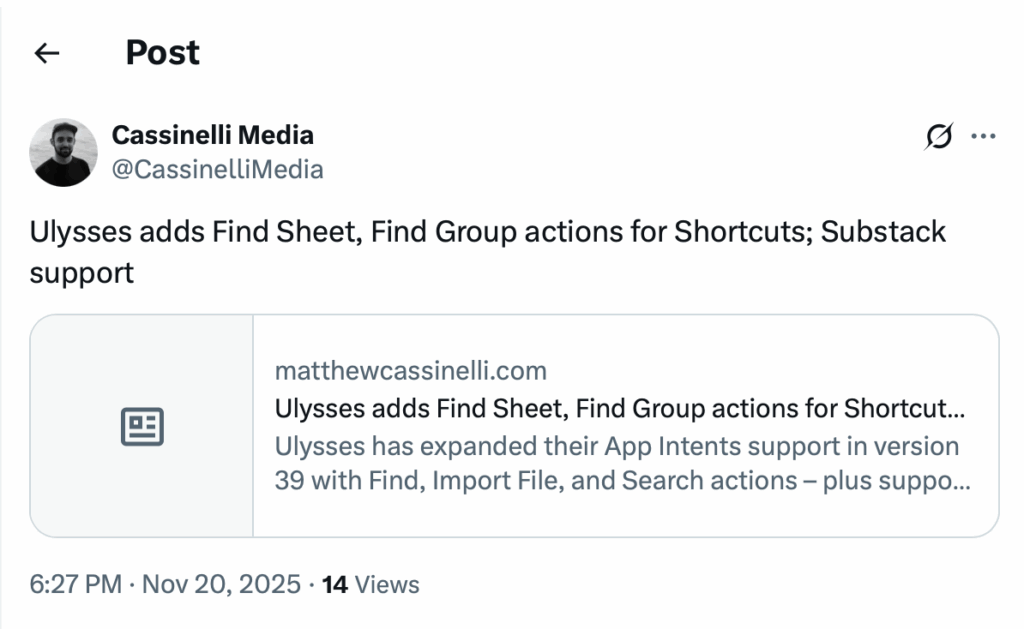
Thankfully blogger Deepak shared this solution on his site:

I discovered that adding a random query parameter at the end of the URL, that you’re going to share on X, works perfectly. X treats this as a new URL and re-fetches the card image. For example, you can add something like ?test=1 like below example, or whatever random query parameter you like. And then share this URL on X.

But don’t worry, adding the query parameter isn’t going to break the URL or affect the content shown on the page. It’s perfectly safe to use this.

THANK GOD. After a bit of testing, I’m going with ?refresh=true1 at the end of blog post URLs that are being troublesome – makes sense to me, and works well.

View the post from DeepakNess and follow my full feed account @CassinelliMedia.

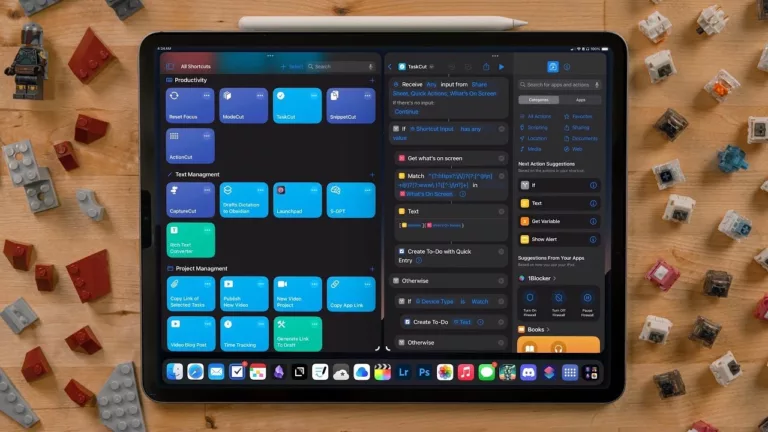
  1. I’ve integrated the URL pattern into the shortcut from the header image – coming soon for members (or, you can just build it yourself from the photo).

Posts You Might Like

John Giannandrea to retire from Apple »
Apple has announced a leadership transition, with John Giannandrea retiring and former Gemini lead Amar Subramanya will fill his AI role under Craig Federighi.
Blackbox: Rebooting an Inventive Puzzle Game for VisionOS »
Developer Ryan McLeod is featured on the Apple Developer blog to talk about bringing his app Blackbox to Apple Vision Pro and turn his game into a spatial computing experience.
Audible update lets you use credits to buy books in iOS app
For the first time, existing Audible credits can be applied to books from within the iOS app – no bouncing out to the website required.
Automation Academy: Federico Viticci’s Collection of Advanced Shortcuts for Things »
MacStories editor Federico Viticci has shared his set of shortcuts and automations for interacting with your day's tasks in Things – check out the post from Club MacStories.