Simple shortcuts to help you take notes on WWDC sessions

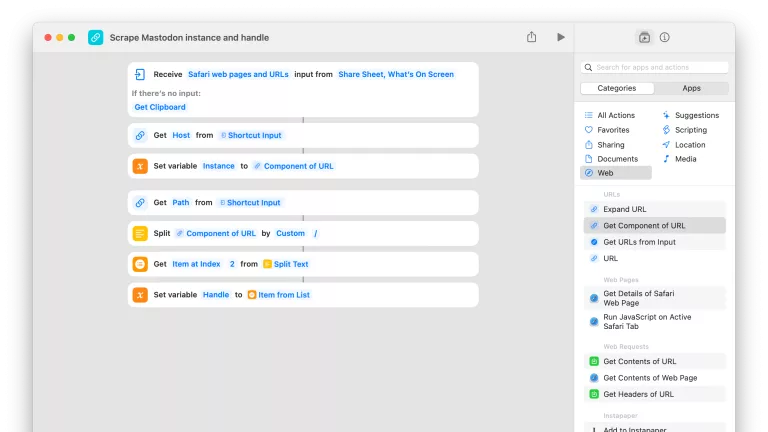
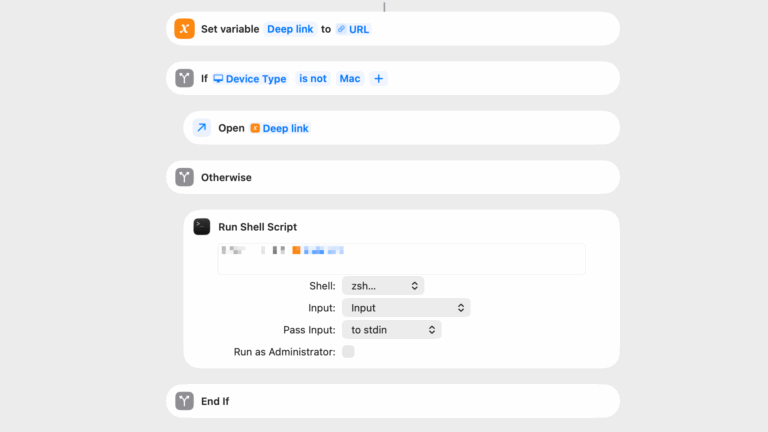
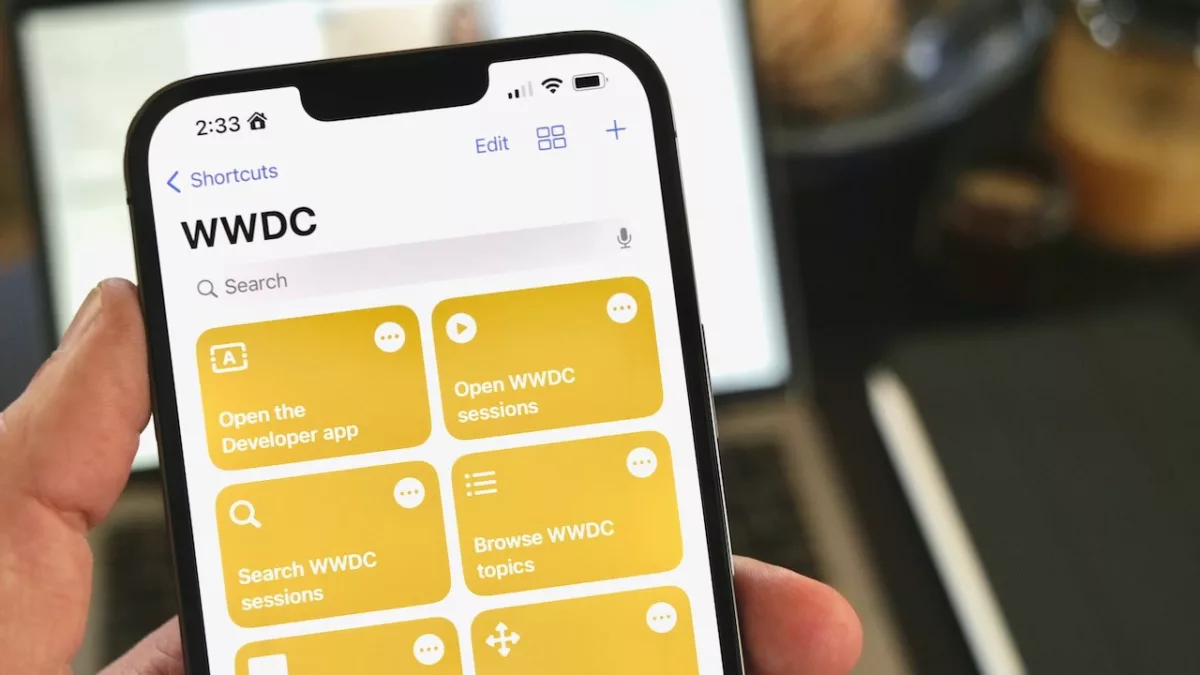
I made 7 Shortcuts to help you take notes on WWDC sessions for my iMore weekend piece:

With such a breadth of potential topics, sections to research, and videos to watch, it can be hard to wrap your head around what’s new.

So here’s a set of shortcuts to help you explore the conference material, get set up to take notes, and work with the transcripts in your own documentation.

The shortcuts are linked throughout, plus you’ll find the following list with iCloud links at the end:

  • Open WWDC sessions
  • Search WWDC sessions
  • Browse WWDC sessions
  • Open the Developer app
  • Developer TV
  • Full-screen session
  • Process transcript

Read the full story on iMore.

Posts You Might Like

Blackbox: Rebooting an Inventive Puzzle Game for VisionOS »
Developer Ryan McLeod is featured on the Apple Developer blog to talk about bringing his app Blackbox to Apple Vision Pro and turn his game into a spatial computing experience.
How to run Shortcuts via the Stream Deck
Exploring Conferences: Preparing for WWDC 2024! »
Rudrank Riyam has a great post summarizing his experience and goals for WWDC – reading this is getting me excited!
The Talk Show Live From WWDC 2024 »
Check out the discussion between John Gruber and Apple executives about everything just announced at WWDC.