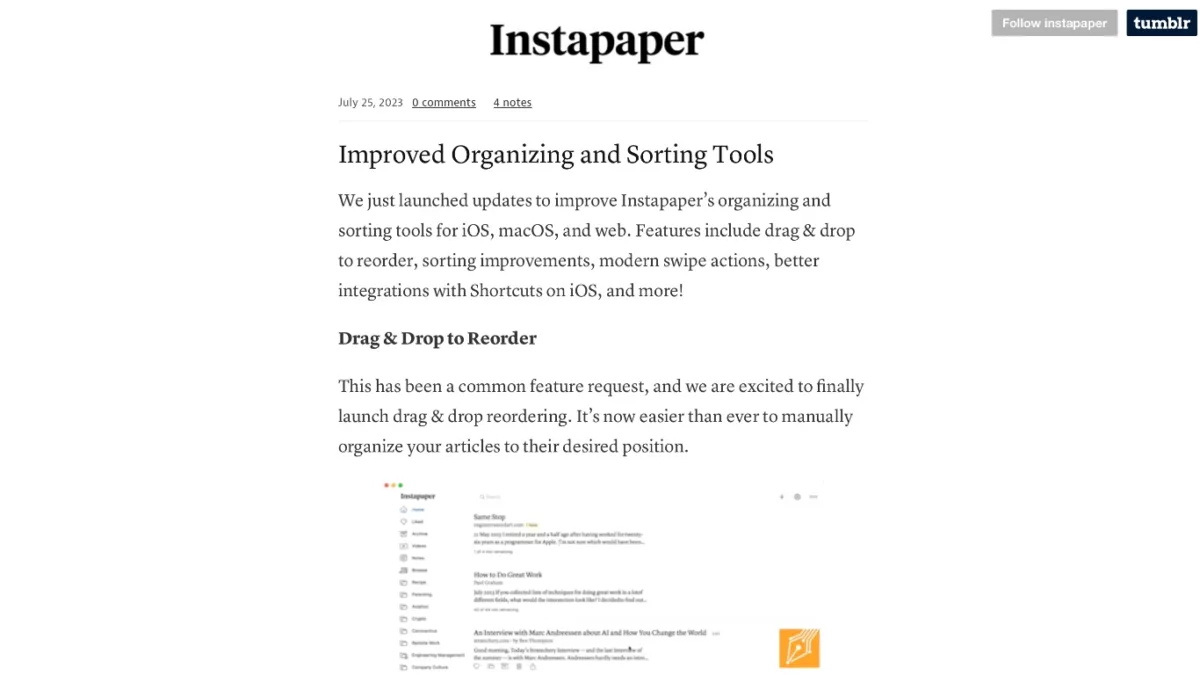
Instapaper Adds App Shortcuts and New Actions

Instapaper has updated their Shortcuts support with new App Shortcuts based off the latest App Intents APIs – here’s why I’m glad about their particular implementation (and I give suggestions for improvement).

From the Instapaper blog:

Improved Siri, Search, and Shortcuts Integrations

We’ve launched a number of “intents” that improve Instapaper’s integration with Siri, Search, and Shortcuts.

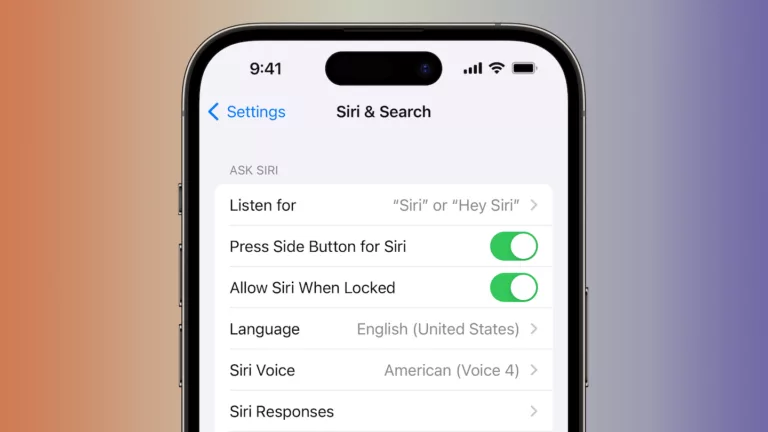
For instance, you can open your most recent article by saying “Hey Siri, Open Last Article in Instapaper”. You can open a folder by saying “Her Siri, Open Folder in Instapaper”, and then saying the folder name when prompted.

For a full list of actions available, open the Shortcuts app, go to the App Shortcuts section, and tap Instapaper.

Instapaper is one of the first apps I’ve seen to implement their App Intents setup the way I figured Apple intended – make both App Shortcuts and corresponding actions, not one or the other.

Some improvements though – generate the options for “Open Folder” based on what’s in the user’s library, including a Folder option in Add Link, add more clarity around the use case for Open Article, and update the older Get Bookmarks action to work with App Intents & use the predicate filtering capabilities.
Read the full article.

Posts You Might Like

How to transfer data from Google Maps to Apple Maps »
If you're looking to move from Google Maps to Apple Maps, this shortcut makes it easy to process your locations one-by-one.
What’s new in Shortcuts for iOS 18, iPadOS 18, macOS 15, watchOS 11 and visionOS 2 »
Apple published release notes for Shortcuts in iOS 18 – here’s everything new this year (so far).
Apple Will Revamp Siri to Catch Up to Its Chatbot Competitors »
Smarter Siri rumors are at an all-time high with this story from The New York Times the Friday after the M4 iPad Pro launch – check out the gift link from Techmeme.
App Intents: Grouping Parent Parameters Using a Unified Entity Approach
Streaks developer Quentin Zervaas shared this great technique for working with complex parent parameters in App Intents – grouping them into a single, separate entity.