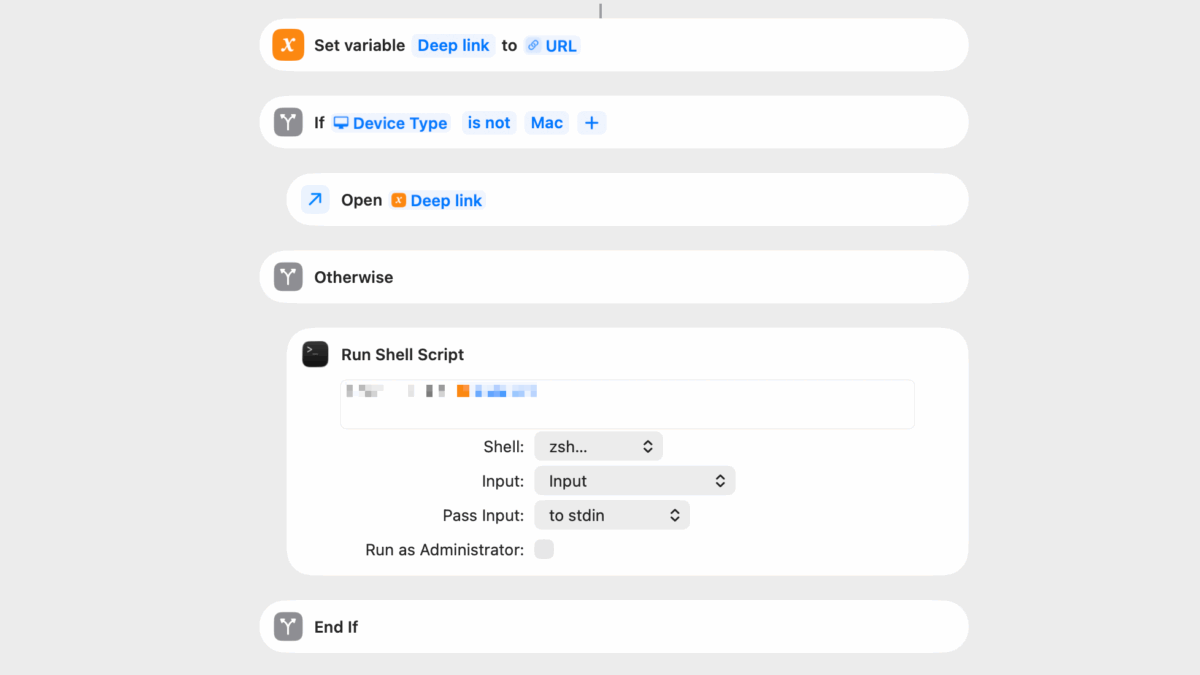
In my latest addition to the Shortcuts Library, I updated my shortcuts for the TV app with expanded functionality, including many new functions, redesigned menus, and, critically, support for macOS.
I accomplished Mac support using Shell Scripting, a technique which I’m sharing for members:
Opening deep links into Mac apps
In order to open a URL into an existing application, the best method within Shortcuts is using the Run Shell Script action, which allows you to execute command-line utilities using shell scripts, similar to the Terminal.
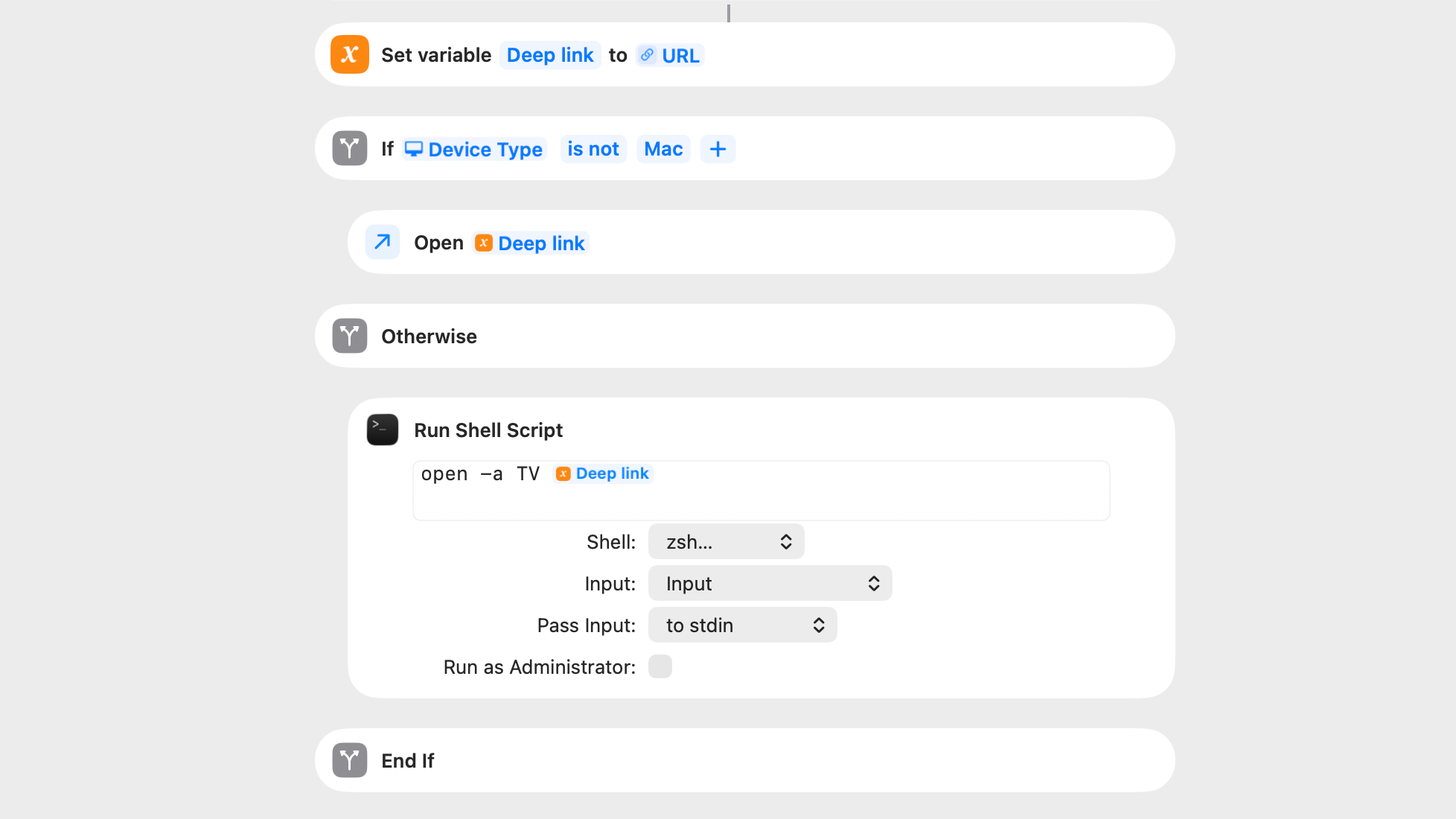
In order to open any app using a shell script, the following command can be used – here’s an example for the TV app:
open -a TV
In order to open a URL within that app, one only needs to add the URL afterwards, like so:
open -a TV https://tv.apple.com/watch-now
In my shortcuts, I’ve used the Deep Link variable to pass in the appropriate URL for the TV app into the shell script on-demand – only if run from Mac.
This works great with my TV app shortcuts, which utilizes preset versions of the URLs from the tv.apple.com website (as well as web scraping from the Apple TV Marketing Toolbox).
On desktop, these links will activate and open the TV app for Mac – on mobile, they’ll go straight into the TV app for iPhone and iPad.
Add to Dock and Open URLs
I’ve also used this method to open links from web services like Reddit into desktop versions of the app, which I’ve created for a handful of social media apps with the “Add to Dock” feature added to macOS in recent years.
I can also see this technique being useful for native versions of web apps like Notion or Airtable – I’ll have to explore more there soon.
Check out my TV app shortcuts in the Shortcuts Library and look for more techniques coming soon to the Membership Extras section.