Smart Profiles Swap Your Stream Deck Layout Automatically When Switching Apps »

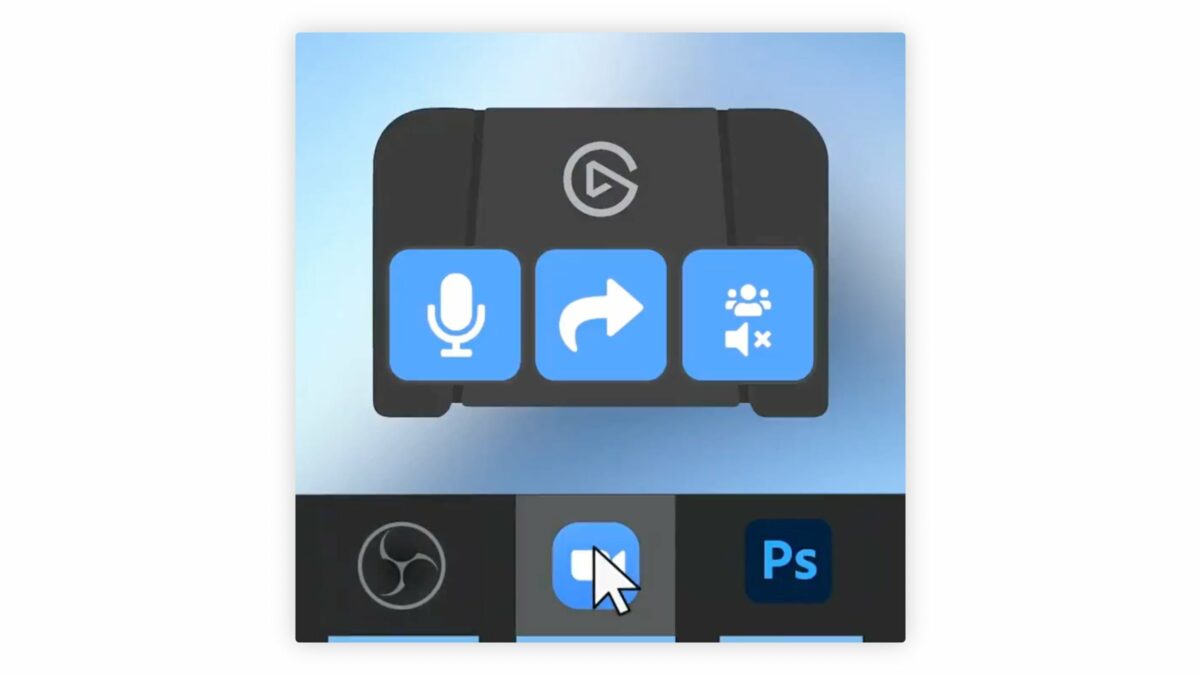
Smart Profiles are key for making your Stream Deck more dynamic – you can have custom layouts for every app that show when the app is opened.
Smart Profiles Swap Your Stream Deck Layout Automatically When Switching Apps »

From @elgato:

Switching between multiple apps? ?

Use Smart Profiles to load unique Stream Deck Pedal layouts automatically when switching apps.

[Video]

Smart Profiles are the key way I’m using Stream Deck with Shortcuts – with profiles for most of my apps, I can always access my shortcuts when I open the app on my Mac.

Smart Profiles work on all Stream Decks, but I also use them for the Pedal as they show in the video – when Safari is open, I can tap the left or right bumpers with my foot to switch tabs. ?

View the post and get the Stream Deck Pedal from Elgato.

P.S. You can use my Elgato Partner code ZZ-CASSINELLI for 5% off at checkout.
 

Posts You Might Like

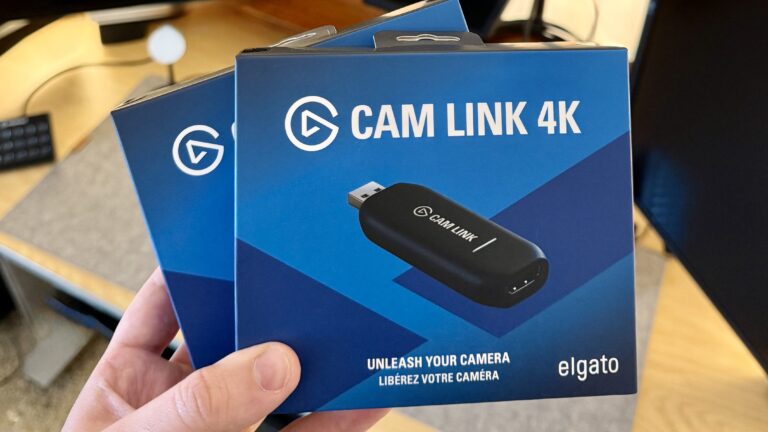
My Top-Down Video Setup Now Runs On Elgato’s CamLink 4K
Elgato sent me a set of the CamLink 4K for my video and streaming setup – here’s how I’ll be using it for my top-down shots.
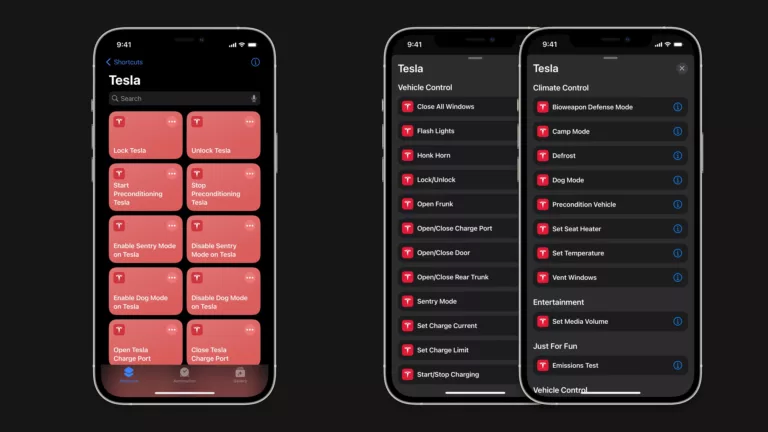
Tesla app adds Shortcuts support for vehicle controls »
The Tesla app has updated with a set of actions for Shortcuts to control your vehicle – check out the full list, and my suggestions for improvement.
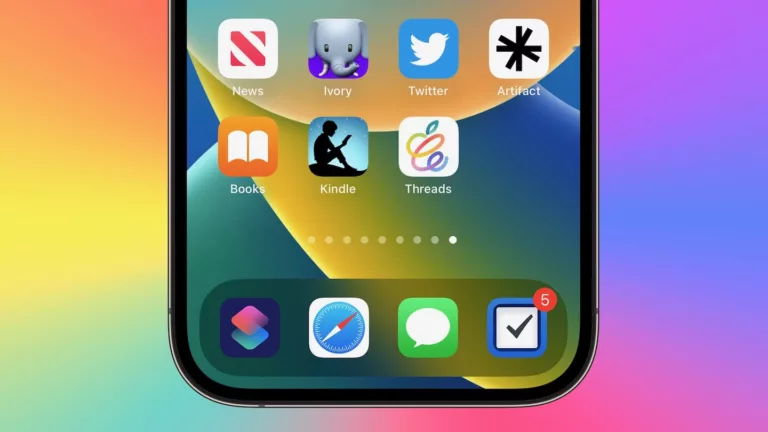
Customize Threads With These 8 Alternate Home Screen Icons
Get these 8 excellent alternate icons and use them with Add to Home Screen for your own personal Threads experience.
The New Craft Design Technology Multifunctional Pen from Ugmonk »
Ugmonk has a new 3-in-1 pen/pencil available – this looks great with the Gather system.