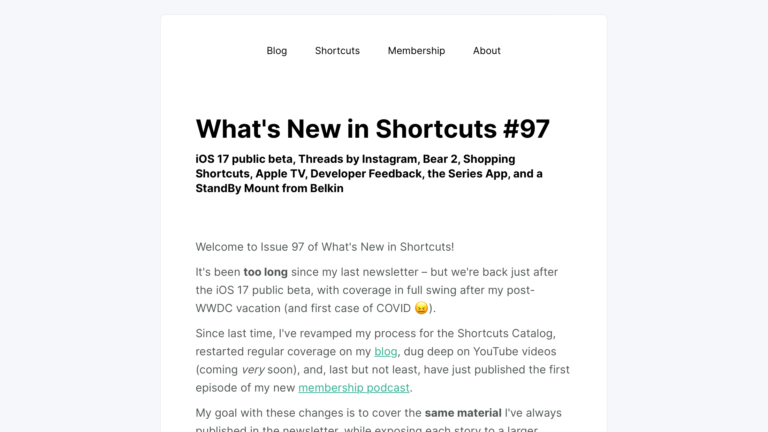
What’s New in Shortcuts – Issue 101

In this issue: Action button built for Shortcuts, iOS 17 apps and tips, quick shortcuts for social media and TV, and Apple's release notes.

From Issue 101 of my Shortcuts newsletter:

Welcome to Issue 101 of What’s New in Shortcuts!

Since the last issue in September, I’ve entirely moved from California to Oregon—hence the lack of regular issues as of late—while Shortcuts has gone pro in a big way as one of the main features of the new iPhone 15 Pro – the Action button.

I’ve collected a swath of Action button ideas from the community, shared a big set of apps that are updated for iOS 17, and released a whole new collection in the Shortcuts Library – including a massive new section for members.

Plus, for today only, there’s a special Cyber Monday discount on annual memberships – get your subscription locked in before the price goes up next year.

And, just to leave you with a teaser, I have my first set of Apple review units to cover soon – iPhone 15 Pro, M2 iPad Pro, and the OG Apple Watch Ultra… ?

Until next time, here’s what’s new in Shortcuts:
Read the full issue on MailerLite.

Posts You Might Like

Ulysses adds Find Sheet, Find Group actions for Shortcuts; Substack support »
Ulysses has expanded their App Intents support in version 39 with Find, Import File, and Search actions – plus support for Spotlight on Mac.
7 ways Apple is already a major player in AI »
From XDA's story on how Apple uses artificial intelligence in its products already – how Siri Shortcuts and the Suggestions features learn from your habits.
Shortcut to set Alarms for today’s Calendar events »
Use this shortcut to set an alarm in the Clock app for every one of the next day's Calendar events.
FYI: Reset Your Standing Desk By Lowering It All The Way Down »
If your standing desk isn't working and only goes down, it might need to be reset – you can do so by lowering it to the furthest position.