My notes on the Shortcuts developer sessions at WWDC ’22 ?

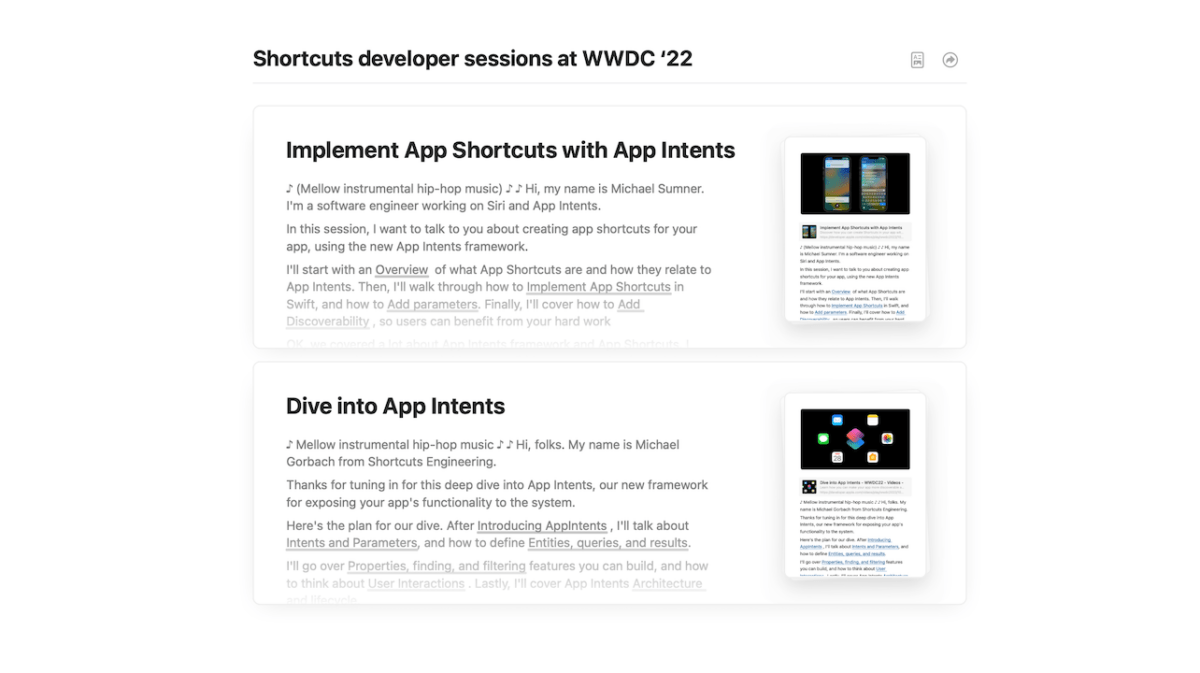
Today, Apple released two WWDC sessions around Shortcuts — Dive into App Intents and Implement App Shortcuts with App Intents.

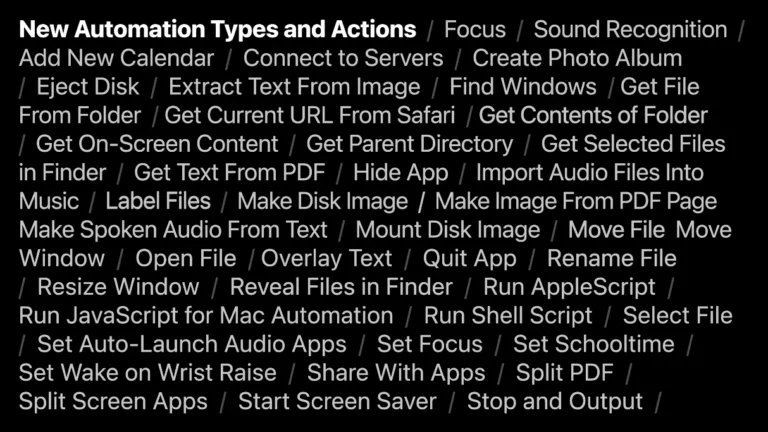
I’ll be covering the material and what it means soon, but for now I’ve taken extensive notes & screenshots on the available sessions and have made them available for members. Plus, comments are open, so add yours if you have any thoughts:

Today, Apple released two WWDC sessions around Shortcuts — Dive into App Intents and Implement App Shortcuts with App Intents.

I’ll be covering the material and what it means soon, but for now I’ve taken extensive notes & screenshots on the available sessions and have made them available for members.

(These notes are members-only – you’ll need a membership to access it.)
Posts You Might Like

Jason Snell: Shortcuts Is Not Really That Friendly
When discussing a demo of Misty Studio on the M5 MacBook Pro, Jason Snell compared it to Shortcuts as similarly friendly-but-unfriendly tool – a fair criticism.
Member stream #5: Screenshot Flow
Shortcuts gains actions for Apple Intelligence, Messages, and Notes checklists in iOS 26
In iOS 26, Shortcuts gains new Apple Intelligence actions that let you Use Model, tap into Writing Tools, and use Image Playground – plus more available in the Public Beta.
Shortcuts Live: Working with Safari Tabs in iOS 16 Public Beta 2
Tune into the latest episode of Shortcuts Live, where I streamed for a little over an hour covering the new Find Tab action that I discovered in iOS 16 public beta 2.