Learn about App Shortcuts from Apple’s WWDC’22 developer sessions

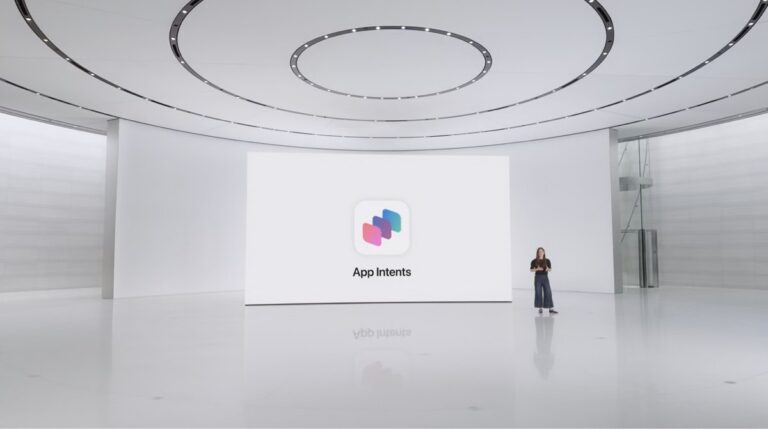
At Apple’s worldwide developer conference during their State of the Union address1, Apple launched App Shortcuts and the AppIntents API, features designed for “zero setup” of shortcuts from third-party apps for use with Siri.

If you’re a developer looking to implement Shortcuts support in your app, Apple has now released all four sessions at WWDC ’22 covering what’s new in these Shortcuts APIs — here are the links:

  1. Dive into App Intents
  2. Implement App Shortcuts with App Intents
  3. Design App Shortcuts
  4. Meet Focus Filters

I’m documenting all the sessions for members, so sign up for a membership to get access and see my initial thoughts on the release.

If you’re a developer who wants to discuss implementing Shortcuts in your app, contact me.


  1. (Presented by Ari Weinstein right at the 00:39:00 mark) 

Posts You Might Like

21 Movies to Watch in 3D on Apple Vision Pro
While official "3D" labels have been removed, searching the TV app shows the top films released in 3D that are likely coming to Apple Vision Pro – here's the list.
App Intents: Grouping Parent Parameters Using a Unified Entity Approach
Streaks developer Quentin Zervaas shared this great technique for working with complex parent parameters in App Intents – grouping them into a single, separate entity.
What’s new in Shortcuts for iOS and iPadOS 17.0, macOS 14.0, and watchOS 10.0 »
Apple has posted release notes for this year's updates to Shortcuts – in this post, I contextualize what's new, and what's missing from the release notes.
You can set the new Action button on Apple Watch Ultra to anything in Shortcuts
The new Apple Watch Ultra features a dedicated Action button — and it can be customized with any shortcut.