Automating the Apple keynote: 5 shortcuts to use on any event day

Time for the Apple Event with these shortcuts for tuning in, setting up, and tweeting out your hot takes.

Yours truly for iMore:

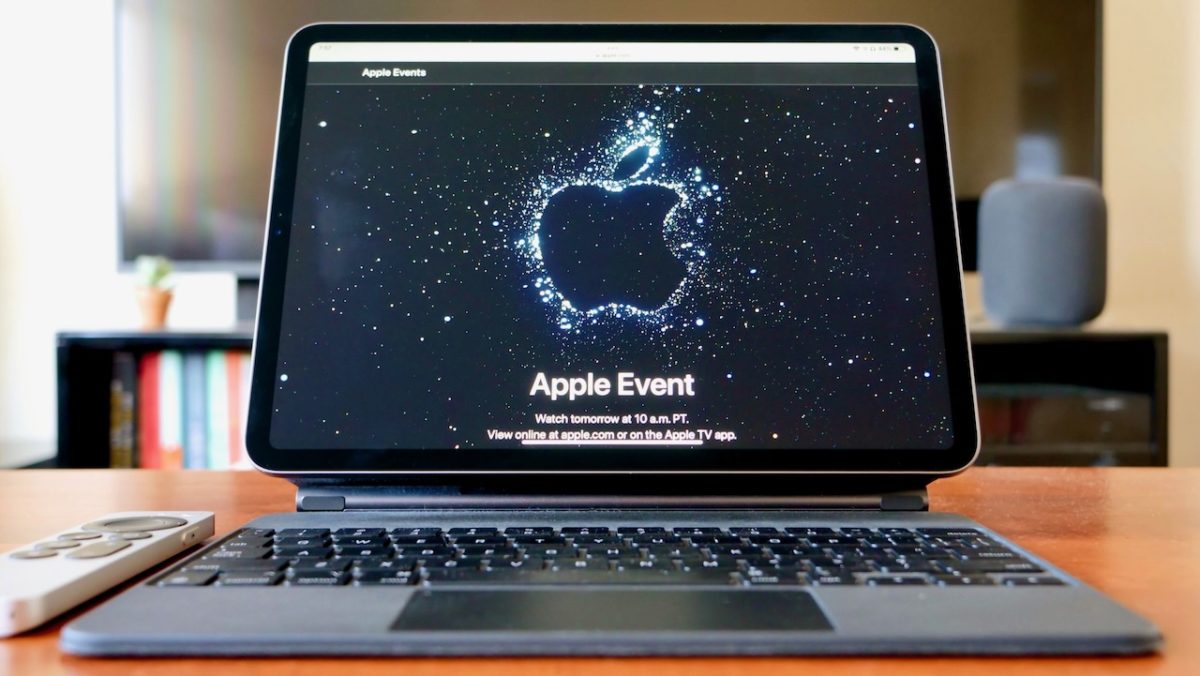
The Apple keynote day is upon us and, as usual, Apple nerds will descend upon Twitter and endlessly share their thoughts for a few hours. In lieu of excitedly eating popcorn, we’re collectively leaned in toward our iPhones, iPads, Macs, and Apple TVs, ready to share hot takes, funny quips, and the latest news. Nothing else quite brings us all together — except maybe some fun automations.

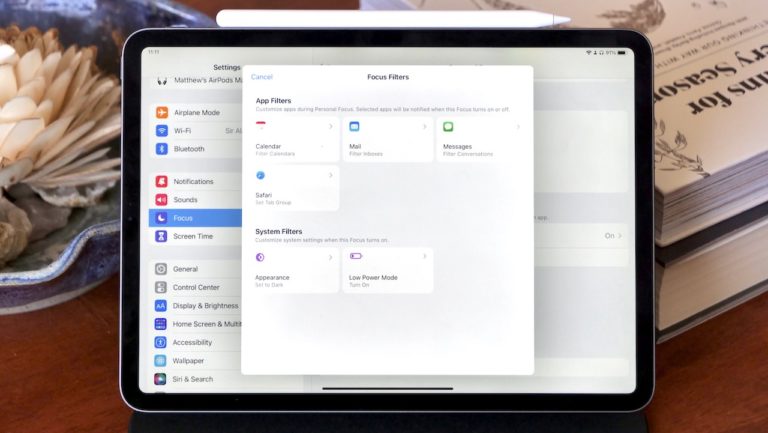
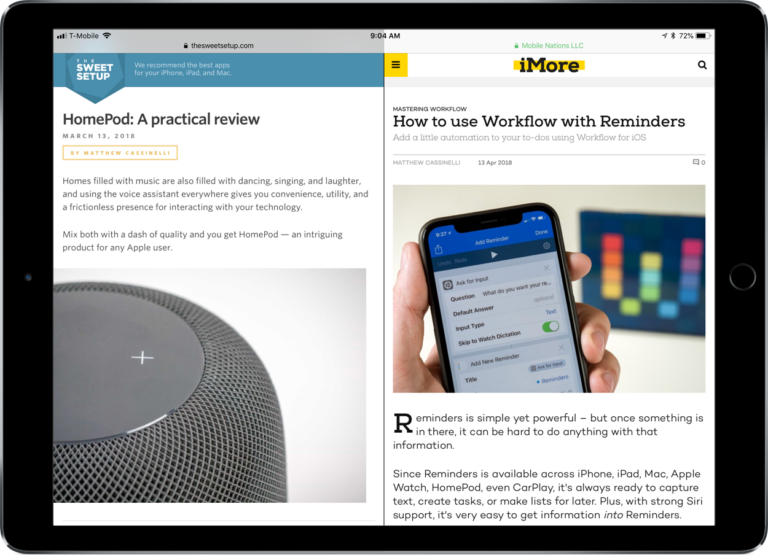
To get the best of both worlds, here’s a set of shortcuts you can use on keynote day to get set up to watch, organize your live-tweeting apps accordingly, and take notes on anything new:
Read the full story on iMore.

Posts You Might Like

How to create speaker groups for HomePod using Shortcuts
12 ways to get the most out of Shortcuts for iPhone
Shortcuts for iPhone is always with you, fits in your pocket, & utilizes the iPhone’s special features — here's how to best use it.
Apple isn’t doing enough for new Shortcuts users — here’s how they can fix it
For such an important app, Apple needs to do a lot more to onboard first time Shortcuts users and get them familiar with the app and how to build in it
How Apple Is Trying To Fix Siri With App Shortcuts