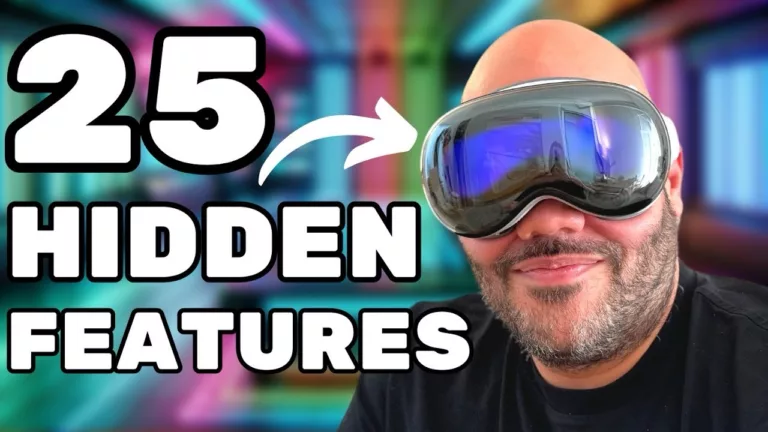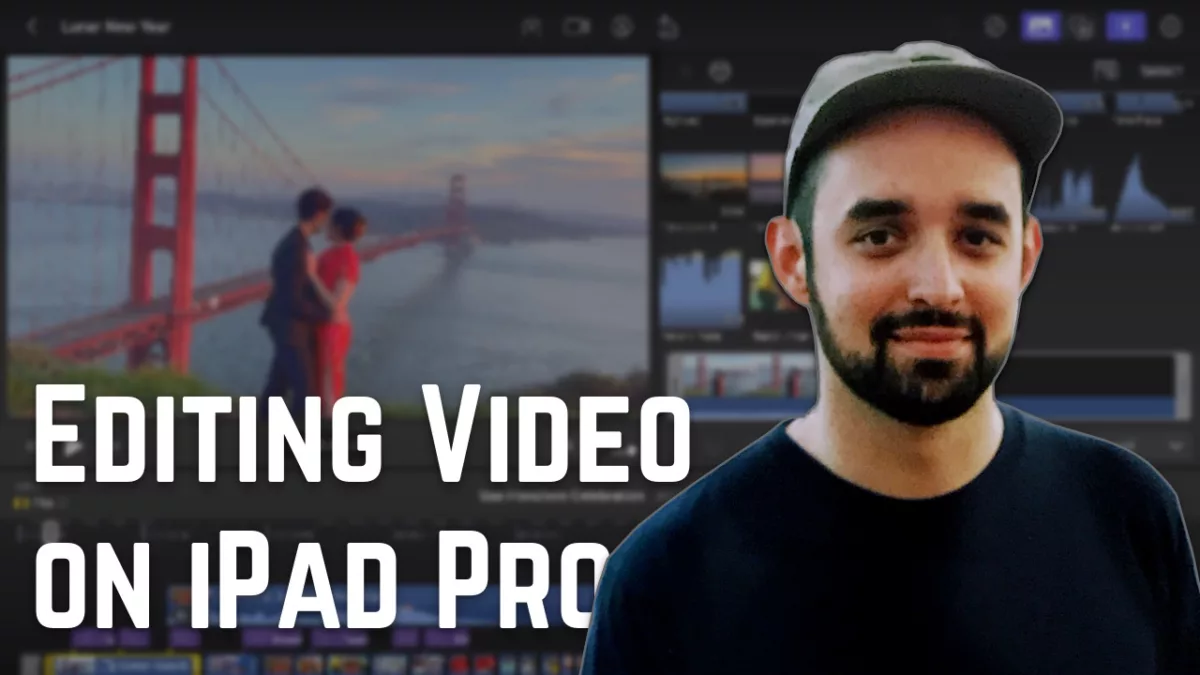
Last Thursday, I streamed a live test of Apple’s new release of Final Cut Pro for iPad for about 2 hours, covering:
- learning the interface
- marking Ins/Outs while importing
- fine edits with the jog wheel
- workflow considerations,
- and much more
Overall, I added 90 chapter markers at each significant moment in the stream, so jump into the video and skip around to the bits that you’re interested in watching – I had some genuine moments of joy while discovering new features, like this one:
Here’s the full list of chapters:
- 0:00 – Waiting
- 1:30 – Introduction
- 3:24 – My Stream Setup
- 5:12 – Importing Footage From Mac
- 6:22 – Syncing Video & Audio with Multicam
- 8:29 – Edit Angles & Audio Sync Issue Start
- 10:00 – Fixing Timestamp on Zoom Recorder
- 12:00 – Trying to Get Audio Sync
- 22:21 – Solved Subframe Audio Issue
- 24:46 – Angle Viewer & Keyboard Commands
- 26:50 – Customizing Workspace UI
- 28:13 – Zoom in Browser & Keyword Limitations
- 32:01 – Testing Editing & Keyboard Commands
- 33:26 – Discussing How I Edit A-Roll
- 34:40 – Pro Apps for iPad
- 35:30 – Stage Manager Shortcuts
- 36:21 – Edits
- 38:02 – Rejecting Clips & Waveform Issues
- 41:01 – Discovering Jog Wheel & Fist Pump
- 41:53 – Ins & Outs With Jog Wheel
- 42:46 – Showing Timeline For UI Comfort
- 43:45 – Editing Backwards For Best Take
- 45:00 – Waveform Issue
- 47:38 – Snapping Tests
- 48:45 – I Love iPad Editing
- 50:51 – Limitations of Range Point Jumps with Touch
- 51:44 – Discovering Jog Wheel Expand Gesture
- 53:00 – Discovering In & Out Handle Shifts
- 54:50 – Audio Scrubbing
- 55:17 – Jog Wheel Inertia Weirdness
- 55:53 – Forward & Reverse Controls
- 56:53 – I Love Drag Handles
- 57:15 – No More Excuses
- 58:00 – Jog Wheel Precision vs Speed
- 58:40 – Editing using Visual of Waveform
- 59:20 – Reject Workflow Revisit
- 1:00:04 – No Continuous Playback
- 1:00:52 – Editing Long Clips & Browser Space
- 1:01:34 – Pacing Yourself & Ergonomics & Break
- 1:02:52 – Resume Editing
- 1:04:09 – Final Cut on Mac
- 1:04:38 – Marking An “In” Point
- 1:05:05 – Finer Cuts With Keyboard Attached
- 1:05:37 – Assembly to B-Roll Method
- 1:06:07 – When To Hand Off To Mac Or Not
- 1:06:22 – “Go to Range In Point” to Reverse Issue
- 1:07:30 – Resetting For Multiple Takes
- 1:08:10 – Keyboard vs Touch Workflow
- 1:08:38 – “Go to Range In Point” Total Issue
- 1:09:30 – Apple Needs To Eat Their Own Dog Food
- 1:09:50 – Range Selection & Reverse Issues
- 1:10:30 – “I Think You Should Leave”
- 1:11:15 – Keyboard + Trackpad Combo
- 1:12:05 – Optimized For Touch to Keyboard
- 1:13:43 – Rejecting Ranges Between Favorites
- 1:14:55 – “Go To Range In Point” Issue Works?
- 1:16:06 – Errant Keyboard Command to Application Crash
- 1:17:15 – Use The Right Device For The Task Until You Need The Next
- 1:18:35 – Trouble Matching Intonation After Resets
- 1:19:02 – Speaking In Reverse & Gibberish
- 1:19:36 – Messing Up While Filming
- 1:21:28 – Trouble Dropping Playhead & Continued Editing
- 1:24:51 – Filming Cold Intros & Warming Up
- 1:26:15 – Editing Outros
- 1:27:05 – Renaming Clips Issue
- 1:27:46 – Point Where One Might Switch to Mac point
- 1:27:56 – Clip Import Temporary Issue
- 1:28:19 – Keyboard Commands and Browser Insert Issue
- 1:30:00 – Multicam Insert Does Not Respect Audio Choice
- 1:32:57 – Playhead Issue
- 1:33:50 – “Off” Button Cannot Be Tapped
- 1:34:15 – “Edit Angles” Shows Selected Audio Source Not Saved For Inserted Clips
- 1:34:56 – No Copy and Paste Edits
- 1:36:15 – “Position” Needs To Be Turned Off for Magnetic Timeline
- 1:40:00 – Doubting Thomas (Matthew)
- 1:40:21 – WWDC
- 1:40:33 – Why The “Position” Feature Fixes The Final Cut Pro Magnetic Timeline For Haters
- 1:41:48 – Timeline Editing With Jog Wheel & Select Modes
- 1:43:30 – Nudge Editing
- 1:45:05 – Understanding Playhead vs Nudge
- 1:46:15 – Detail Cut On The Action
- 1:47:20 – Cutting Out Filler Words
- 1:48:05 – Dead vs Alive
- 1:50:08 – Cut Tool
- 1:50:44 – Matthew’s Annoyed Face
- 1:51:45 – Start Clip Under Playhead & Select Clip & Skip Commands
- 1:53:28 – Trimming Clips & Cannot Select Next Clip
- 1:55:05 – iPad Pro = Keyboard
- 1:56:01 – Move Around With This
- 1:56:21 – Until Next Time & Workflow Consideration