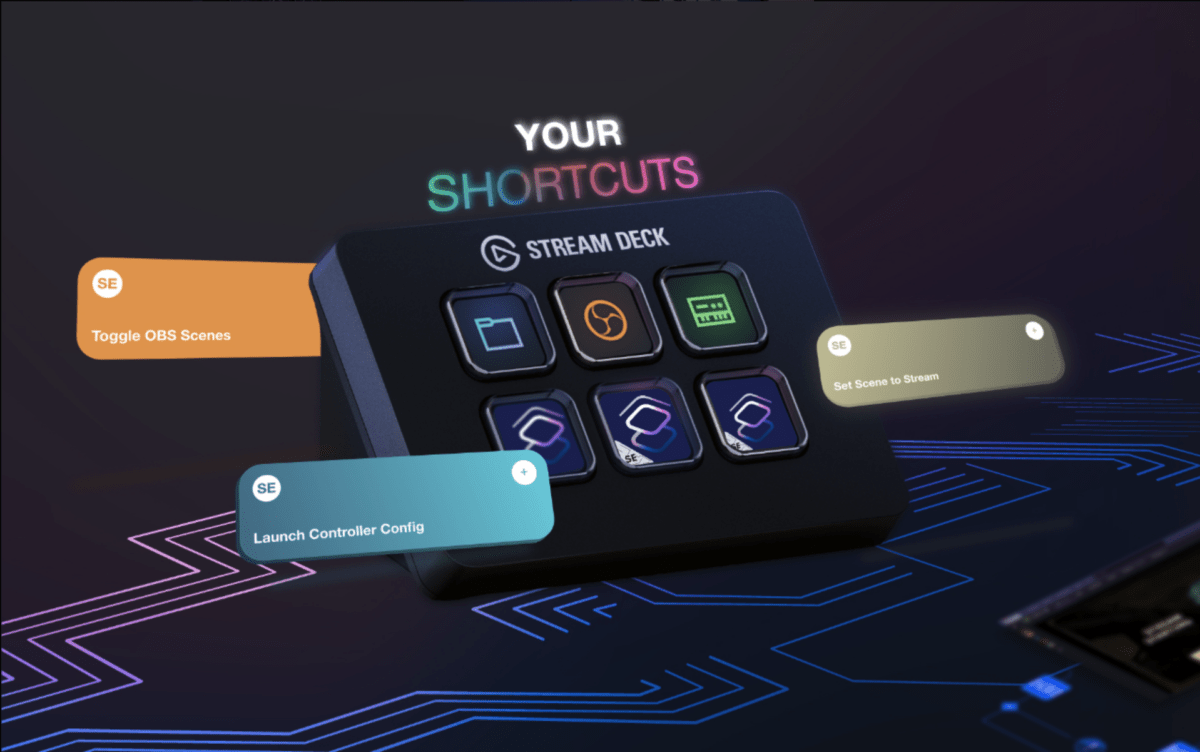
Since my original coverage of how to use the Stream Deck with Shortcuts, other methods have popped up – most notably, the Shortcuts plugin for Stream Deck from developer Sentinelite.
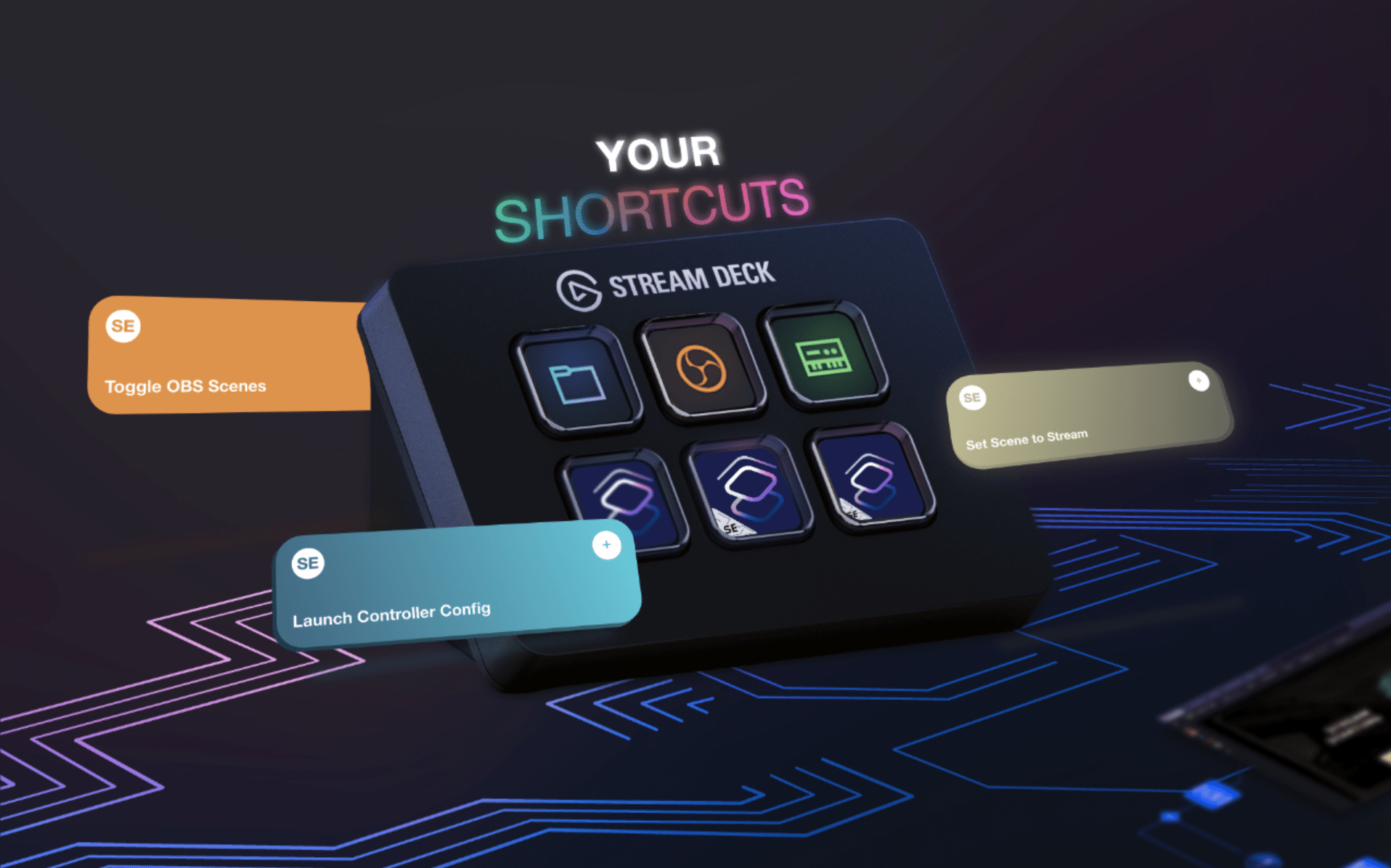
With Shortcuts for Stream Deck, users can select from their shortcuts folders, set a specific shortcut using a dropdown menu, and run their shortcut with a tap of a button.

Users can customize the title, message displayed, and even an Accessibility options. Plus, you can change the icon by dragging over any icon from Finder, or using the dropdown arrow and selecting “Set From File.”
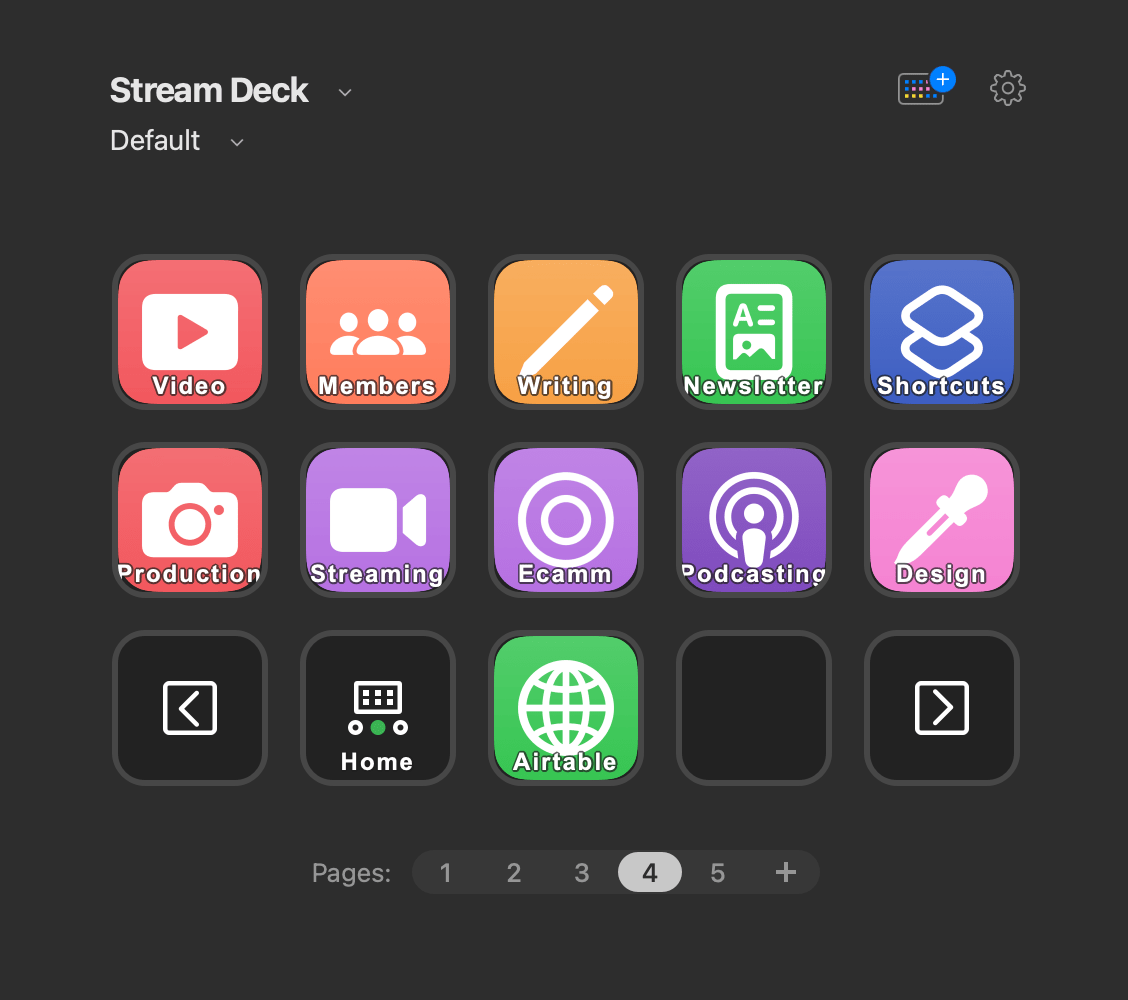
The “Launch Shortcut” button can be used an infinite number of times across Stream Deck pages, profiles, and folders, allowing an enthusiastic user to add shortcuts for their entire Shortcuts library, should they so choose – I highly recommend doing so, as it puts all your shortcuts right at your fingertips.
Unfortunately, I can’t reliably use this myself, as my large library quickly overloads the plugin. Instead, I still use my AppleScript method, which just uses the shortcut name; but that also means I have to hard-code every single one of my shortcuts. However, Sentinelite has teased version 2 of the plugin, which does load my library – I may have to consider switching methods soon…
Get the Shortcuts plugin for Stream Deck, and get the Stream Deck from Amazon.