Apple Vision Pro Unboxing: Member Video

In this hour-long unboxing video, I experience the Apple Vision Pro for the first time, test Shortcuts, and give my initial impressions – for members only.
Apple Vision Pro Unboxing: Member Video

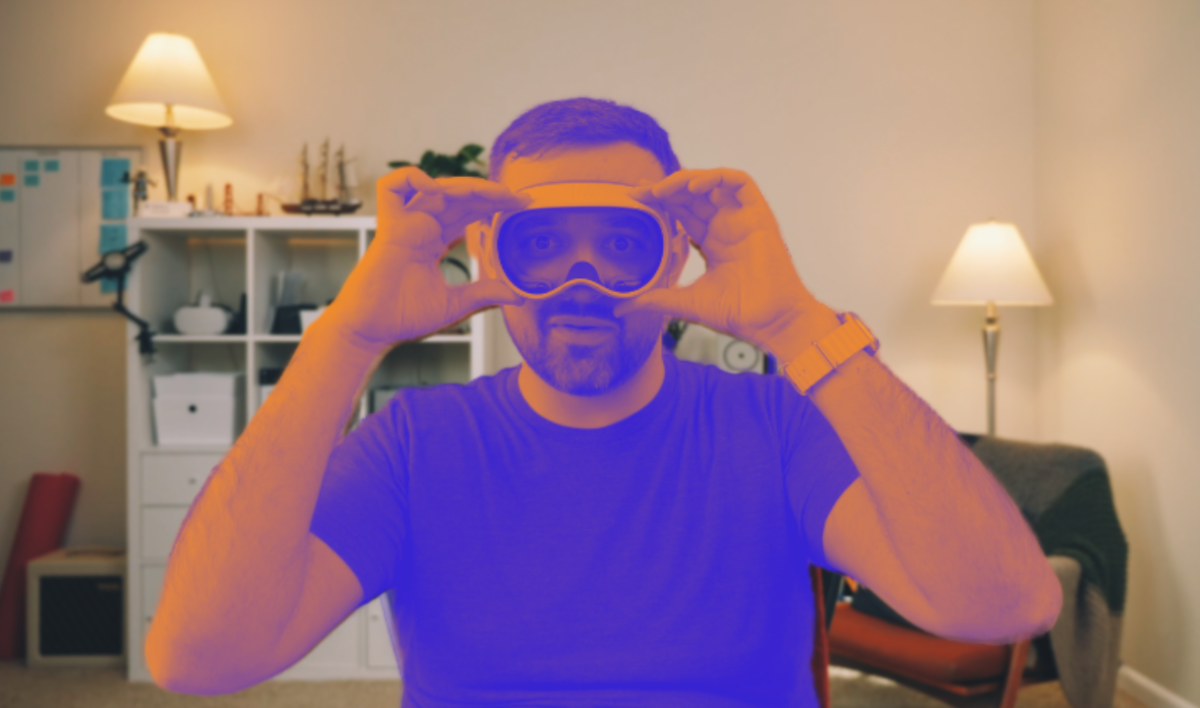
Hey members! I have a special new video for you – my unboxing experience with the Apple Vision Pro, available now privately through YouTube.

Hey members! I have a special new video for you – my unboxing experience with the Apple Vision Pro, available now privately through YouTube.

Coming in at a little under an hour, I tried to capture a simple walkthrough and first-run experience with the device – complete with small observations, initial confusions, and the inevitable screen recording issues.

I’ve included chapter markers so you can jump through and watch the most interesting bits, and will clip out my favorite moments as well – for example, the first good screen recording starts at 35:22 in.

Admittedly, this may not be a thriller to watch from start to finish; but, I am experimenting with deeper access videos like this, as well as testing different filming techniques or editing processes – this is shot in a 4:3 aspect ratio, for example. Plus, since I don’t have to optimize for a massive audience or “the algorithm,” I can be a little more relaxed and natural, like the way I settle into things during livestreams.

I loved this initial test of a members-only video, and I hope you enjoy it too – let me know if you’d like to see other videos like this in the future!

Become a member to get access to access to the video, plus:

  • New shortcuts on an ongoing basis
  • Extra ways to browse the catalog when you’re signed in
  • Prerelease notes & workflows I’m putting together
Posts You Might Like

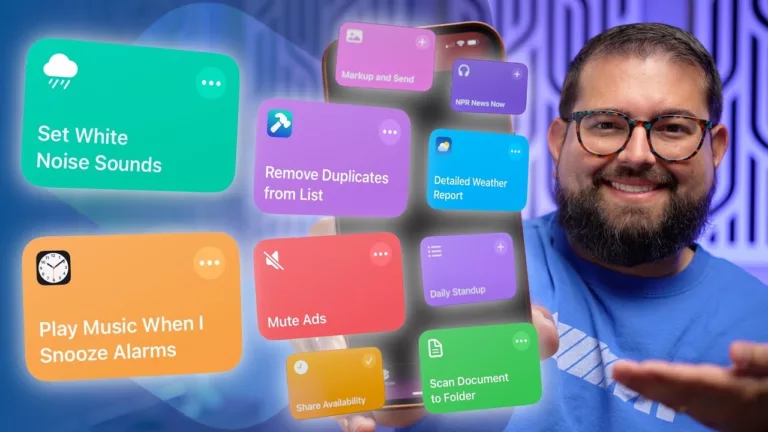
15 iPhone Shortcuts YOU Requested: Auto-Texting, Alarms, Music, and More! »
Stephen Robles continues his Shortcuts series on YouTube by building shortcuts off listener requests – a great watch as always.
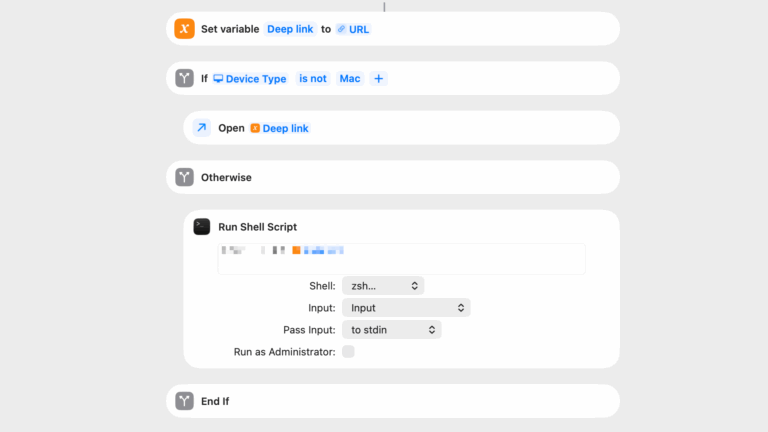
Technique: Open URLs into Mac apps using Shell Scripting
In the update to my TV app shortcuts, I debuted a new technique for opening links into Mac apps using Run Shell Script – here's all the details for my membership program.
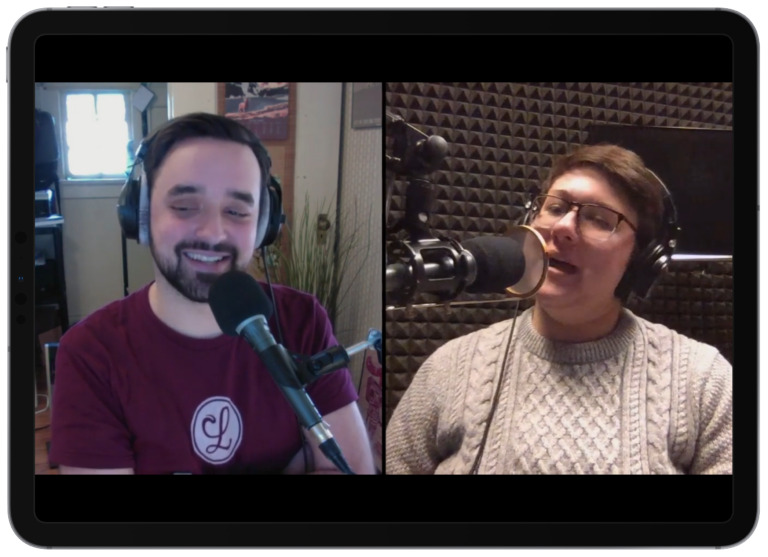
How to jump between the audio and video of Supercomputer
When your podcast turns into a video podcast, what do listeners do if they want to watch along? For our show, I’ve build a custom Shortcut to turn Overcast links into YouTube deep links, so you can tune in regardless of the medium.
Fill out my Membership App Discounts Partner Interest Form