From matt palmer (@mattyp) on X:
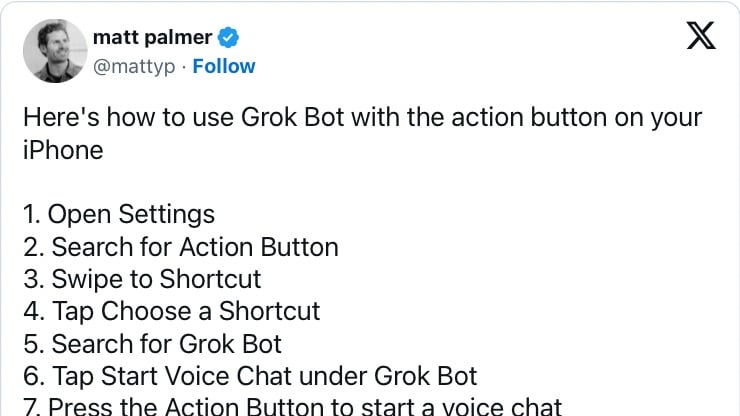
Here's how to use Grok Bot with the action button on your iPhone
1. Open Settings
2. Search for Action Button
3. Swipe to Shortcut
4. Tap Choose a Shortcut
5. Search for Grok Bot
6. Tap Start Voice Chat under Grok Bot
7. Press the Action Button to start a voice chat https://t.co/4UaVC9WVZY pic.twitter.com/2hQKA8UjHq— matt palmer (@mattyp) October 21, 2026