Hey Siri, open Software Update: iOS 26.5 is out

iOS 26.5 is out with RCS messaging, a new Pride wallpaper, Suggested Places, and reminders snoozing options – plus automatic pairing.

On Monday, May 12, Apple released the last OS update before announcing the next version at WWDC26 – now we’re on iOS 26.5. We’ll likely see another OS update this summer, but in effect this is the last version of iOS 26 and its most stable version.

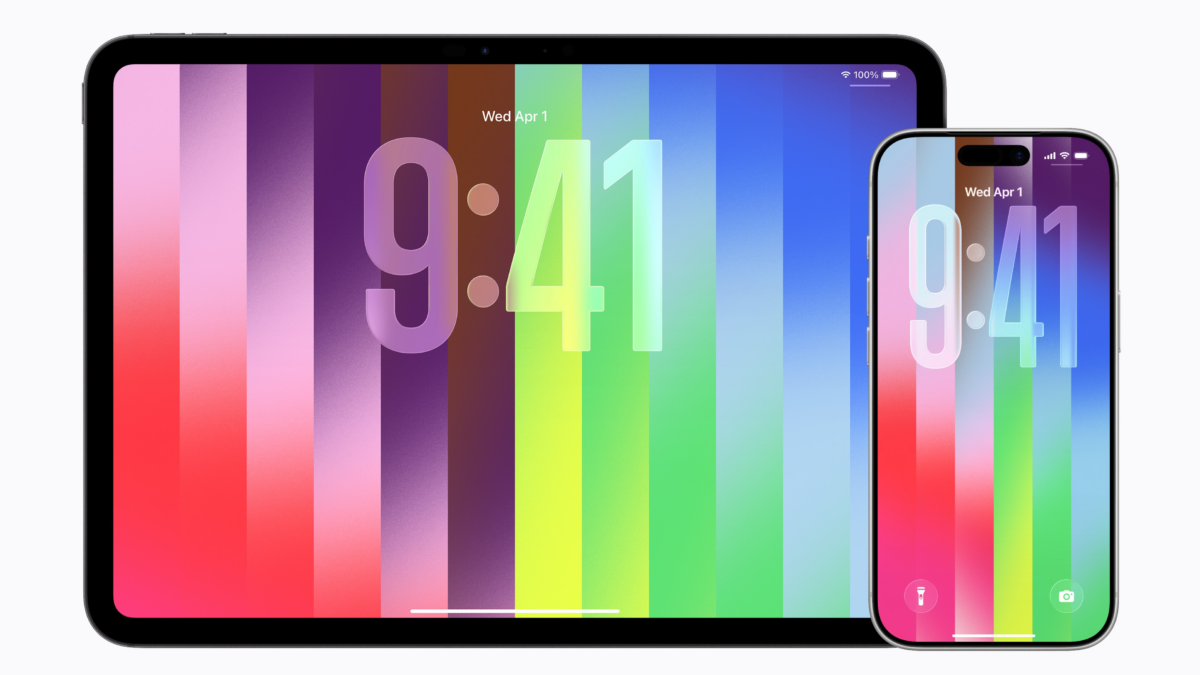
Apple has three key features in this version – end-to-end encrypted RCS messaging (in beta), a new Pride Luminance wallpaper, and Suggested Places in Maps, plus new snoozing options for reminders. My favorite update, however, is automatic pairing when using USB-C to change devices – I switch keyboards at my home desk all the time.

Make sure to use my folder of Software Update shortcuts to jump to the page on your device, as well as check beta release notes.

Featured Shortcuts

shortcut-open-software-update-icon.png
Open Software Update
Opens the Software Update section of Settings to see if new betas and updates are available.
shortcut-check-beta-release-notes-icon.png
Check beta release notes
Presents a menu of platform types, then opens the corresponding release notes page on Apple’s website.
shortcut-learn-about-apple-betas-icon.png
Learn about Apple betas
Opens the Apple Beta Software Program page where you can sign up for Apple’s public betas for iOS, iPadOS, macOS, and watchOS, plus learn about upcoming releases.
shortcut-find-shortcuts-release-notes-icon.png
Find Shortcuts release notes
Opens Apple.com search results for “Shortcuts release notes”

Posts You Might Like

Bloomberg: ‪Apple Plans Customizable iPhone Camera App, Siri Overhaul »
Bloomberg has more Siri news – I'm focused on "Search or Ask" which sounds like it'd provide App Intents results similar to Image Search.
There Are 261 New Features Available in iOS 18
Apple has published a guide for all the new features available in iOS 18 – I made a reference doc, plus two outlines to share.
AI + iOS: The State of Apple Development Ahead of WWDC (feat. Rudrank Riyam)
This week, developer Rudrank Riyam, author of the AiOS Dispatch newsletter, joins me to talk about his experiences developing for Apple platforms using AI-assisted coding, and what we're interested in ahead of Apple's WWDC.
OverPicture gives easy access to Picture-in-Picture on macOS, iOS, and iPadOS »
OverPicture adds easy access to picture-in-picture from your Safari toolbar – get it for a few bucks on the App Store.