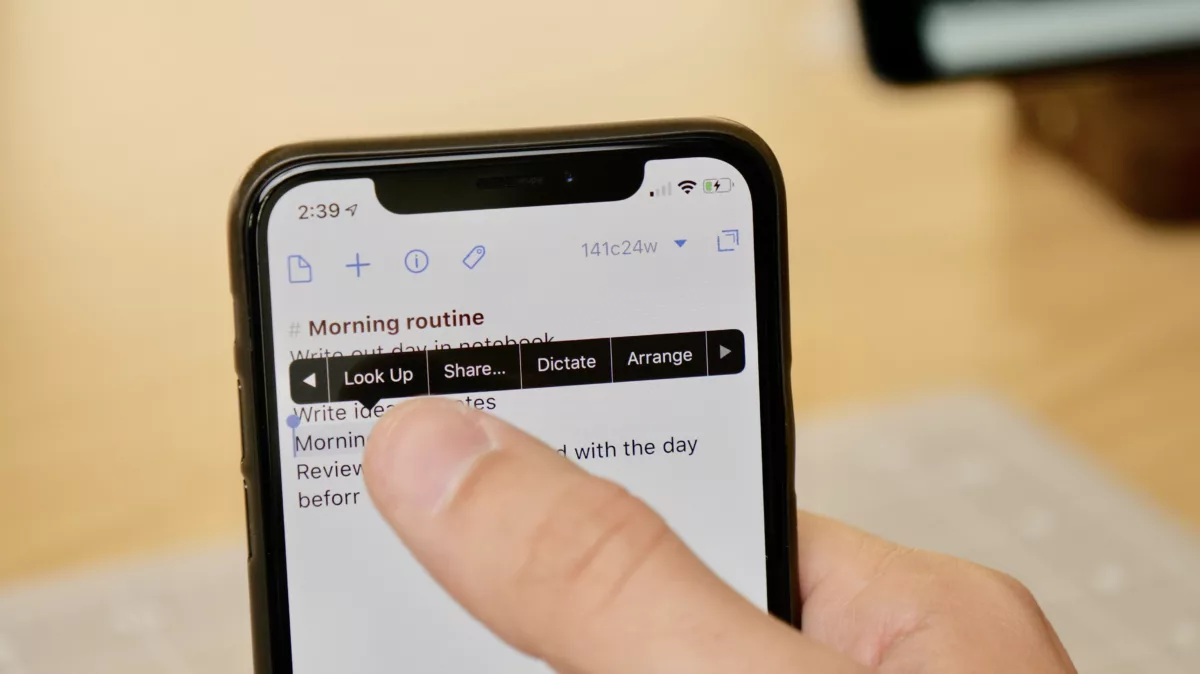
Swipe on the Copy & Paste menu in iOS to see more actions

I didn't know about this feature for years – hopefully you can take advantage of it now [includes a GIF].

If you’re like me, you may have been on iOS for years before you learned that when you select text and want to navigate the copy & paste menu, you don’t have to tap the arrows to navigate – you can just swipe to the next page.

Normally I’d select text, try to accurately hit the tiny little next arrow, and usually missed and paste something instead of closing the menu. But when I was at WWDC, I saw someone go to share a bit of text and he… just…swiped on the list of actions.1

For anyone who uses the Workflow action extension often and likes to run workflows on text using the text selection share menu, this is extremely handy. And for Drafts users, this also provides quicker access to the Dictate and Arrange actions available in that second page of the copy & paste menu.

This is a super small thing and may seem obvious, but if you don’t know about it, you might not ever really figure it out. Hope this helps – check out more of my new Tips & Tricks archives here and coming every Monday on my site.
  1. I’ve… worked on iOS for years and he… justswiped on the menu. 

Posts You Might Like

Get the iOS, iPadOS, and macOS 27 Design Kits for Figma and Sketch from Apple
Apple Design has released new resources for the iOS 27 cycle, including UI Kits and App Icon Templates for Figma and Sketch.
iOS 16.4 beta: New Shortcuts actions for Stage Manager, Intercom, VPN, Always-On Display coming
Apple has added 11 new Shortcuts actions in the iOS 16.4 developer betas – learn about new capabilities for Stage Manager, the iPhone 14's Always On Display, Intercom on HomePods, and VPN control.
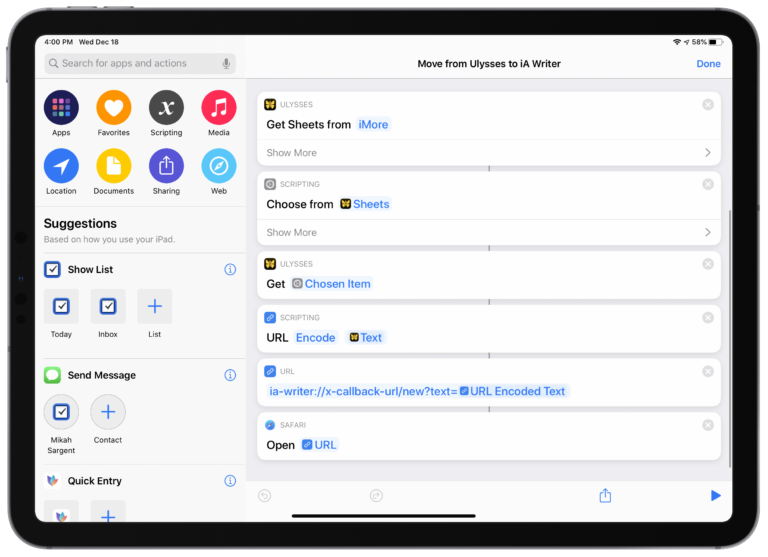
How to make a full-page screenshot of an app or website with StitchPics
StitchPics is my favorite tool for making screenshots of complete Shortcuts – check out the video of how it works.
MacRumors: iOS 27 Makes the Shortcuts App Much Less Intimidating »
Juli Clover of MacRumors covers all the updates out of WWDC that make Shortcuts easier to use – Describe a Shortcut, refinements, new actions, and more.