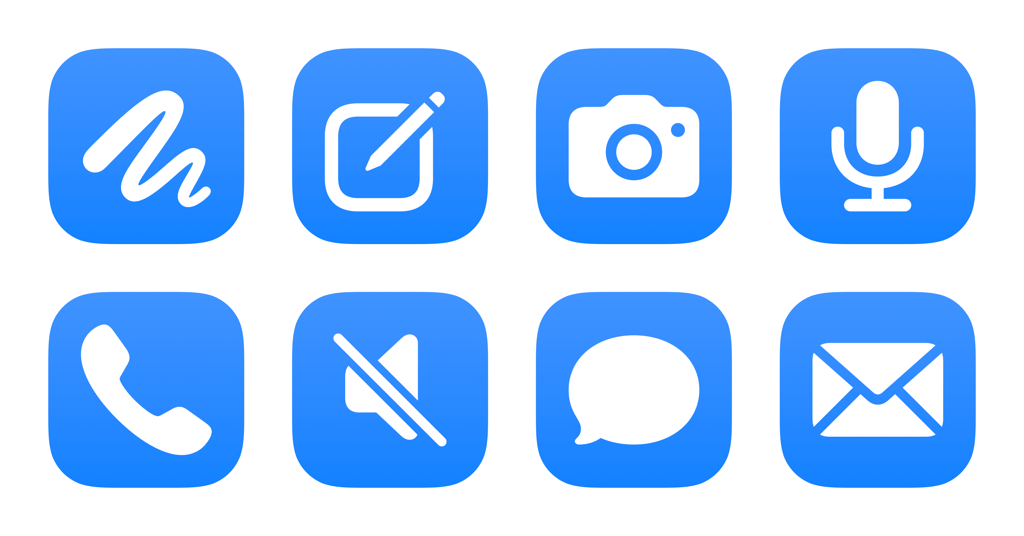
I’ve just added a new folder to the Shortcuts Library — my set of Muse shortcuts for Meta’s Muse assistant.
Use these to start a call with your assistant, dictate to Muse, and forward along Messages & emails automatically:
- Open Muse: Opens the Muse app to your Main Chat.
- Create new chat in Muse: Creates a new side chat in the Muse app, adding to your history of separate conversations from the Main Chat.
- Open Muse Camera: Opens the Muse app to the Camera in your Main Chat, letting you add context from the world around you.
- Dictate and send to Muse: Opens the Muse dictation mode, letting you speak your request before sending it to the Main Chat.
- Start a call with Muse: Opens Muse and starts a call, letting you chat with your agent and have it execute requests over voice.
- Toggle microphone in Muse: Mutes or unmutes the microphone in Muse when on a call with your agent. Works best as an Action Button selection.
- Forward iMessage to your assistant: Finds Messages from the last 7 days and asks you to choose one to send to Muse as context.
- Forward email to your assistant: Designed for Mail automations, this sends the Subject, Content, and Sender to Muse for any email triggered by your automation.
Check out the folder of Muse shortcuts on the Shortcuts Library.