Hello Shortcuts friends!
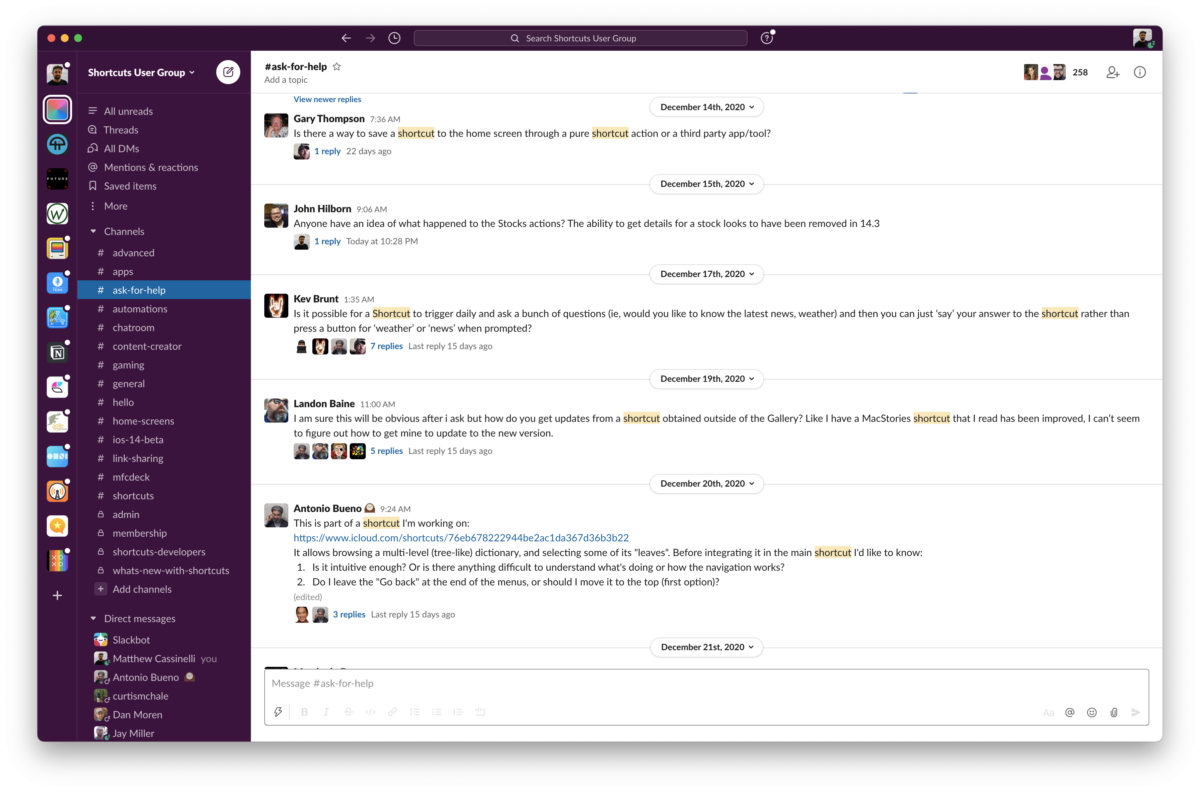
If you’d like to be part of a community of people talking about and sharing Siri Shortcuts, you’re welcome to join my new Shortcuts User Group on Slack.
 I’ve been running this small community for about a year now, consisting of a cohort of people who are interested in Shortcuts and want to learn from other people directly about how to integrate Siri Shortcuts into their lives.
If you join, you’ll get a chance to see how other individuals are using Shortcuts in creative ways, get ideas or inspiration on your own automations, and be able to check in with a group of like-minded folks.
We have channels for things like:
- getting help & asking questions,
- sharing your own shortcuts or write-ups, and
- having places to just talk and have fun.
The community is open for anyone to join, although I do ask new members to be intentional and try to invite friends who’d want to actively participate over trying to grow the community as large as possible – these tend to work best when we all get a chance to know each other a bit. ?
Subscribers to my website membership will also be added to a private members-only channel so I can share the exclusive content there and chat with members directly.
Thanks for checking the Shortcuts User Group out – I look forward to meeting you in there!