

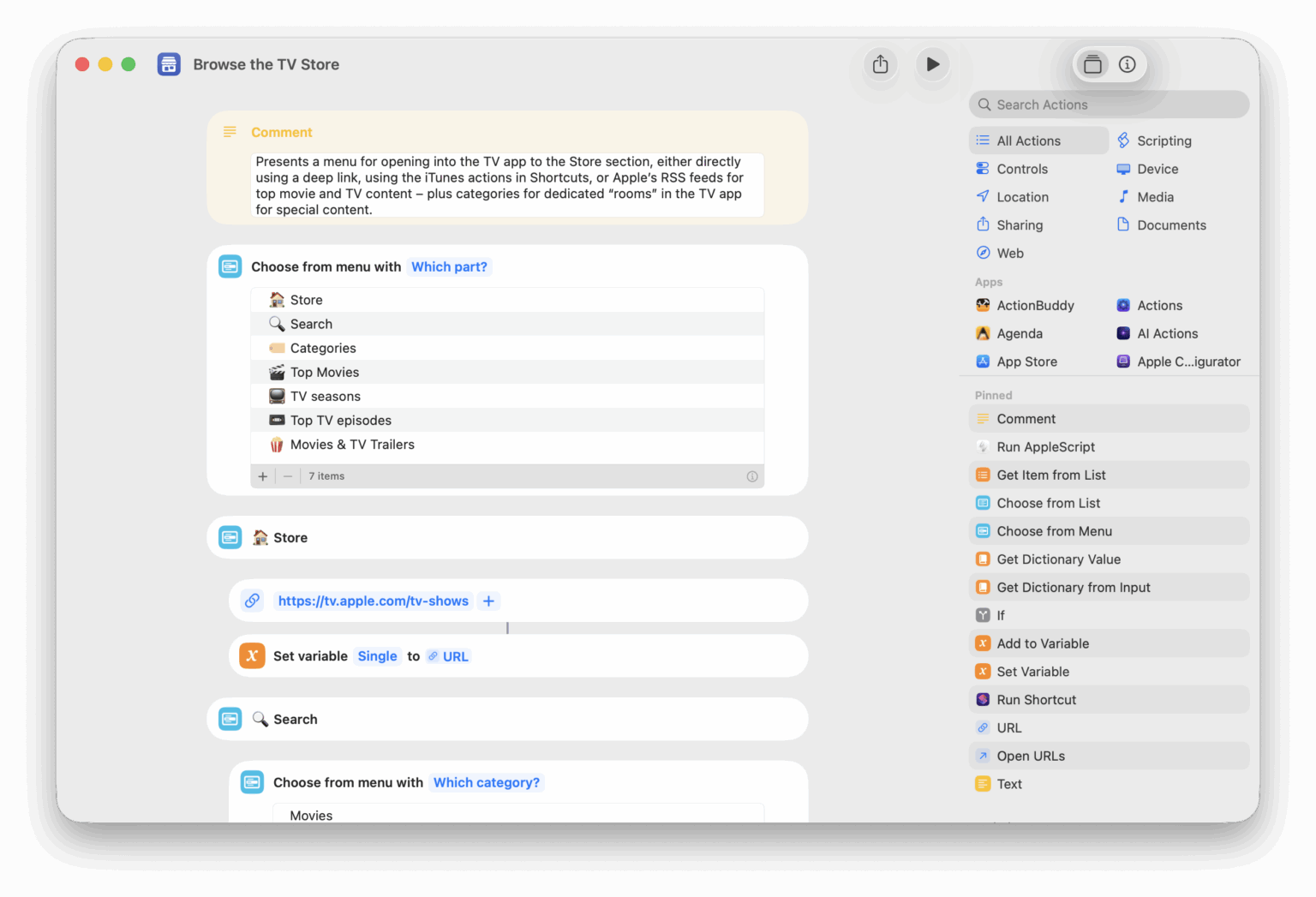

















Open Apple TV Search
Opens the Search page in the TV app, letting you quickly type out a query or pick from their curated categories.

Open MLS Season Pass
Opens the TV app to the dedicated section for Major League Soccer.

Open into the TV app
Presents a menu of sections in the TV app and opens the deep link into the app on iPhone, iPad, and Mac – options include Home, Search, Store, Sports, Apple TV+, and Library. When run from Apple Watch, opens the Apple TV app.

Open Apple TV home
Opens the main Home tab of the TV app where you can view and add content to your Up Next queue.

Add to my TV watchlist
Accepts a list of TV shows or movies, scrapes the results from Apple’s Marketing Toolbox, and lets you pick where to send the media – with options to open into the TV app, add to your Watchlist, send to Reminders, or copy the links.

Watch Harry Potter
Shows a menu that lets you pick from the 8 movies in the Harry Potter series and opens your choice in the TV app.

Show New Release top sellers
Opens the “See More” link in the New Releases section of your Comixology home on the Amazon website where you can see comics curated for you that are top sellers.

Show Whole Foods on Amazon
Opens the Amazon app to the Whole Foods Market page where you can find and order food from your nearby store.

Connect to 12.9″ iPad Pro
Activates Sidecar for a larg iPad Pro near your Mac. Works remotely from iPhone, iPad, Apple Watch, and HomePod using Siri over SSH.

Describe this
Opens the Magnifier app and activates the “Describe This” feature that “provides a description of what’s in the camera view.”

AirPlay to the TV
Wakes the Apple TV and sets the playback destination to that device, making any videos play over AirPlay.


Automators Membership
Enhance your experience with bonus shortcuts, folder bundles, and exclusive perks.


Action Directory
Discover endless possibilities by combining the building blocks for Shortcuts.