Now, what happens when the same entity needs to work on multiple devices?
With our 2027 releases, Siri can continue conversations across devices – and your entities can be part of those conversations.
If your app runs on multiple devices, people might start a conversation on one device and continue on another. But there’s a challenge.
If I ask Siri on my iPhone to add a photo to an album…
…then switch to my other device and ask Siri to tag that photo – Siri might not be able to find that photo.
To understand why, let’s think about how entities are identified.
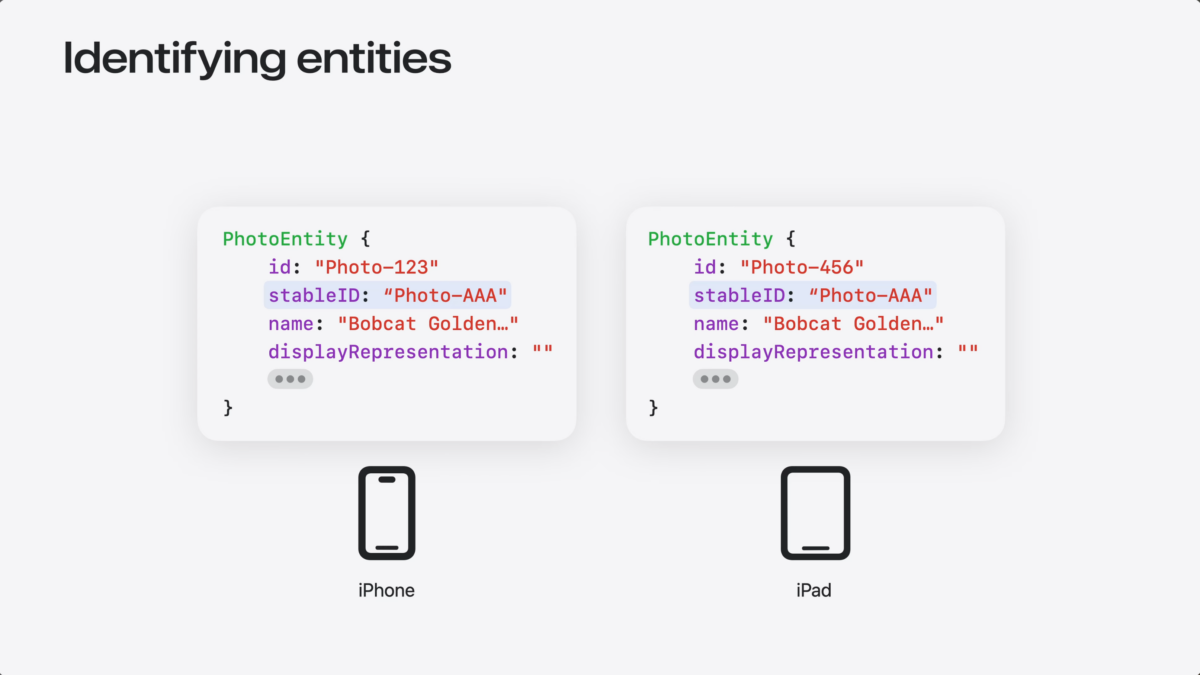
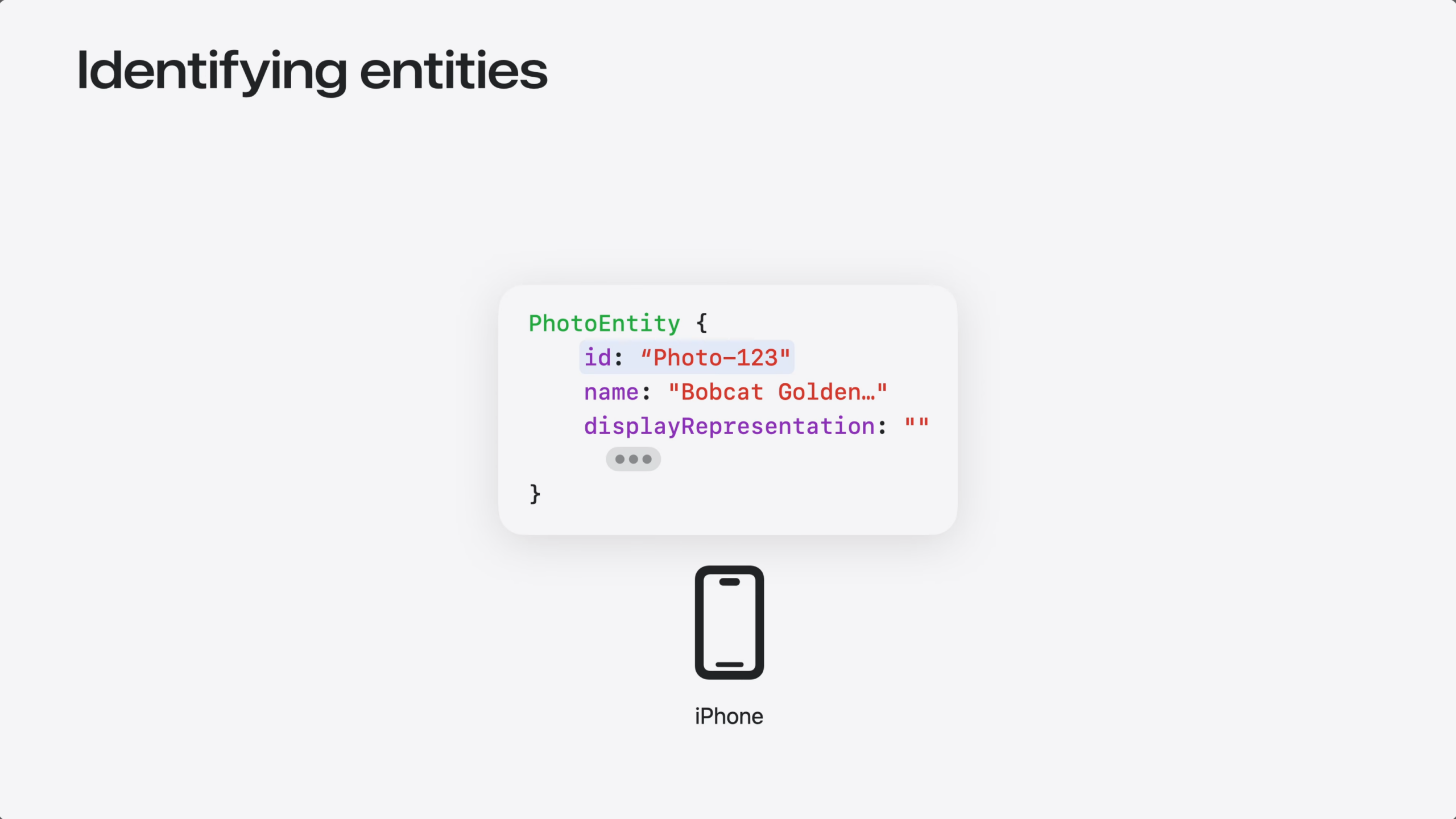
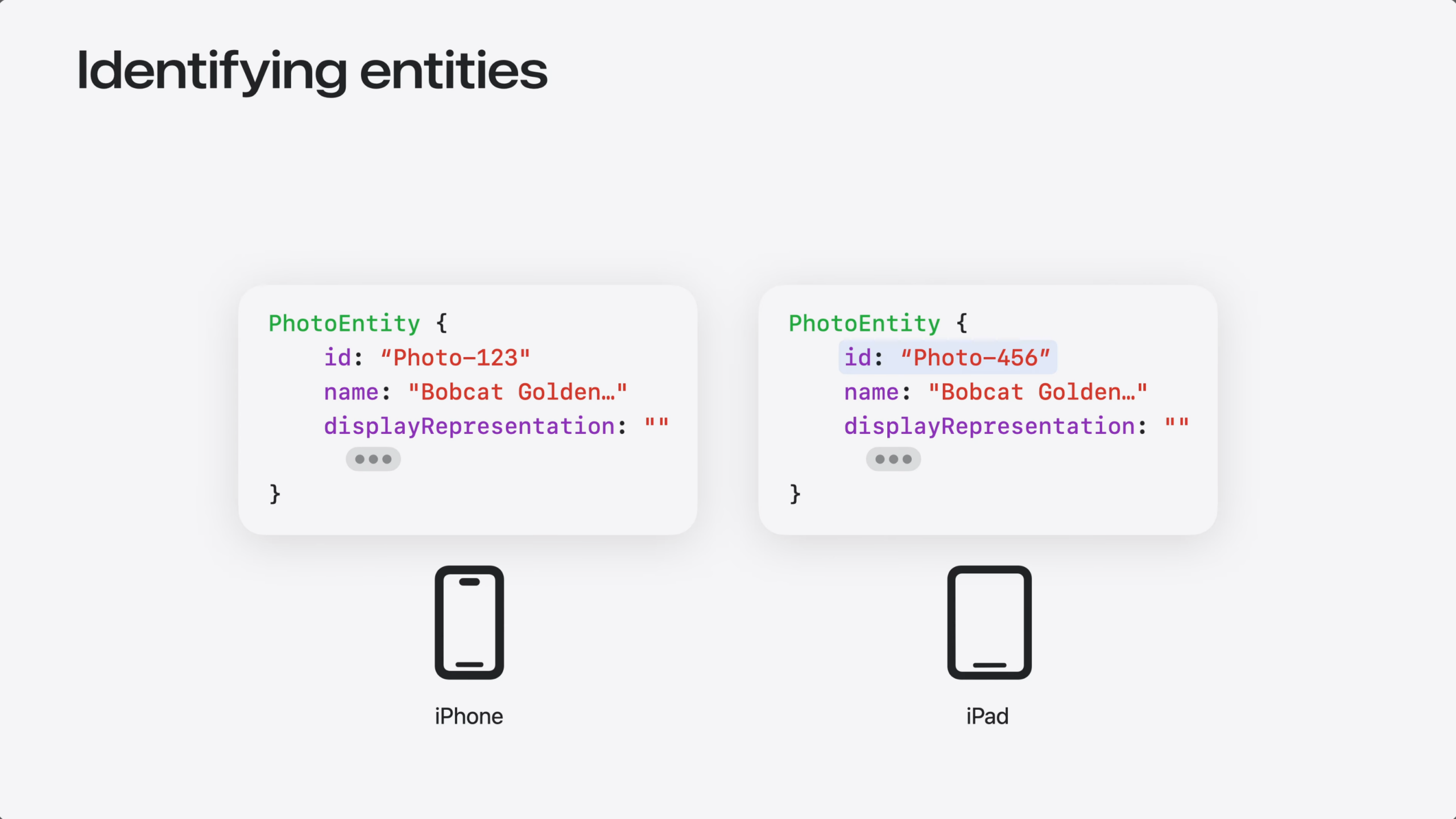
Every entity needs an ID – that’s how the system finds it. Your entity’s ID might be generated locally on each device. Local IDs work great eon the device they were created on.
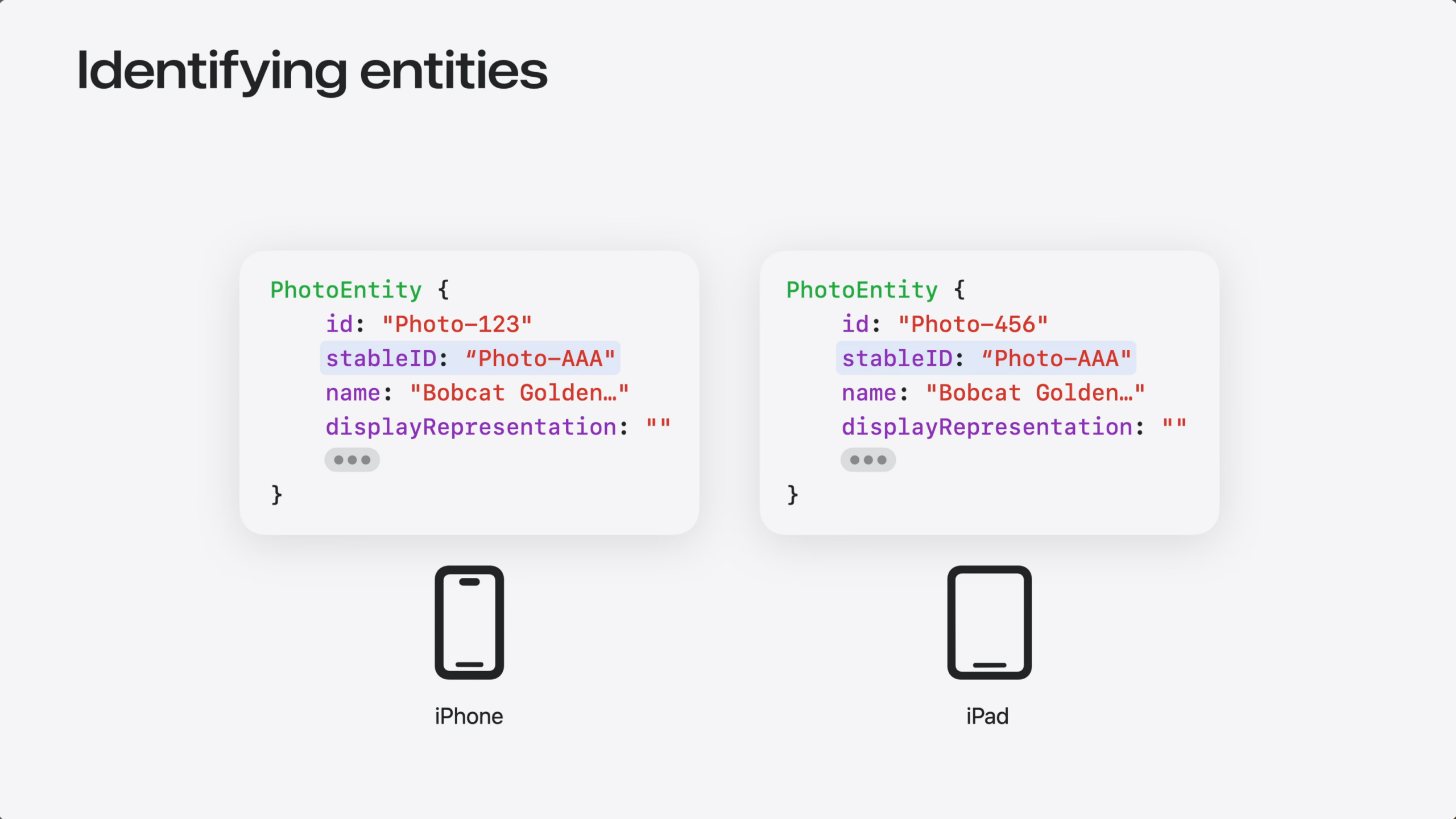
But each device generates its own local IDs. So the same entity can end up with a different ID on each device.
For Siri to reference your entities across devices, it needs a stableID that’s the same everywhere. That could come from your server, or from CloudKit record IDs.
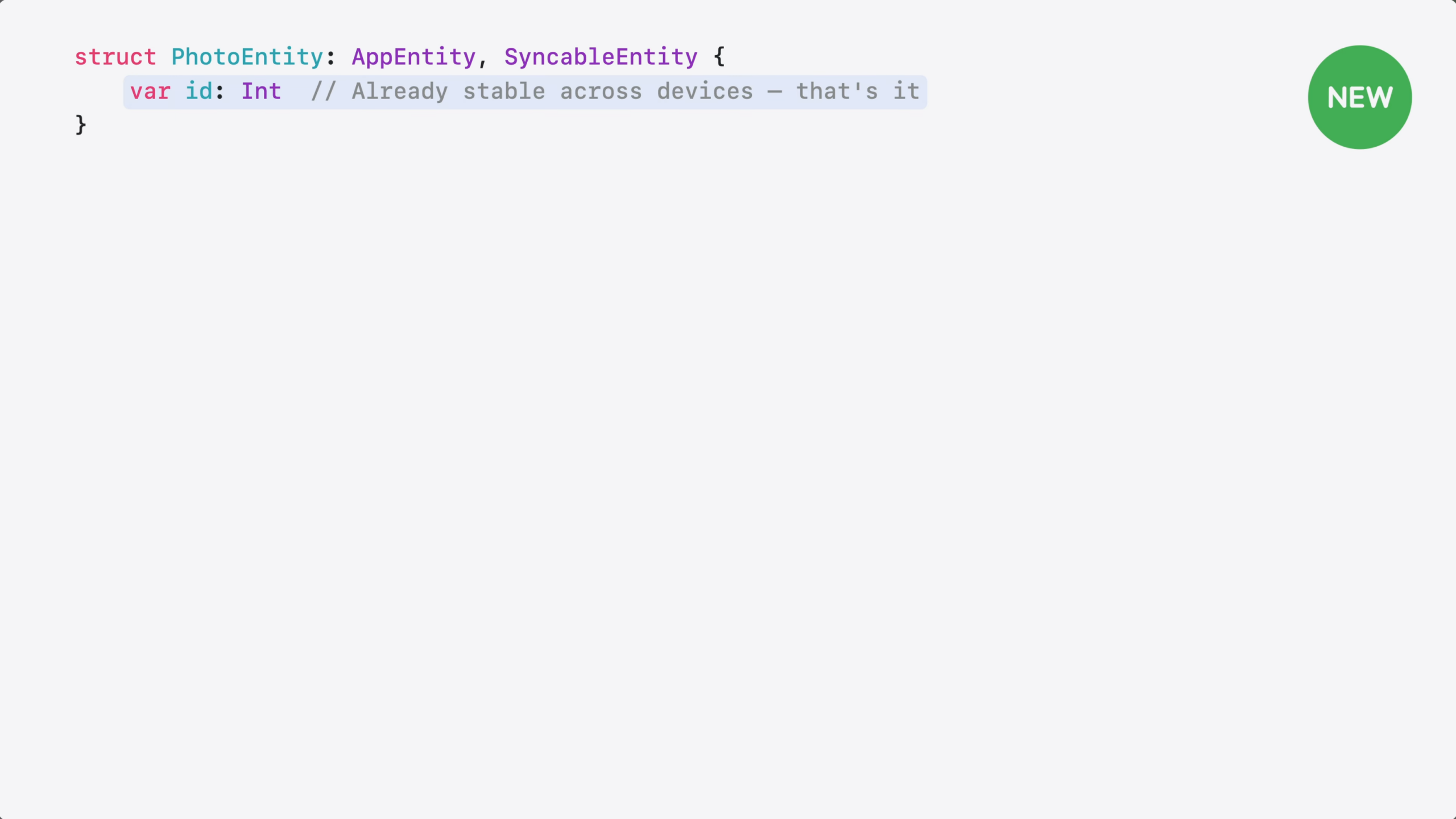
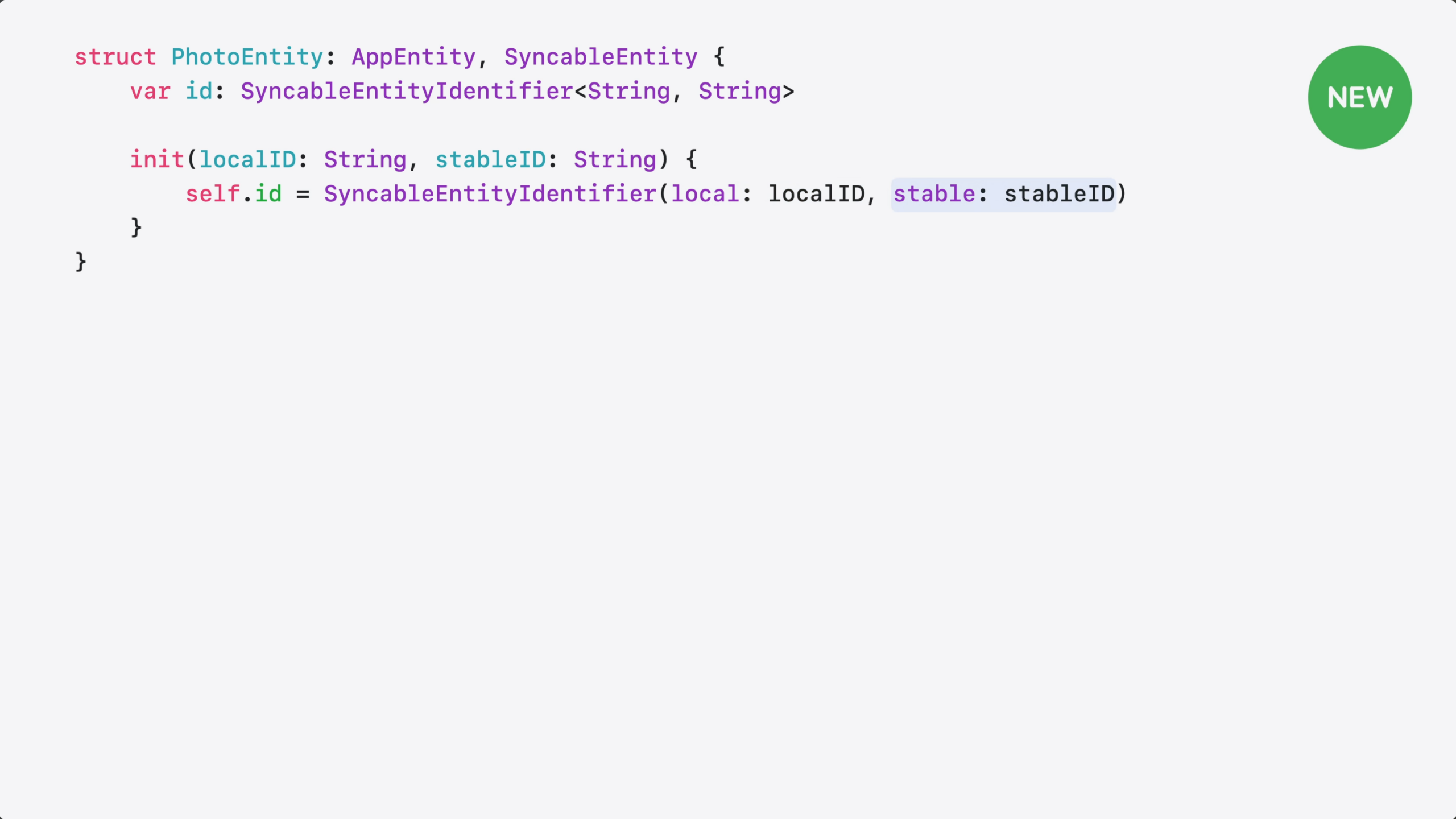
Then, you need a way to tell the system your entity’s ID is stable. That’s what SyncableEntity does – it declares to the system that your entity’s ID is stable and can be used across devices. Here’s how to adopt it.
I start by adding the SyncableEntity protocol to my entity.
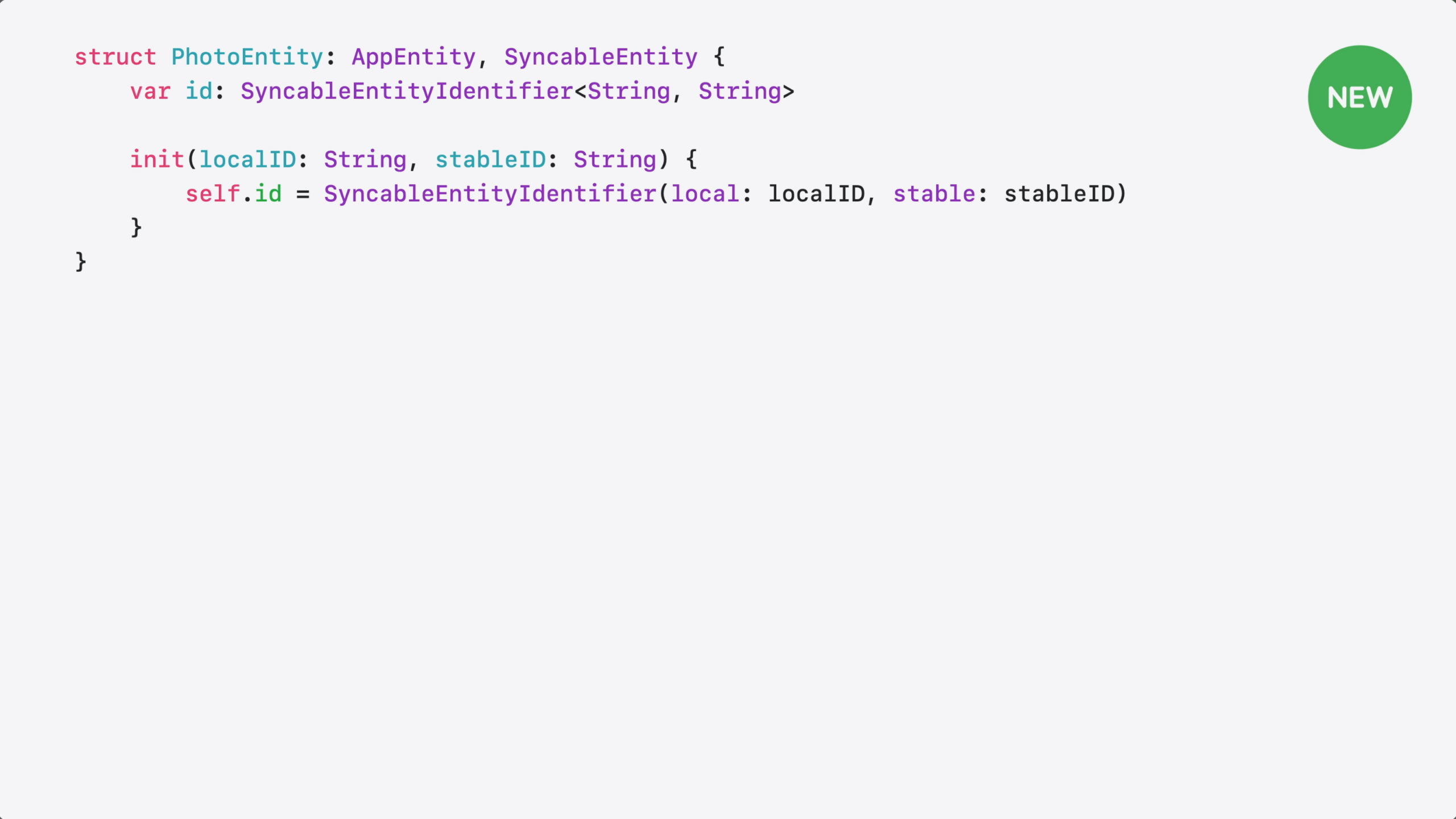
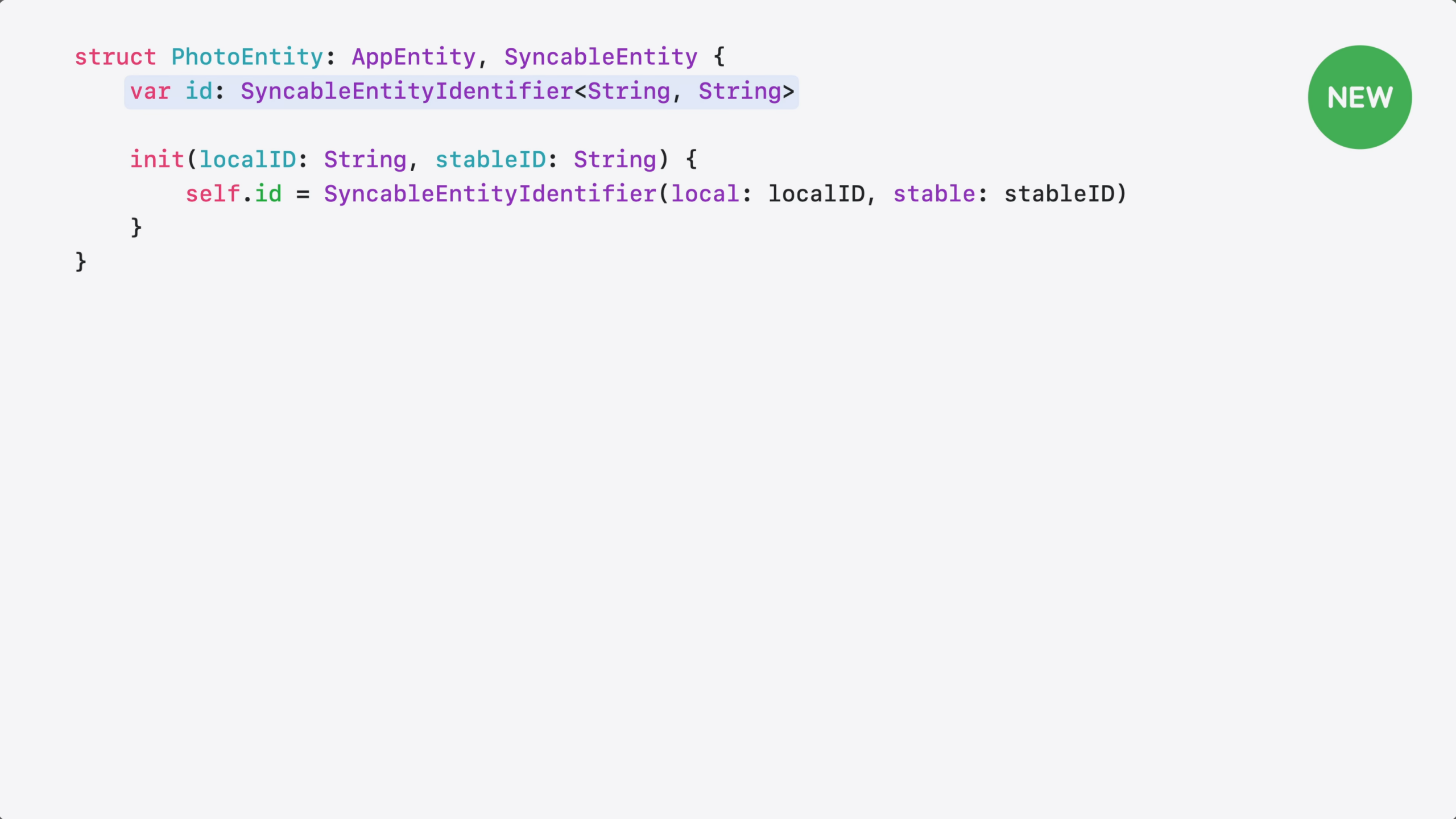
Then, I need to provide the stable ID.
If your entity already uses an ID that’s the same across all devices, like a server-assigned UUID or a CloudKit record ID – no more changes needed.
c
But, if you use local identifiers, like CoreData row IDs, you need both: a local ID and a stable one.
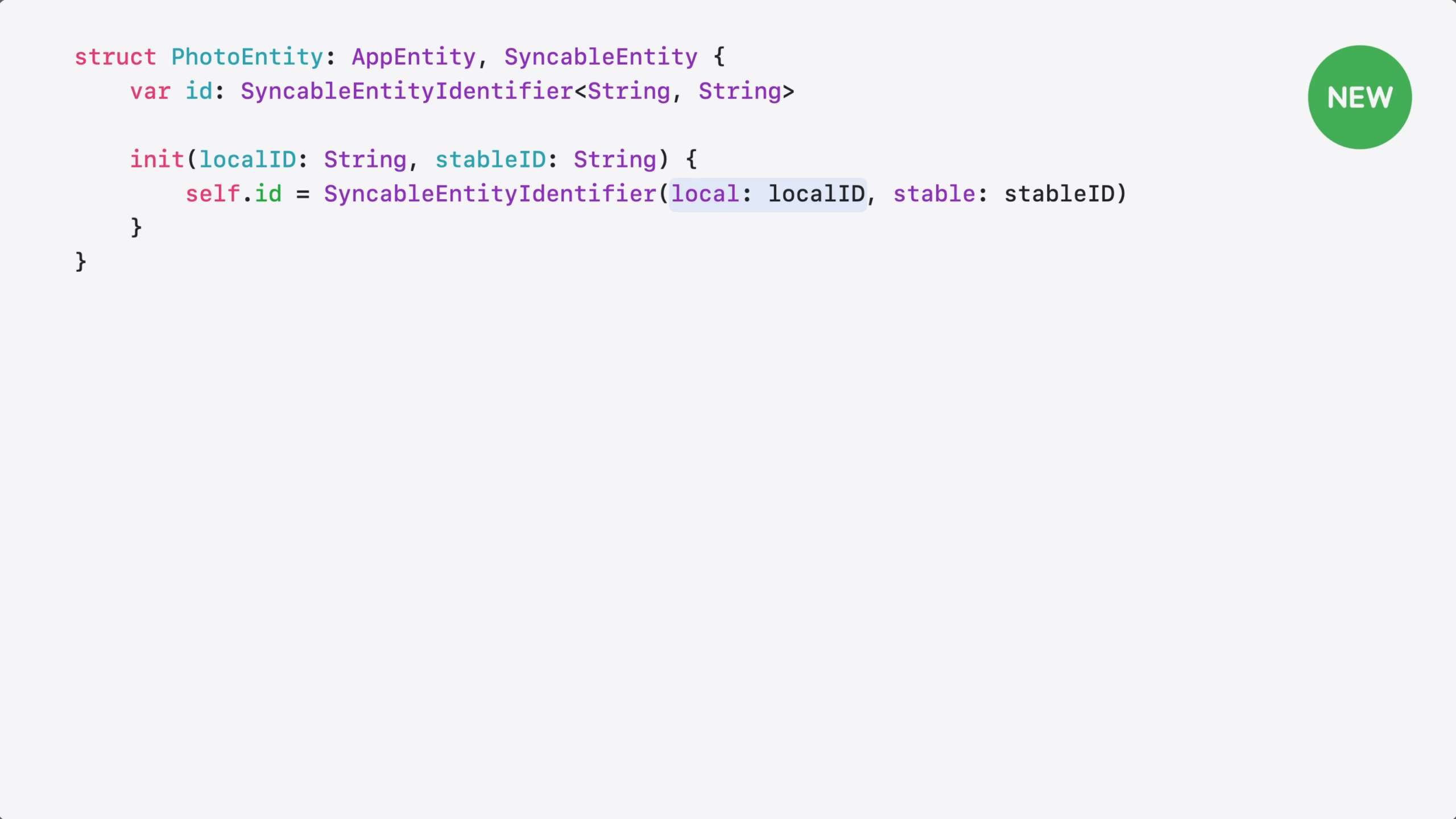
a pairs them into a single ID.
On-device, your code uses the local ID…
…and across devices, the system uses the stable one.
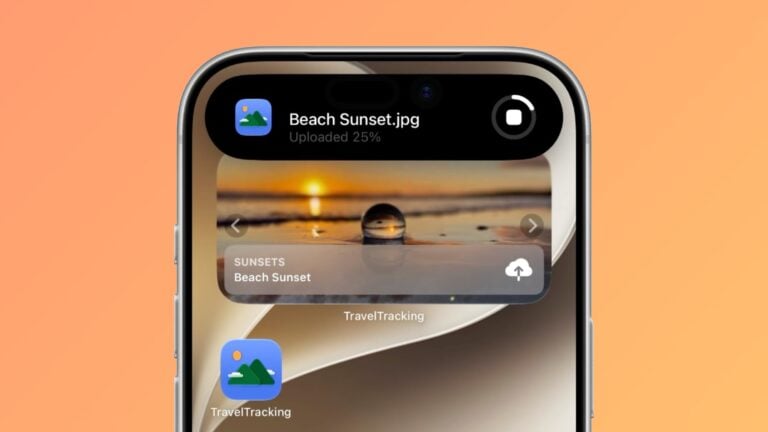
App Intents are Limited to Thirty Seconds: Extend Execution as Live Activity with LongRunningIntent
Normally, App Intents have a 30-second limit to finish running – LongRunningIntent helps developers get beyond that by moving to a Live Activity. Plus, CancellableIntent makes sure it can be ended gracefully.
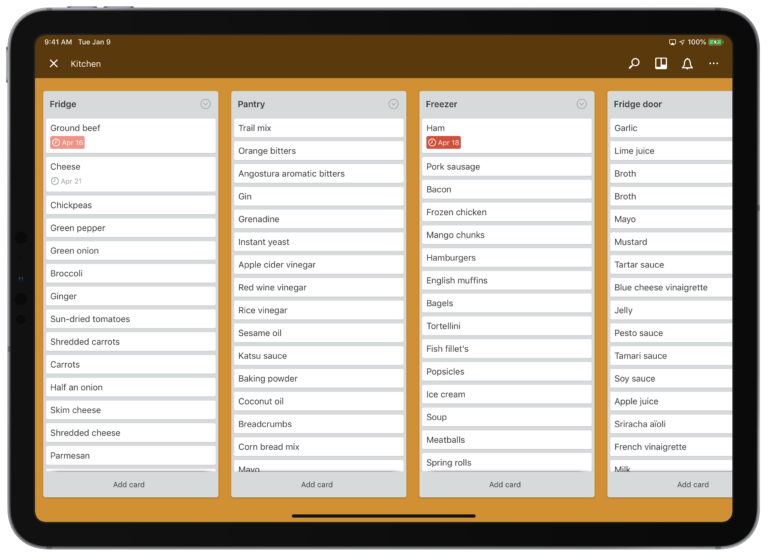
Preventing food from expiring with two Siri Shortcuts
When you have a bad habit you just can’t break, setting up some Siri Shortcuts can help. I put together two custom shortcuts for logging when my food expires into Trello and Reminders - plus I can ask Siri to let me know the status of my kitchen.