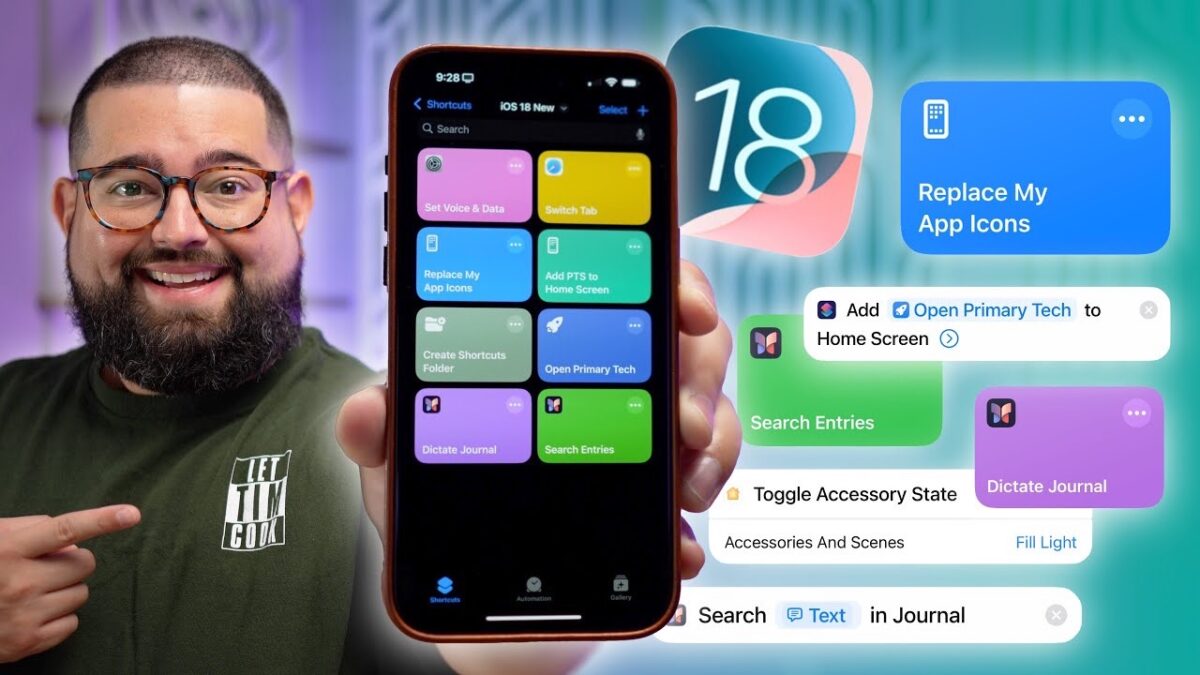
Stephen Robles: Discover 10 New iOS 18 Shortcuts Actions! »

Stephen Robles covers the action updates coming to iOS 18, including a redesign and the Add to Home Screen & Journal actions.

From Stephen Robles on YouTube:

Explore the latest shortcuts actions in iOS 18, including powerful new tools for Apple Journal, HomeKit, and Safari. Learn how to streamline your workflow with multi-conditional if statements, smart home toggles, and better organization for your Shortcuts.

View the video YouTube.

Posts You Might Like

Apple Has (Finally) Made Shortcuts’ Action Editor Easier To Browse
Apple has improved the organization, categorization, and sort order of actions inside the Shortcuts app – a welcome change that should help new users get started.
Track time in the Dynamic Island with Timery’s updated Shortcuts actions
New iPad Pro and iPad Air Product Bezels Available For Your Designs
Apple designer Mike Stern has shared update Apple Design resources that contain product bezels for the new iPads – now waiting on a new Apple Frames shortcut…
Apple is releasing tons of “hidden” features in Shortcuts — what about everyday users?
I want your hottest take — is Shortcuts just a tool for power users or can the “average” user truly get in on all the potential? I wrote about this hard question for Apple to answer on iMore.