The New Dual Shortcuts Widget Could Use Some Work »

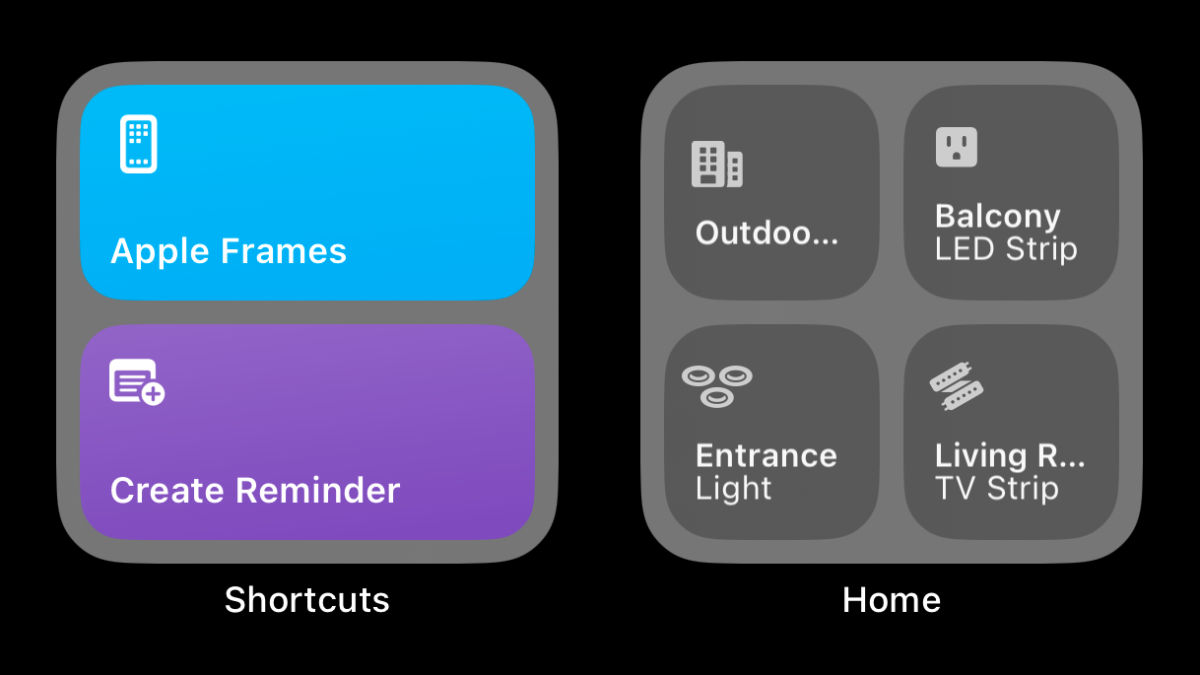
Federico Viticci shared his hot take on the new dual widget for Shortcuts – and I added my thoughts in the comments.
The New Dual Shortcuts Widget Could Use Some Work »

From Federico Viticci on Mastodon:

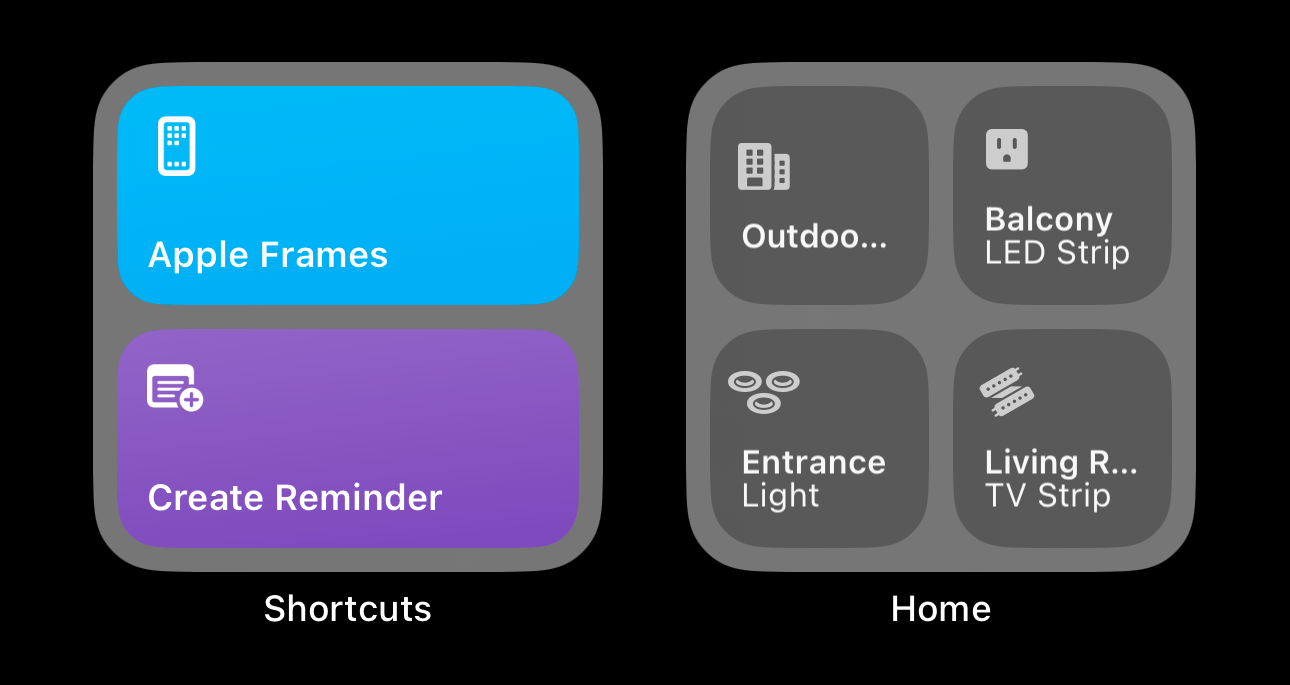
If the Home widget can show up to four buttons at once in the small size in iOS 17, why shouldn’t the Shortcuts one do the same?
In the replies, I agreed:

@[email protected] I also think it’s dumb that these are set using a folder – they should be individually-selectable.

No need to force both shortcuts to be in the 1 and 2 index in a specific folder.
View the post.


Posts You Might Like

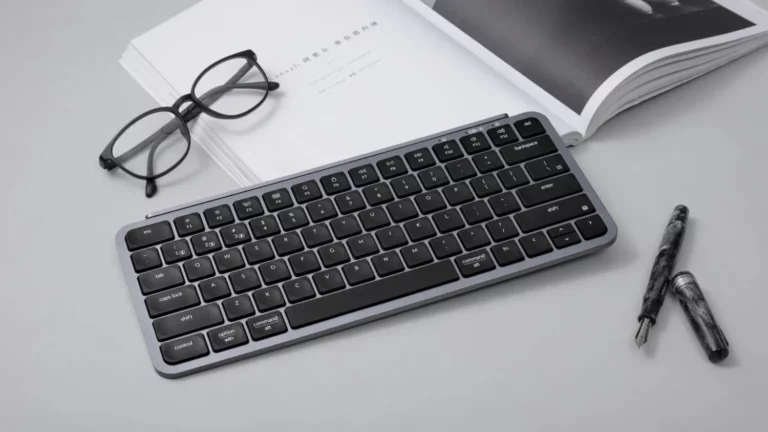
Keychron launches ‘Ultra-Slim’ keyboards for Mac w/ 1,200-hour battery life, USB-C, 2.4GHz wireless »
9to5Mac has the details on Keychron's new slim mechanical keyboard line aimed at Mac users.
How to integrate your app with Visual Intelligence »
Using App Intents, enable people to find app content that matches their surroundings or objects onscreen with visual intelligence.
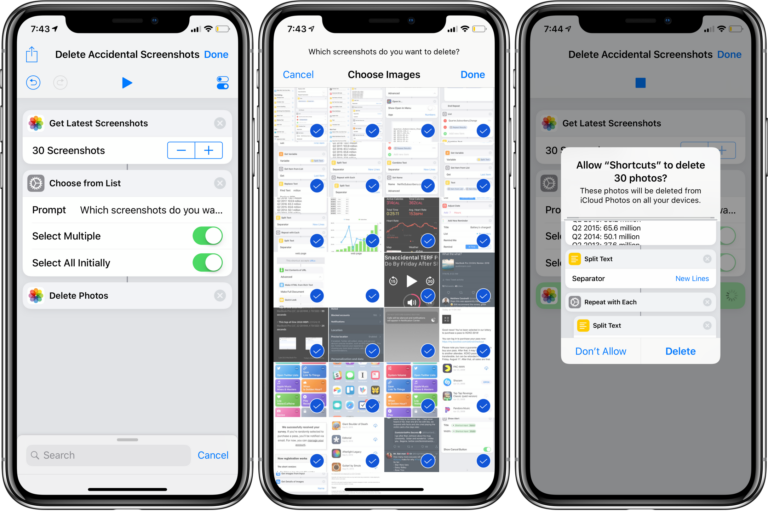
How to delete unplanned screenshots with Shortcuts
Do you find yourself taking tons of accidental screenshots on iPhone X or your Apple Watch? Of course there’s a shortcut for that!
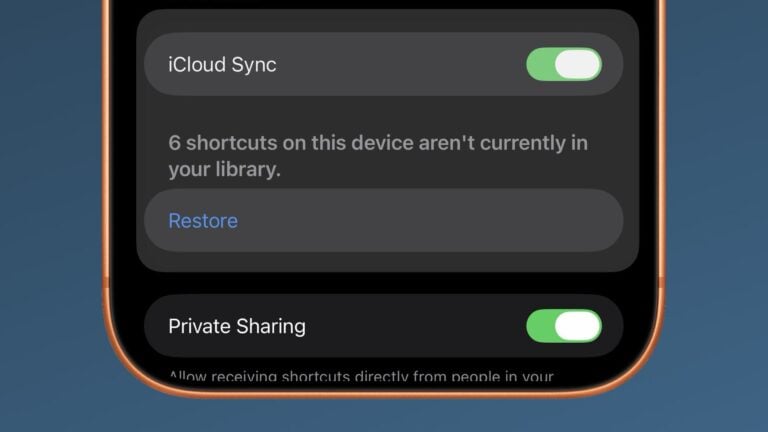
Apple Adds Restore Setting for “Shortcuts On This Device That Aren’t Currently In Your Library”
For shortcuts stuck in sync, Apple has added a new Restore button that adds your shortcuts back to your library.