From the Apple Developer documentation (break added):
With visual intelligence, people can visually search for information and content that matches their surroundings, or an onscreen object.
Integrating your app with visual intelligence allows people to view your matching content quickly and launch your app for more detailed information or additional search results, giving it additional visibility.
And:
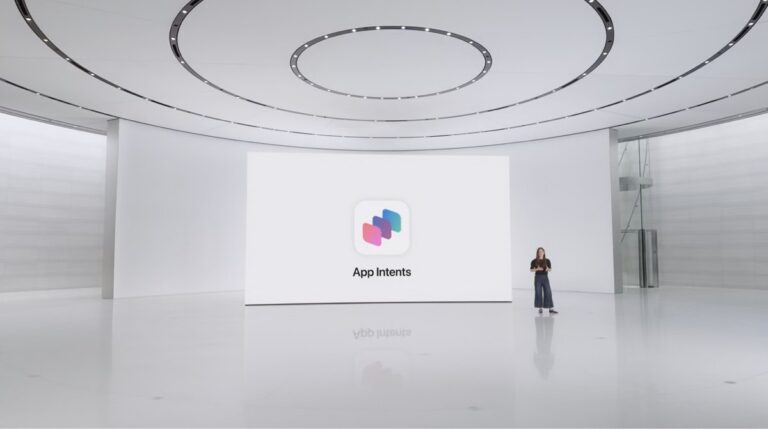
To integrate your app with visual intelligence, the Visual Intelligence framework provides information about objects it detects in the visual intelligence camera or a screenshot. To exchange information with your app, the system uses the App Intents framework and its concepts of app intents and app entities.
When a person performs visual search on the visual intelligence camera or a screenshot, the system forwards the information captured to an App Intents query you implement. In your query code, search your app’s content for matching items, and return them to visual intelligence as app entities. Visual intelligence then uses the app entities to display your content in the search results view, right where a person needs it.
To learn more about a displayed item, someone can tap it to open the item in your app and view information and functionality. For example, an app that allows people to view information about landmarks might show detailed information like hours, a map, or community reviews for the item a person taps in visual search.
Browse the full documentation from the Apple Developer site and learn how to use Visual Intelligence for iPhone.