From Daniel Raffel:
I bought an Elgato Stream Deck a few years ago to make it more pleasant to spend so much time on video calls. I was tired of fumbling with keyboard shortcuts and menus to turn my camera and microphone on and off. I also wanted a satisfying way to end video meetings with a physical button press!
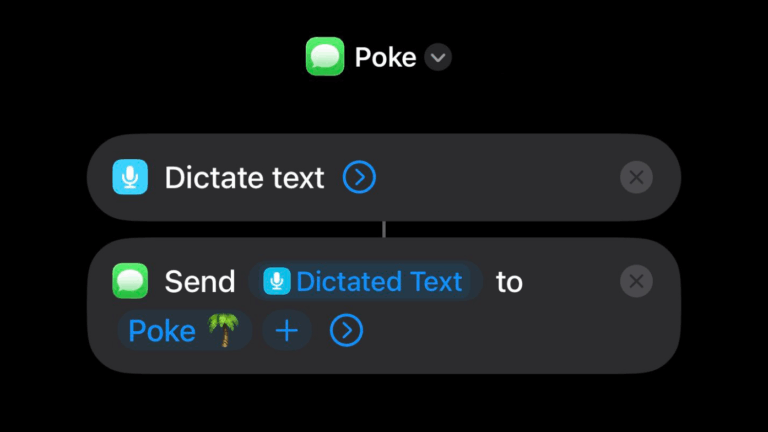
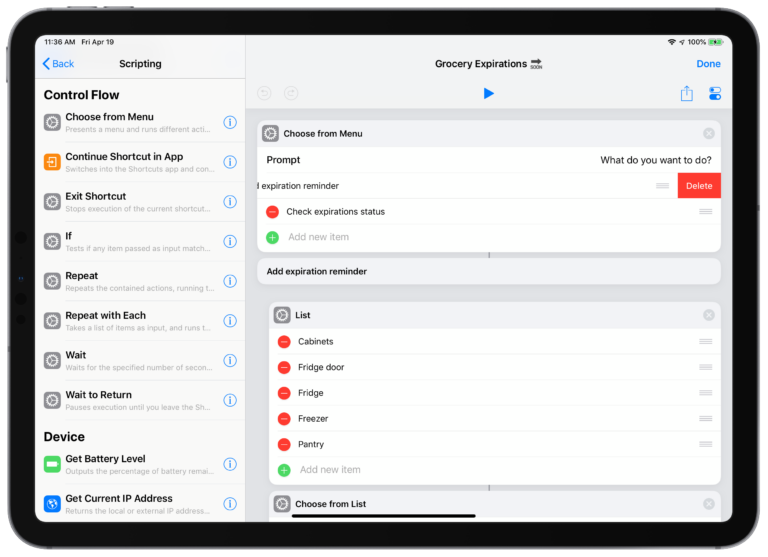
After I got the Stream Deck, I learned that I could customize it to control physical devices in my office, such as my Apple HomeKit devices (eg lights, plugs, switches, etc.) I initially set up my Stream Deck to control my HomeKit devices using the Homebridge plugin, but I ran into some annoying issues that never got resolved. Later, I learned about the Shortcuts plugin from Sentinelite, which can trigger Apple Shortcuts from Stream Deck and switched over to it. While using Shortcuts to control my devices was significantly more cumbersome to initially set up, it added some handy features and it is way more reliable.
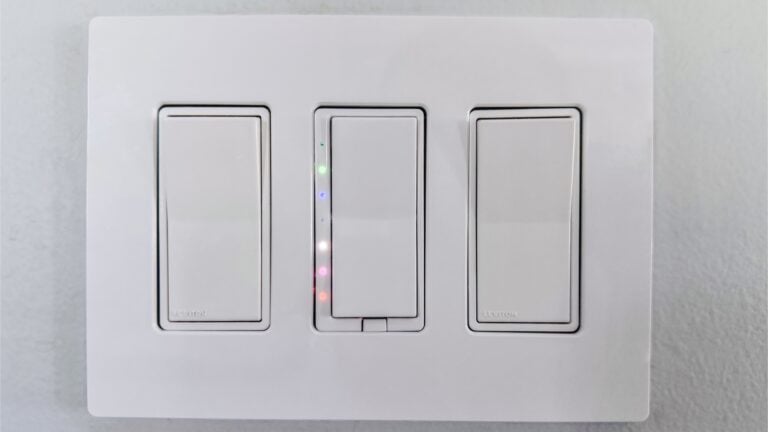
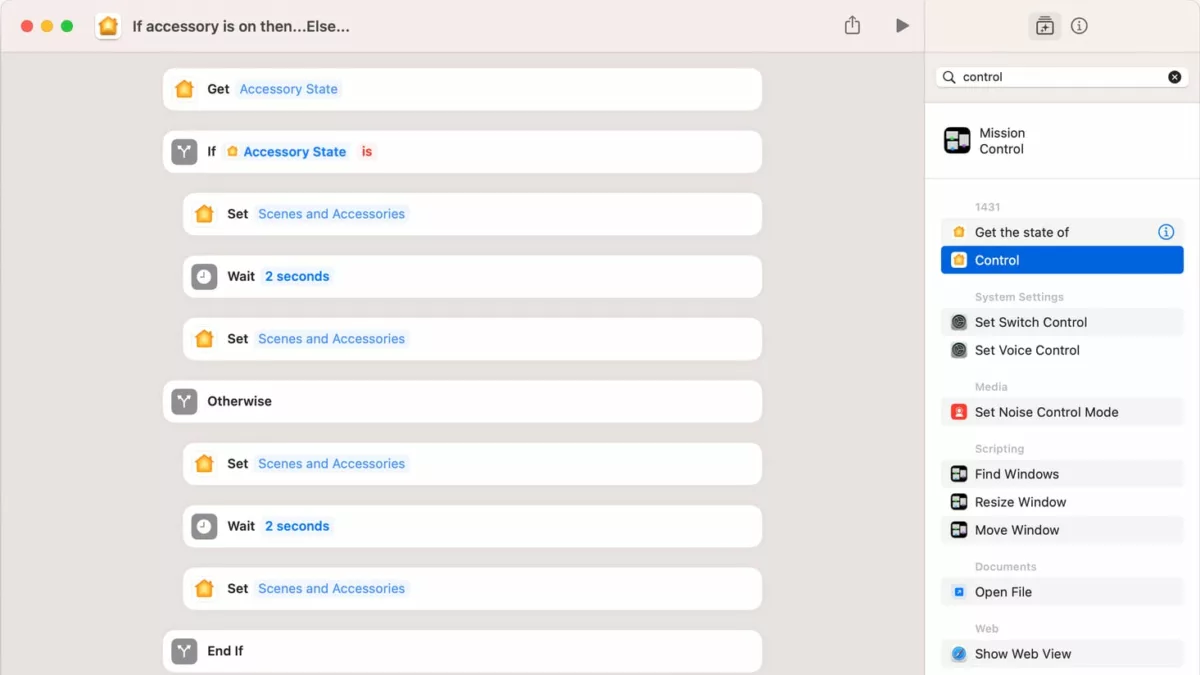
For instance, I have a complicated music studio, and I’ve always wanted a way to orchestrate turning on and off my studio devices in a certain order with some wait time in between to avoid loud speaker pops. Since all of my devices are connected to smart switches, I created an Apple Shortcut with some conditional logic to achieve this goal. I can now use my Stream Deck to turn on or off my music studio with a single button press, and I can be confident that everything will adjust in the right order. Here’s how the shortcut works…
You can also use AppleScript to trigger your Shortcuts, like I do.