The iPhone’s Today View Is The Most Convenient Place to Run Your Shortcuts »

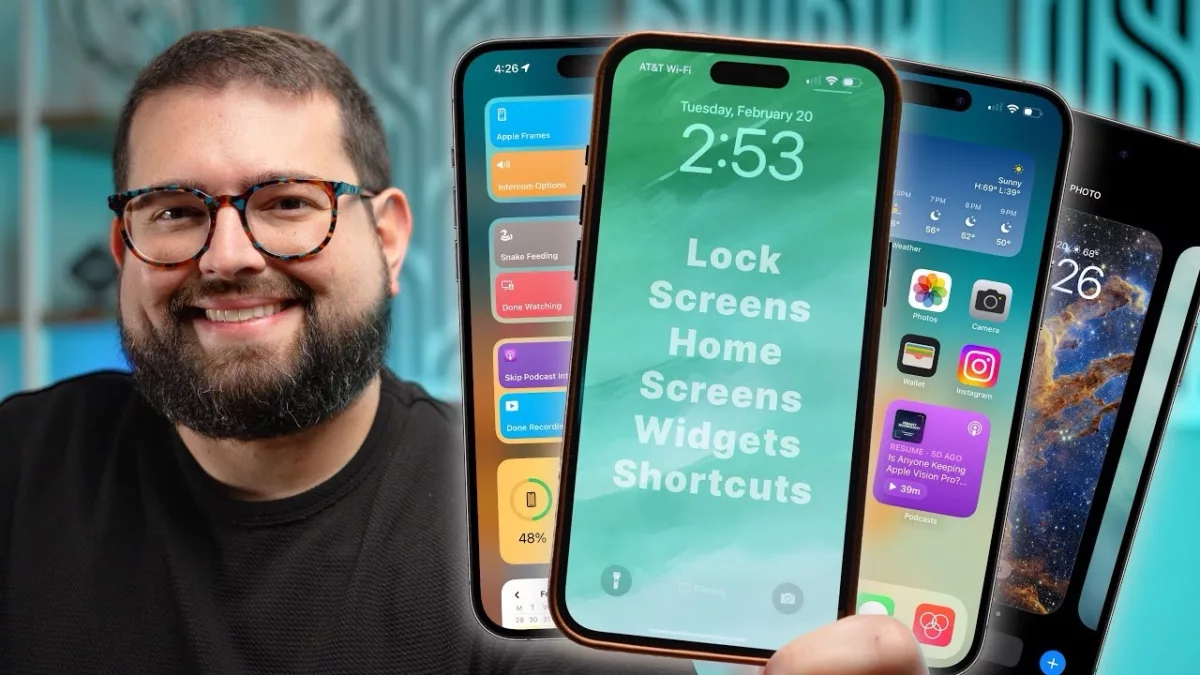
In his iPhone setup video, Stephen Robles mentioned how he finds the Today view off to the left of your iPhone Home Screen is the best place to use Shortcuts – I agree.

In Stephen Robles’ “Inside My iPhone Setup” video on YouTube, starting at 3:15, he talks about using the Today view to store the Shortcuts widget:

Dive into my full iPhone setup tour for 2024, where I showcase customized Home and Lock Screens, Today View widgets, Shortcuts, Focus Modes, and filters for maximal productivity. If you’re curious about how to tailor your iPhone to fit your daily routine or have any setup questions, drop them below!

I agree that this is the best place to start out when using Shortcuts – it’s always available, even from the Lock Screen.

View the video YouTube.

Posts You Might Like

New for members: Things beta shortcuts
Hey members, I've just published 11 new shortcuts from today's stream featuring the new actions from the Things beta.
New Shortcuts beta has fixes in the works for Transit, Choose From Menu, Tweetbot
In a new type of post, I detail some of the bugs resolved in the developer betas of Shortcuts that public users might still be experiencing – check here to see what fixes are on the way.
How to Open Threads Profiles from Mastodon and Twitter Directly in the Threads App »
If you're running into issues opening Thread profiles into the app, this shortcut from MacStories is for you – set it up with Back Tap and you're good to go.
Thank You For Coming to My Shortcuts Meetup!
The Shortcuts User Group meetup at WWDC was a great success – thank you to everyone!