If you’re someone who enjoys watching livestreams on YouTube, you may not know about the permanent redirect for every YouTube channel that takes you straight to their current livestream or recent streams – just add /live to the channel URL.
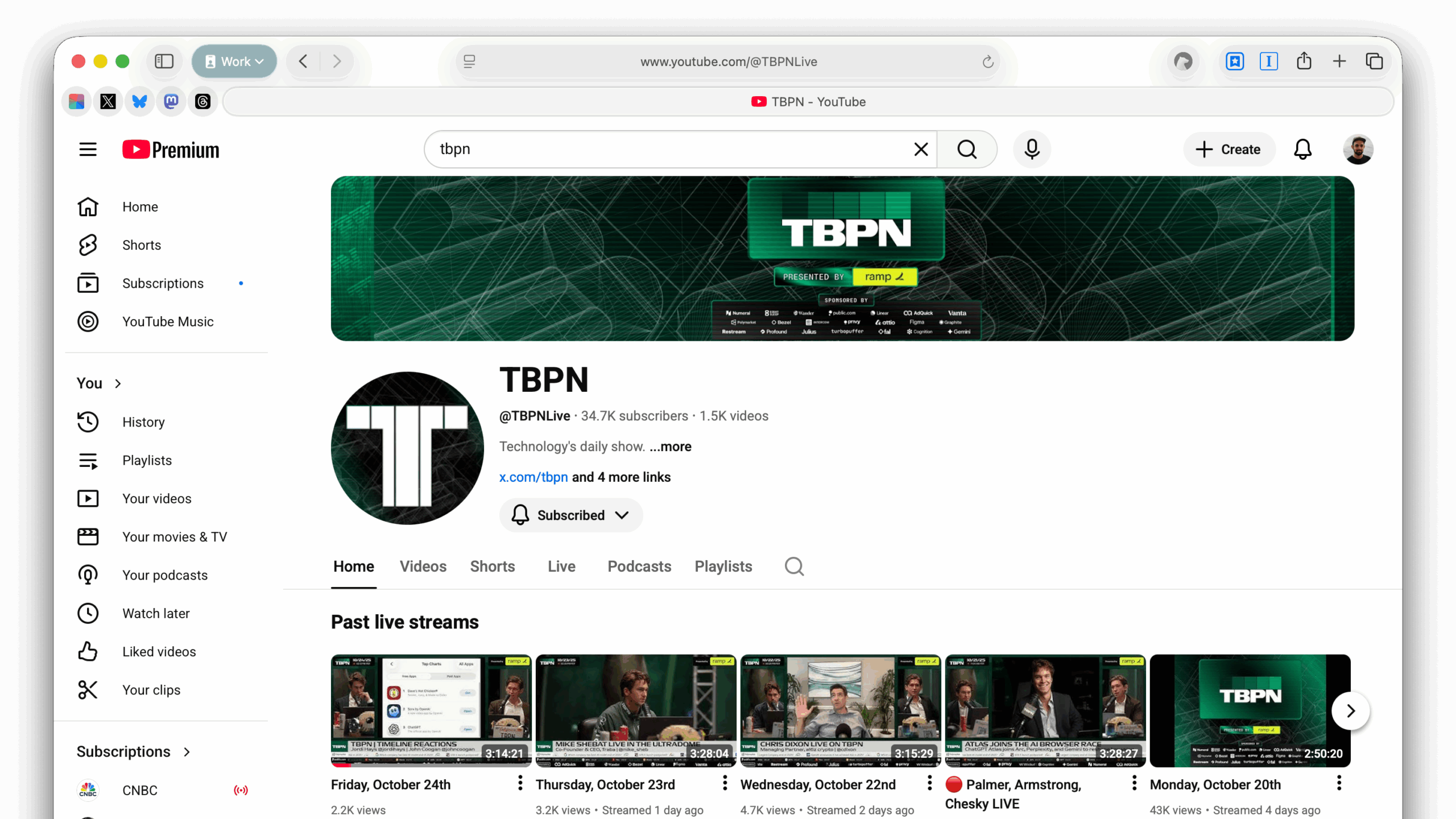
I recently published a set of shortcuts for TBPN, the tech & business news podcast, which I like to watch live on YouTube occasionally – the shortcut “Watch TBPN Live” uses the /live redirect to the show. In this context, having one URL for both a live show or capturing a recent stream is ideal, because I can jump straight to the full shows – oftentimes the Home tab of YouTube channels are filled with clips or playlists, and this makes it easy to get straight to the latest full streams of any live video podcast.
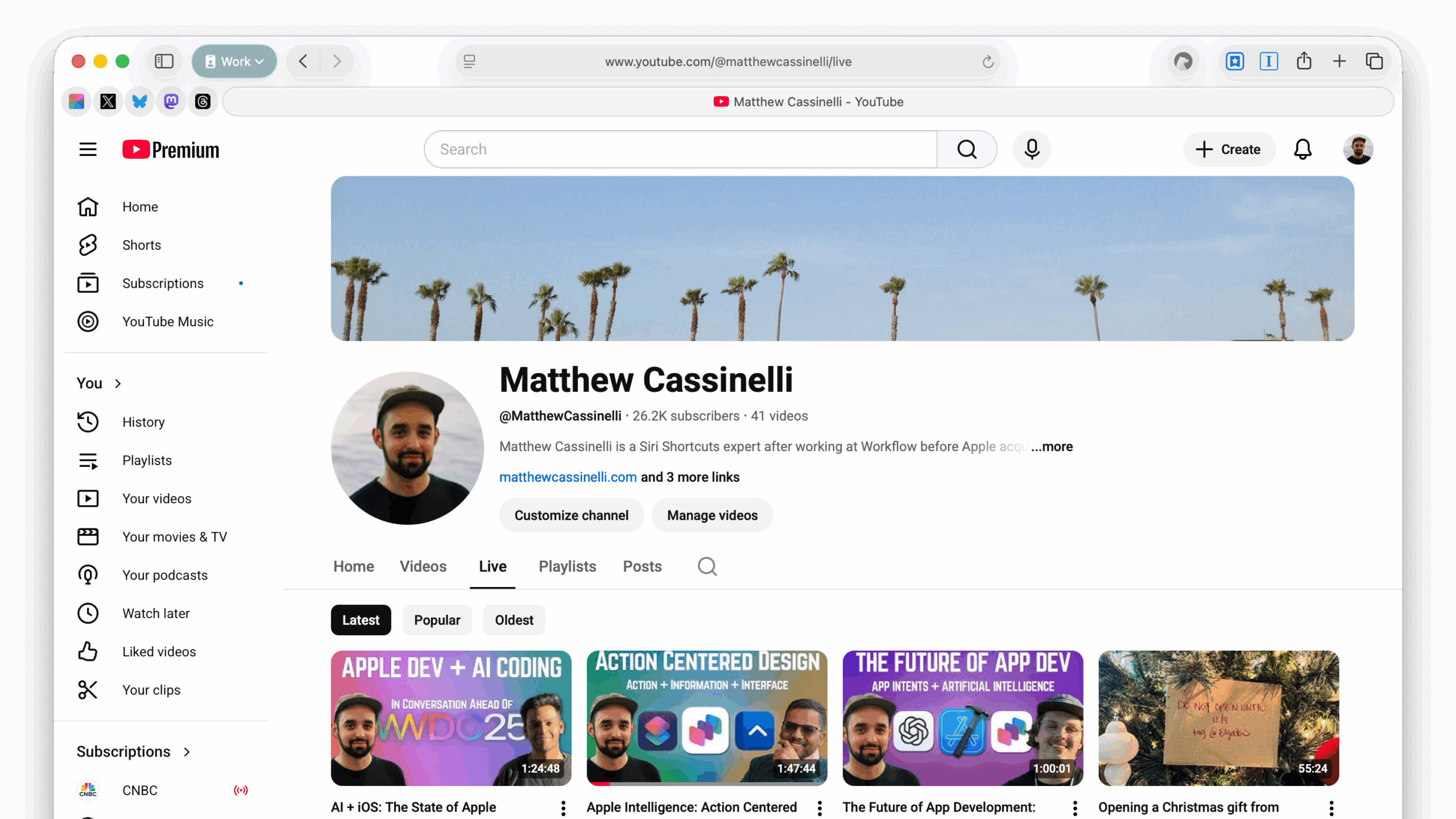
My YouTube channel URL is https://www.youtube.com/@matthewcassinelli, and the URL for the Live page is technically https://www.youtube.com/@matthewcassinelli/streams. However, adding /live to the channel URL—https://www.youtube.com/@matthewcassinelli/live—creates a redirect that goes to that same streams page when I’m not live – or directly to the current livestream when I’m live on-air.
I love using this when directing people towards my own livestreams, because it provides a single, clean permalink that never changes and can be used in any social media post that’s written ahead of the stream. Once the show is over, I can use the actual video permalink to share the episode with other people, but ahead of time this single /live redirect is ideal for promotion.
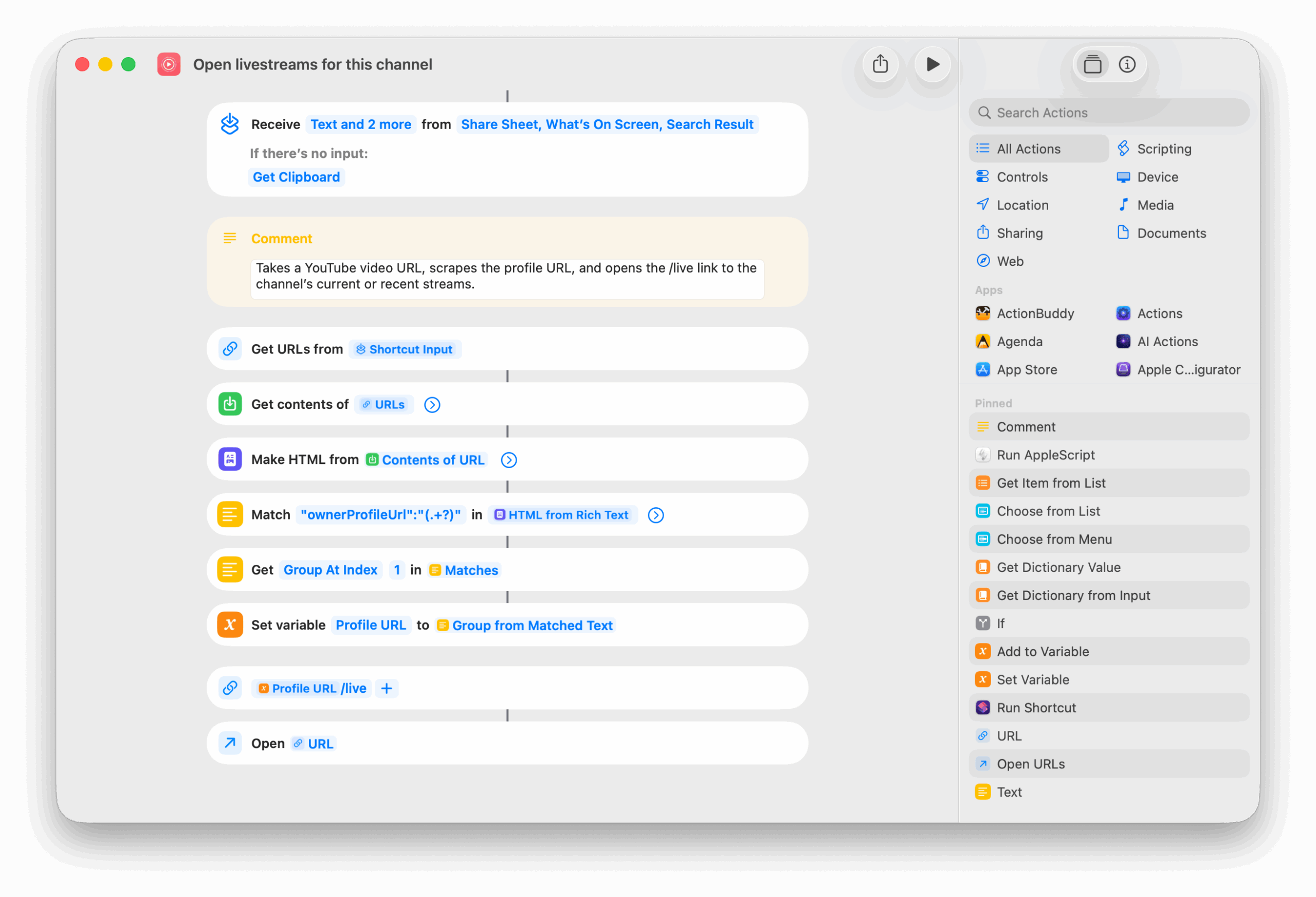
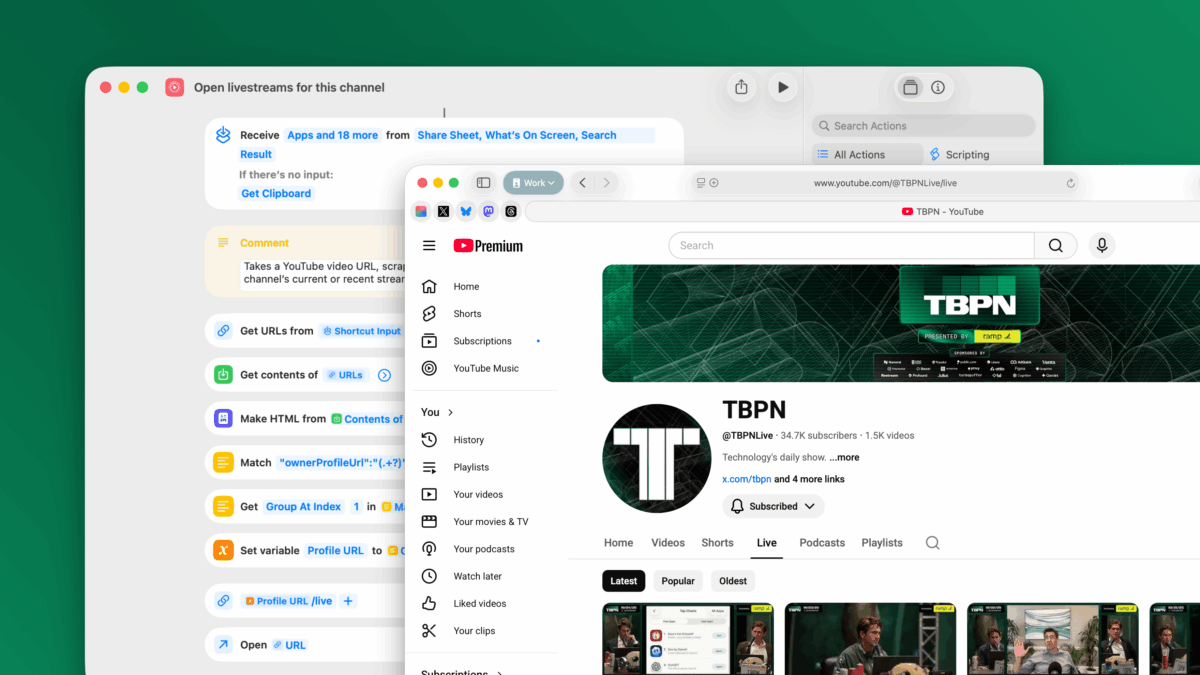
Plus, since I can’t help myself, I built a shortcut for livestreams on YouTube that take advantage of this exact capability. My “Open livestreams for this channel” shortcut lets you take any current video URL, scrape the channel URL from its metadata, and redirect you to the livestreams page of that channel – so you can see their latest streams and even tune in immediately if they are live now. Try calling up the shortcut using Type to Siri next time you’re watching a video and check out if the channel does any livestreaming.
Get the shortcut in the YouTube Videos folder in my Shortcuts Library. Plus, follow me on YouTube and check out my livestreams.