From Apple Support:
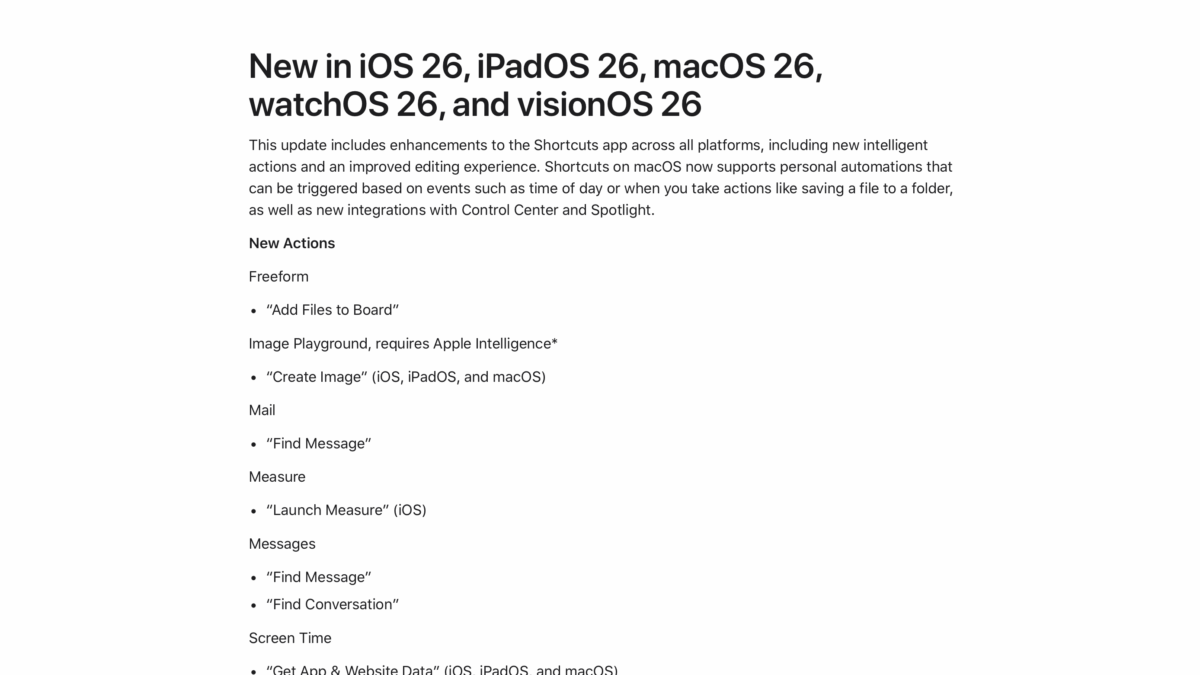
New in iOS 26, iPadOS 26, macOS 26, watchOS 26, and visionOS 26
This update includes enhancements to the Shortcuts app across all platforms, including new intelligent actions and an improved editing experience. Shortcuts on macOS now supports personal automations that can be triggered based on events such as time of day or when you take actions like saving a file to a folder, as well as new integrations with Control Center and Spotlight.
New Actions (Editor’s note: shortened for sake of space)
- Freeform
- Image Playground, requires Apple Intelligence*
- Measure
- Messages
- Screen Time
- Sports
- Photos
- Reminders
- Stocks
- Use Model, requires Apple Intelligence*
- Visual Intelligence, requires Apple Intelligence*
- Voice Memos
- Weather
- Writing Tools, requires Apple Intelligence*
Updated Actions
For those building custom shortcuts, some actions have been updated:
- “Calculate Expression” can now evaluate expressions that include units, including real time currency conversion rates, temperature, distance, and more
- “Create QR Code” can now specify colors and styling
- “Date” can now specify a holiday
- “Find Contacts” can now filter by relationship
- ”Transcribe Audio” performance has been improved
- “Show Content” can now display scrollable lists of items, like calendar events, reminders, and more
Shortcut Editor
For those building custom shortcuts, updates have been made to the shortcut editor:
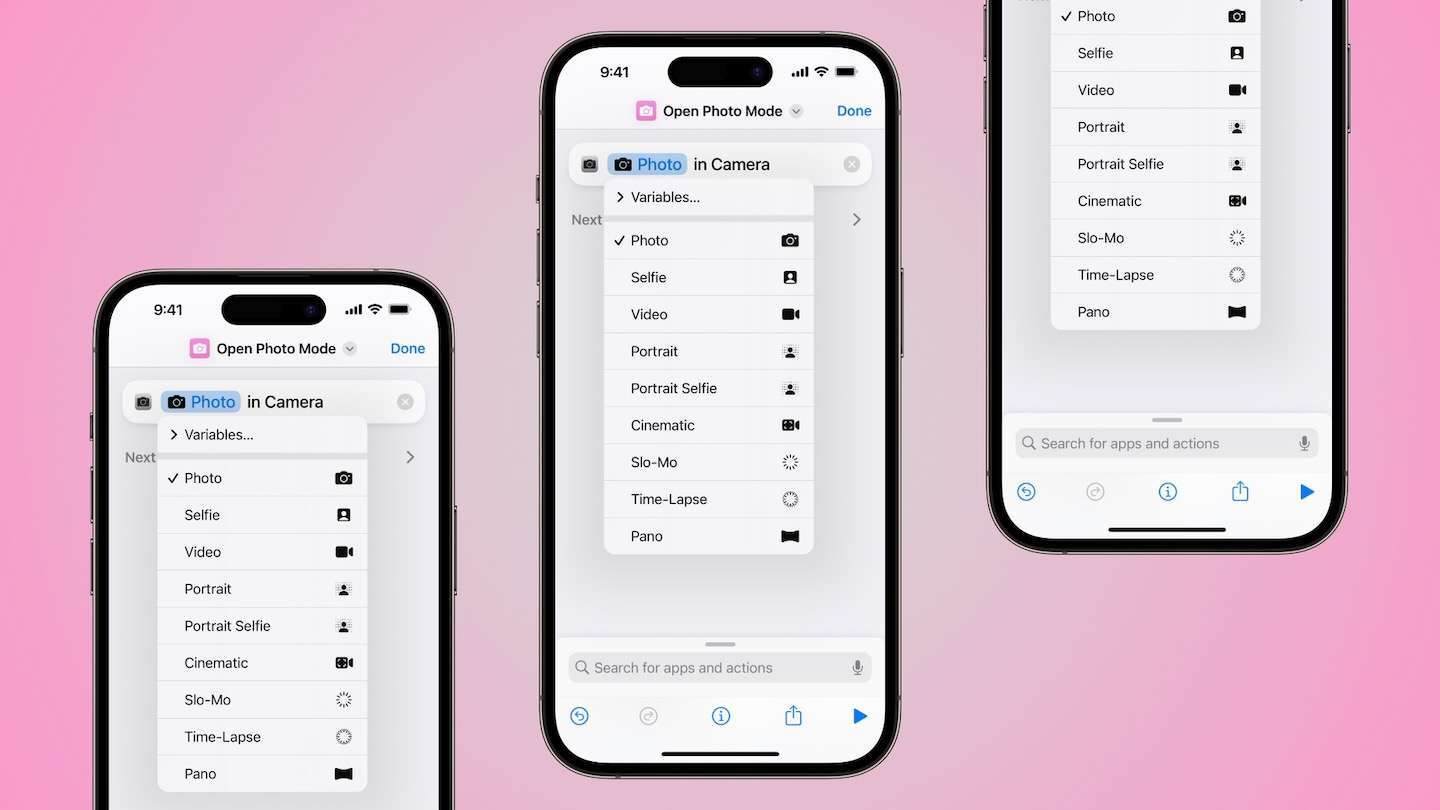
- Improved drag and drop and variable selection
- Over 100 new icon glyphs are now available, including new shapes, transportation symbols, and more
- Rich previews of calendar events, reminders, and more
- The ability to choose whether shortcuts appear in Spotlight Search
macOS Improvements
Spotlight
Shortcuts can now accept input, like selected text from an open document, when being run from Spotlight.
Automations
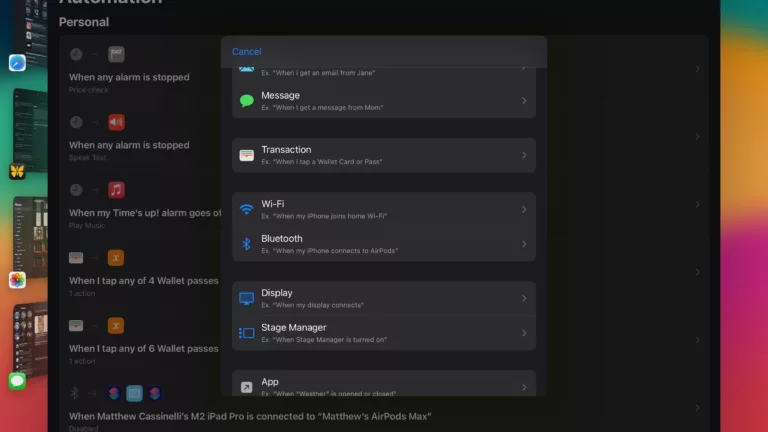
Shortcuts can now be run automatically based on the following triggers:
- Time of Day (“At 8:00 AM, weekdays”)
- Alarm (“When my alarm is stopped”)
- Email (“When I get an email from Jane”)
- Message (“When I get a message from Mom”)
- Folder (“When files are added to my Documents folder”)
- File (“When my file is modified”)
- External Drive (“When my external drive connects”)
- Wi-Fi (“When my Mac joins home Wi-Fi”)
- Bluetooth (“When my Mac connects to AirPods”)
- Display (“When my display connects”)
- Stage Manager (“When Stage Manager is turned on”)
- App (“When ‘Weather’ is opened or closed”)
- Battery Level (“When battery level rises above 50%”)
- Charger (“When my Mac connects to power”)
- Focus (“When turning Do Not Disturb on”)
Control Center
Shortcuts can be added as controls to Control Center and the menu bar, including Run Shortcut, Open App, and Show “Menu Bar” Collection