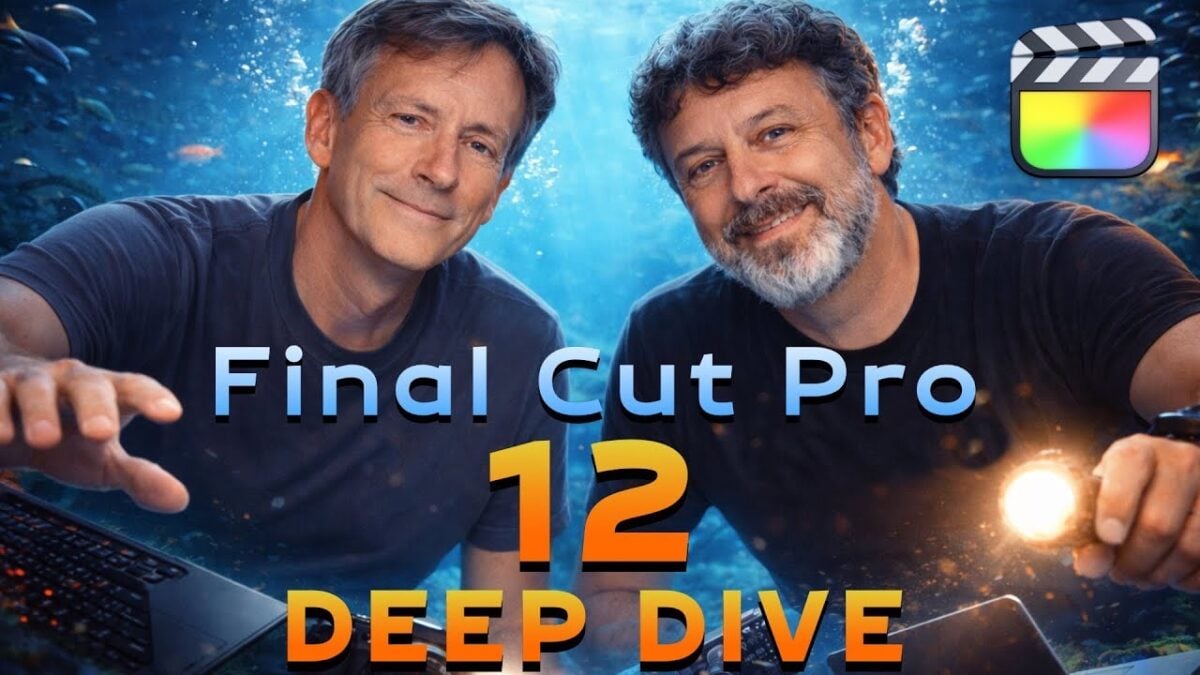
Final Cut Pro 12 Deep Dive (Ripple Training on YouTube) »

Mark and Steve from Ripple Training have a great walkthrough of everything new in Final Cut added alongside Apple Creator Studio – I learned so much from these guys.

From Ripple Training on YouTube:

Take a deep dive learning adventure with Mark and Steve as they show you everything you need to know about the new Final Cut Pro 12 Update from Apple.

Whether you’re a beginner, small business owner who wants to learn how to edit marketing videos like a pro, film editing enthusiast, or a professional video editor who wants to level up, we’ve got courses in Final Cut Pro and DaVinci Resolve.

Ripple’s training course taught me everything I know about Final Cut Pro, and this video does the same for the new features releases alongside Apple Creator Studio – absolutely worth watching in full to learn the depth of what’s new (and where the limitations lie).
Watch the video on YouTube and check out Ripple Training.

Posts You Might Like

iOS 17.2 Includes 50 New URL Schemes You Can Use in Shortcuts on Your iPhone »
Justin Myers of GadgetHacks covers deep links for Journal, Contact Key Verification, and Accessibility settings new in iOS 17.2
7 ways Apple is already a major player in AI »
From XDA's story on how Apple uses artificial intelligence in its products already – how Siri Shortcuts and the Suggestions features learn from your habits.
Shortcuts Live: Working with Safari Tabs in iOS 16 Public Beta 2
Tune into the latest episode of Shortcuts Live, where I streamed for a little over an hour covering the new Find Tab action that I discovered in iOS 16 public beta 2.
Instapaper (Finally) Adds Tags for Better Organization »
Instapaper has added Tags on top of Folders for even better organization – and has teased a multi-column view.