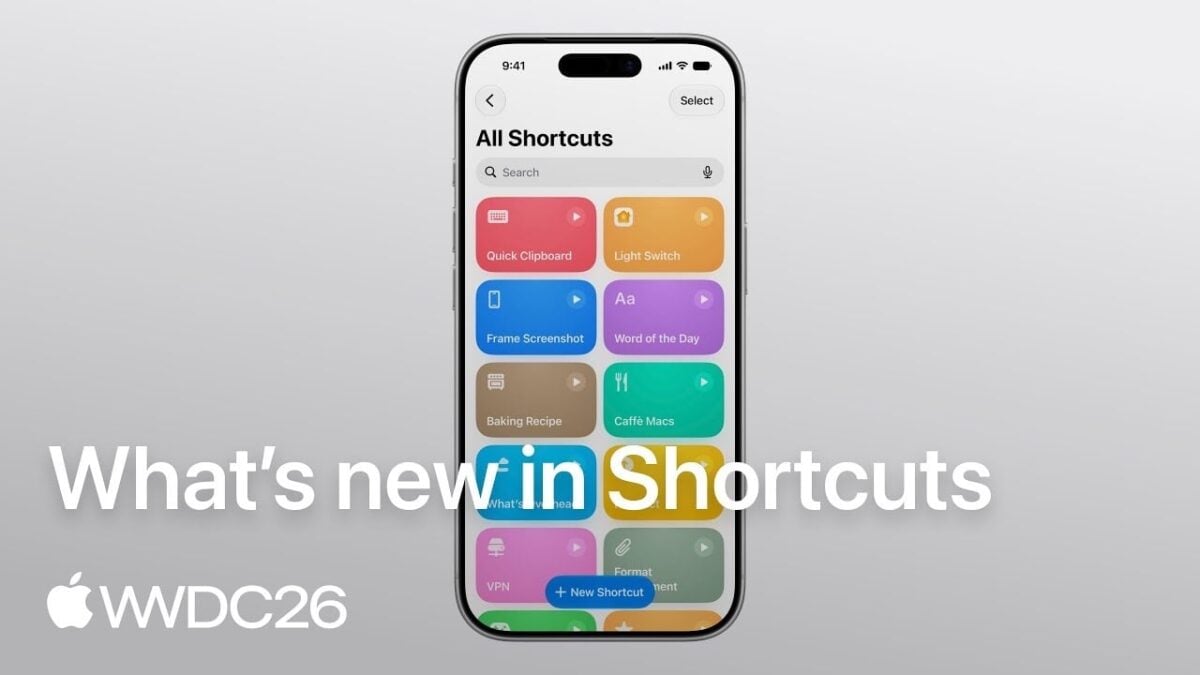
On Mastodon, Shortcuts team lead (and my former coworker) Ayaka Nonaka shared the “What’s New in Shortcuts” session from WWDC26 with the following:
Happy #WWDC26 to those who celebrate! Don’t miss the What’s new in Shortcuts session that covers our new automation types, additions to the Use Model action, and new Storage actions presented by @duraid 🥣
Here are the chapters:
- 0:01 – Introduction
- 0:57 – Automations
- 3:25 – Use Model
- 6:58 – Storage
Here are the chapter summaries:
- 0:01 – Introduction
Shortcuts lets people combine everyday app actions and surface them across the system – like through Siri, Control Center, and the Action Button. Explore three major enhancements to Shortcuts and how to leverage the content in your app to integrate with the system.- 0:57 – Automations
In iOS 26, Automations are easier to discover in the Shortcuts editor. There are three new automation types – screenshot, keyboard connection, and notification. The notification automation enables fine-grained, keyword-filtered triggers based on notification content. Learn techniques to build notifications that integrate well with automations.- 3:25 – Use Model
The Use Model action has access to the latest Apple Intelligence models with web retrieval. Use the model transcript inspector to evaluate the exact data that’s passed to the model from your app’s App Intent entities.- 6:58 – Storage
Storage lets shortcuts persist data between runs using Get, Set, and global storage values that sync across all of someone’s devices via iCloud. Use storage in powerful ways, like to give the Use Model action a “memory”. For App Intent entities, use a stable, device-consistent identifier to ensure correct recognition across devices.
View the post on Mastodon and watch the WWDC session on the Apple Developer site or watch on YouTube.