Dictate To Poke with the Action Button on Apple Watch Ultra »
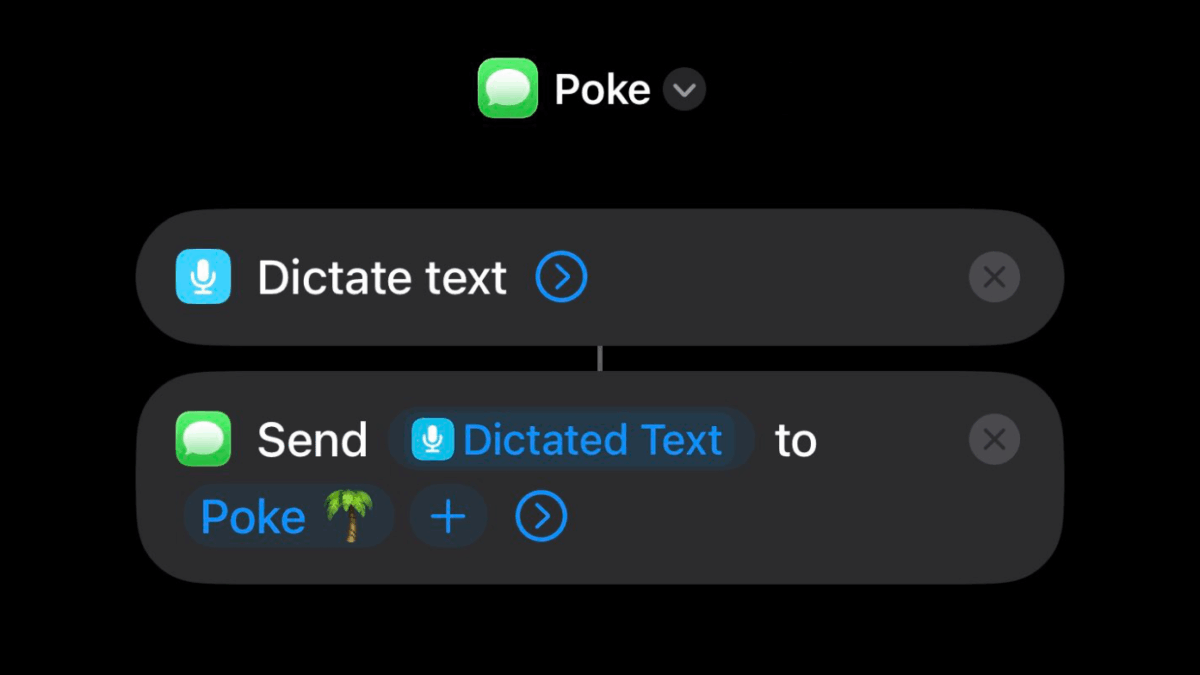
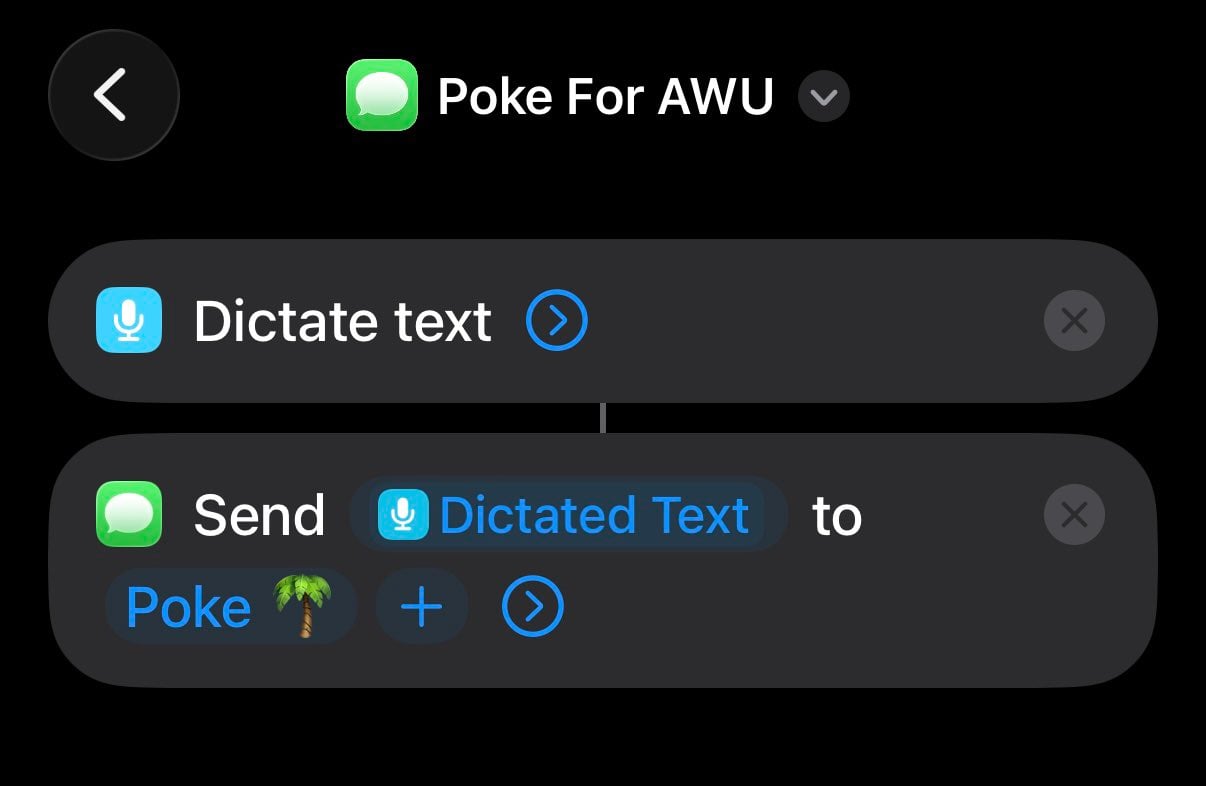
Eli Kia shared his shortcut for the Poke assistant from Interaction – a simple Dictate Text + Send Message shortcut designed for the Action Button on his watch.
My @interaction Poke shortcut for Apple Watch Ultra’s action button.
Dictate Text + Send Message – nice & simple, and a neat use of the Action Button (on either iPhone or Apple Watch).
For anyone who doesn’t know, Poke is “your proactive AI assistant that turns your emails into action” and is known on X for their AI’s cheeky-but-well-done personality as well as smooth integrations.
There are new Find Conversation and Find Messages actions for Shortcuts that I haven’t seen anyone play with yet – those could be an interesting addition to this workflow.
Also the Messages automation could be fun – you could flash the lights when you get a Poke message, for example.1
In this issue: iOS 17.4 brings new actions for Action button, new entertainment shortcuts in the Catalog, app updates and videos aplenty, and my discount on Elgato gear.