Shortcut to search replies and quotes for a tweet »

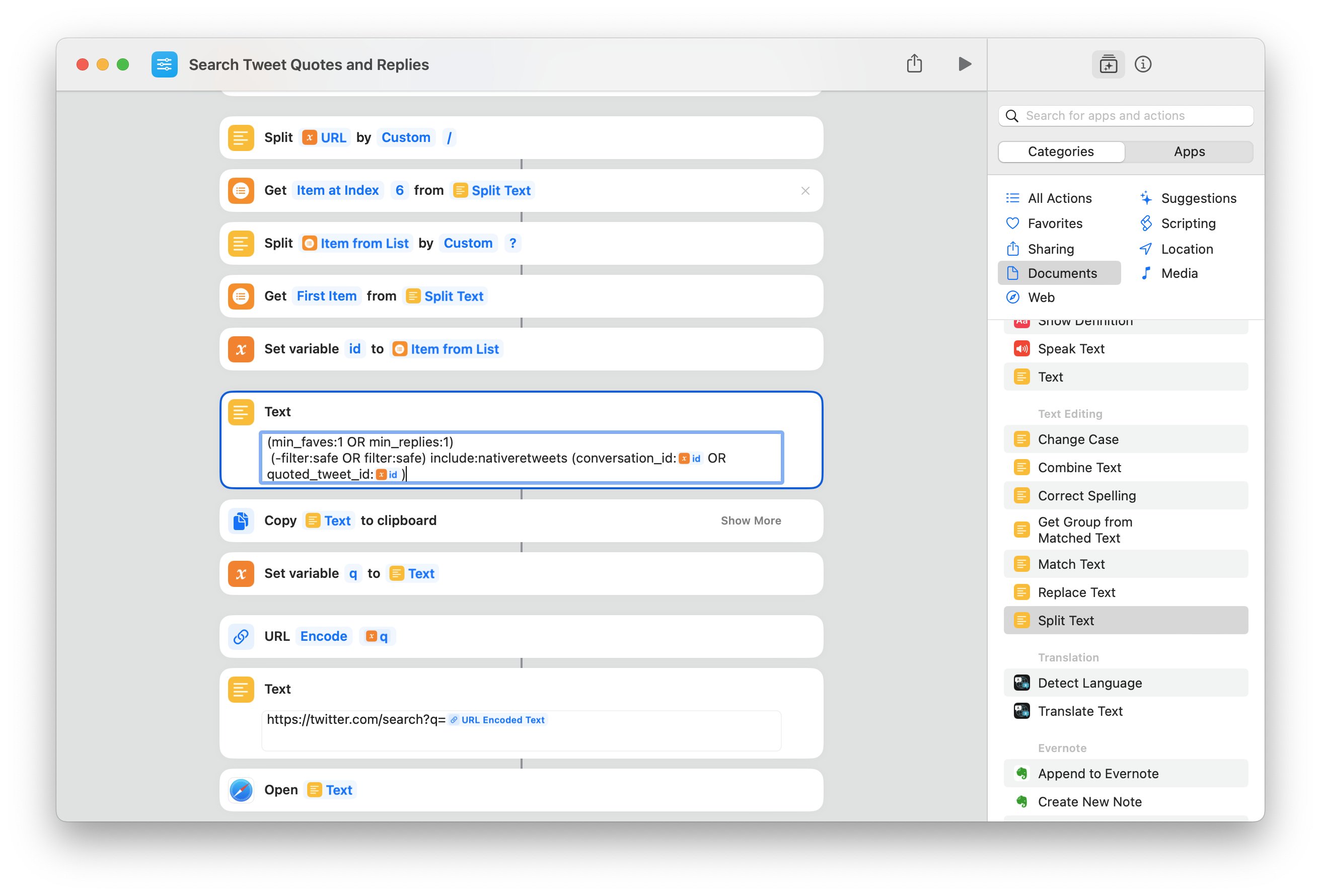
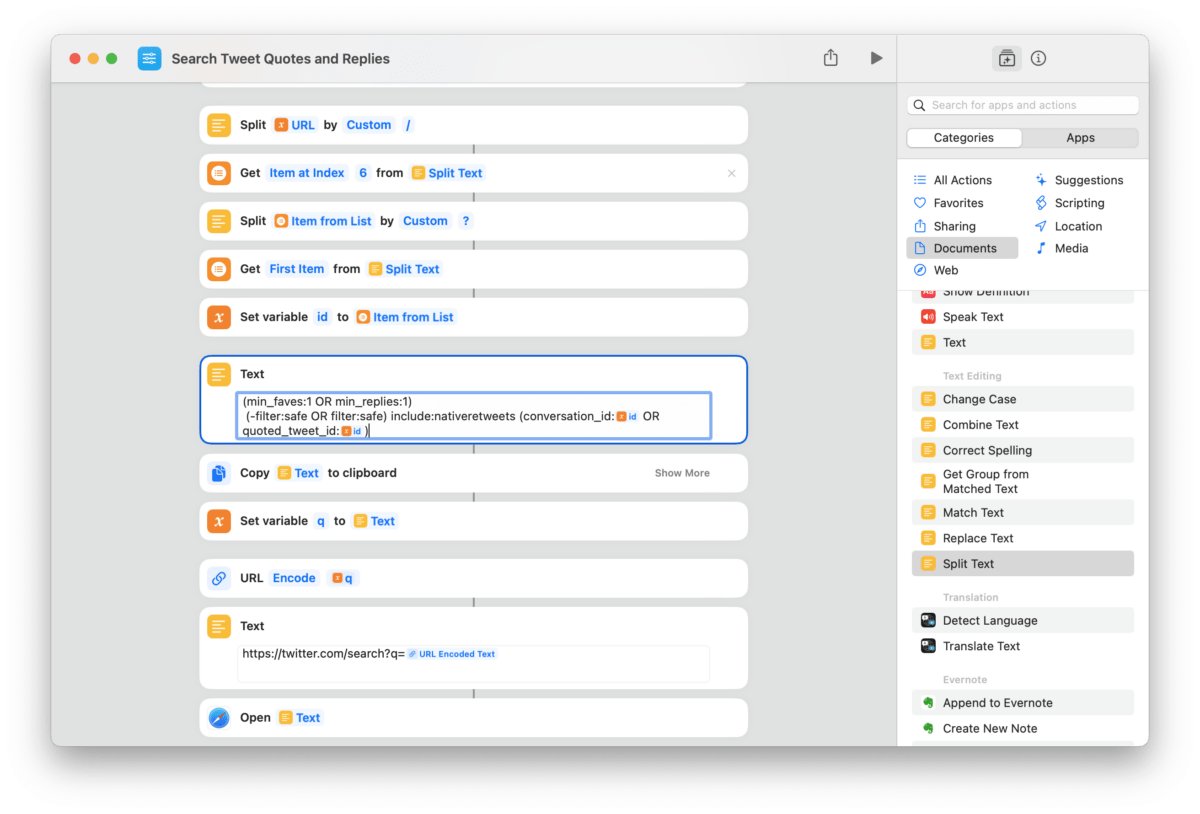
Search through a given tweet's Replies and Quotes using this shortcut from Twitter user @colleidoscope.

Twitter user @colleidoscope shared this shortcut for quickly searching replies and quotes to a specific tweet:

The shortcut scrapes the current tweet’s ID from the URL, then takes advantage of Twitter’s search operators to build an advanced query:

(min_faves:1 OR min_replies:1)
(-filter:safe OR filter:safe) include:nativeretweets (conversation_id:ID OR quoted_tweet_id:ID)

Twitter’s quality control issues notwithstanding, this is useful for finding that one quote tweet you swore you saw, or digging through a massive list of replies from popular accounts – what a clever use of Twitter Search.


Get the shortcut from @colleidoscope’s tweet.

Posts You Might Like

Apple Shortcuts: The Bicycle for the Mind is Back, but it’s Electric
"To me, whether Jobs intended it this way or not, the “bicycle for the mind” is the tool that empowers you to repurpose it for your specific needs, not just to consume things with it, or use it in the same way as everyone else. "
Guest spot — iPad Pros: Shortcuts 7 with Matthew Cassinelli
For my annual guest spot on iPad Pros, I talked about... you guessed it! Shortcuts.
Apple posts Shortcuts release notes for iOS 16, 16.1, and 16.2
Apple has posted a support article covering what's new in Shortcuts in iOS 16.2, iOS 16.1, and iOS 16 (plus watchOS and macOS) — I cover the main bullets from each release.
Screenshot of the Shortcuts app showing the two keyboard shortcuts from the My Shortcuts view – Command F for Find and Command N for new.
iPad keyboard shortcuts for the Shortcuts app