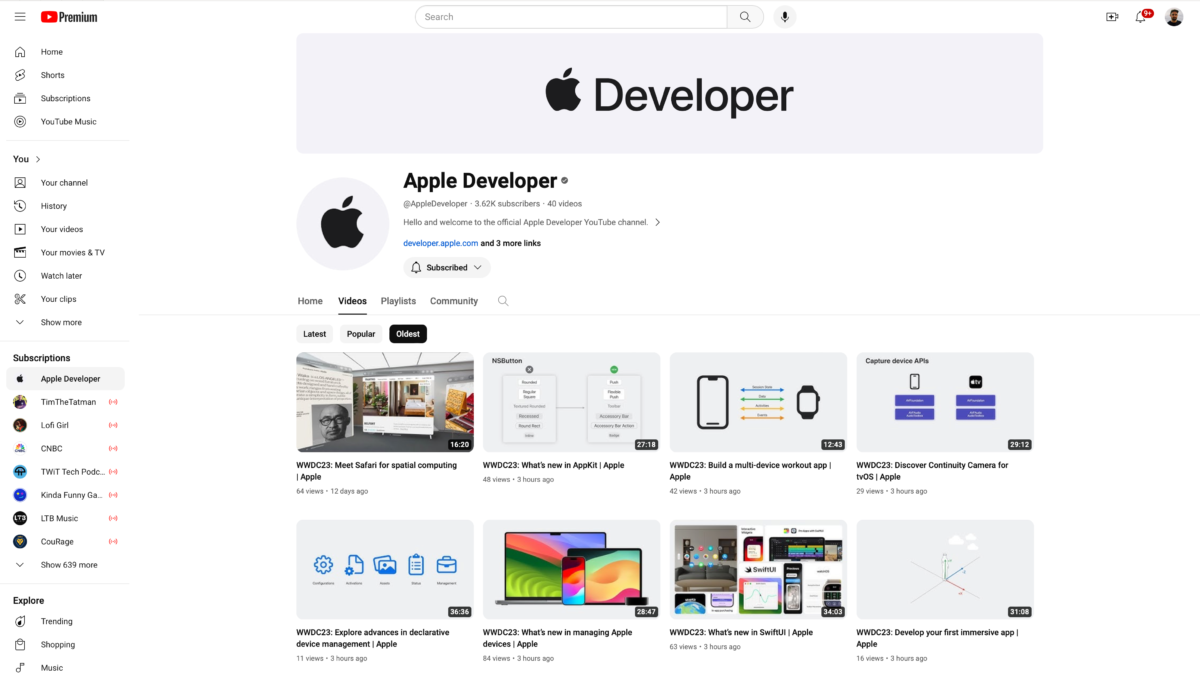
Today, alongside the announcement for WWDC’24, Apple revealed their Apple Developer channel on YouTube where they’re now publicly hosting developer videos, starting with everything released from WWDC’23.
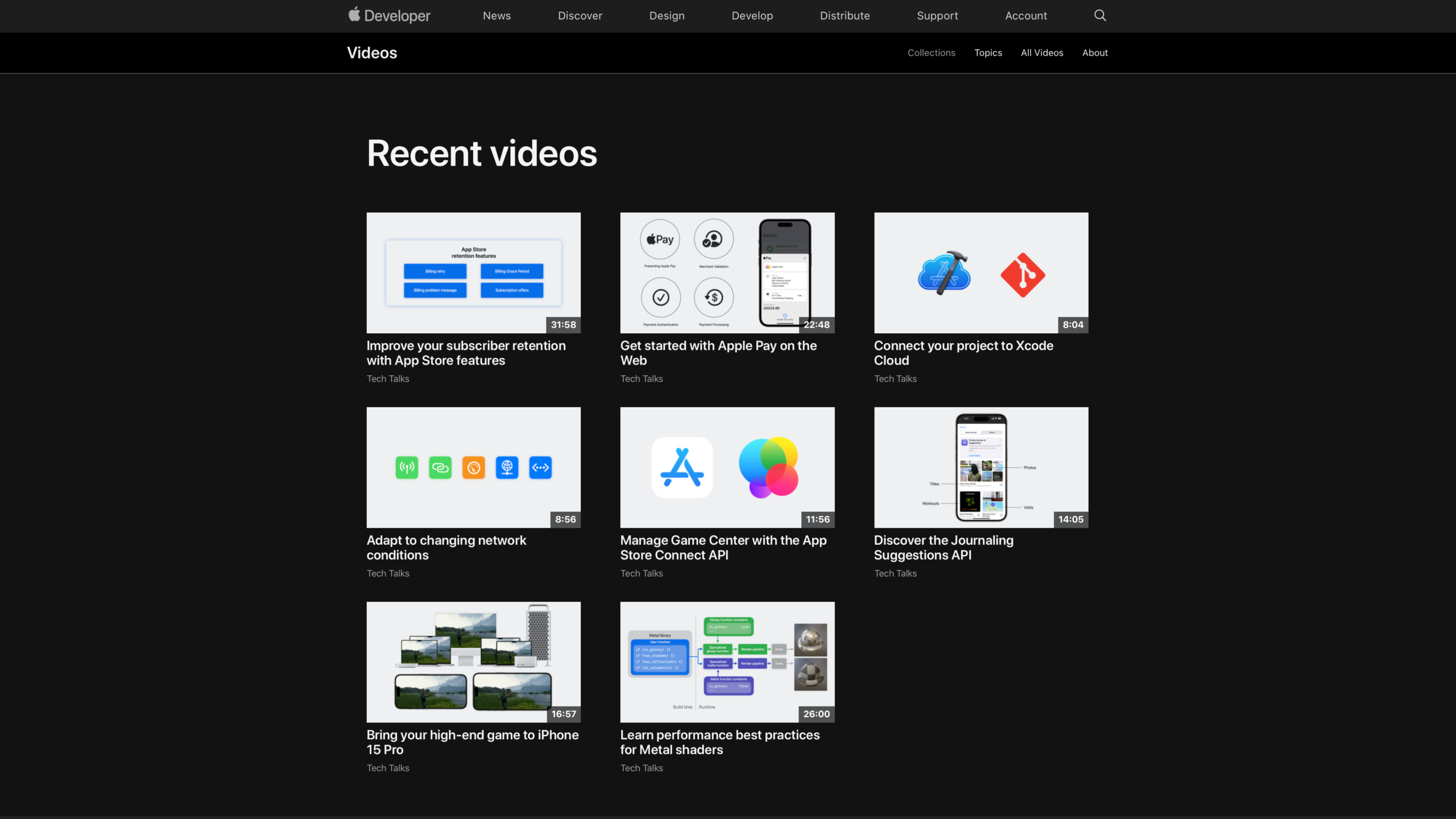
Previously, videos were only available Apple’s own website or Developer apps, limiting the potential reach to folks who’d already heard of it – now YouTube users can freely discover and watch Apple developer videos to learn about building for their platforms.
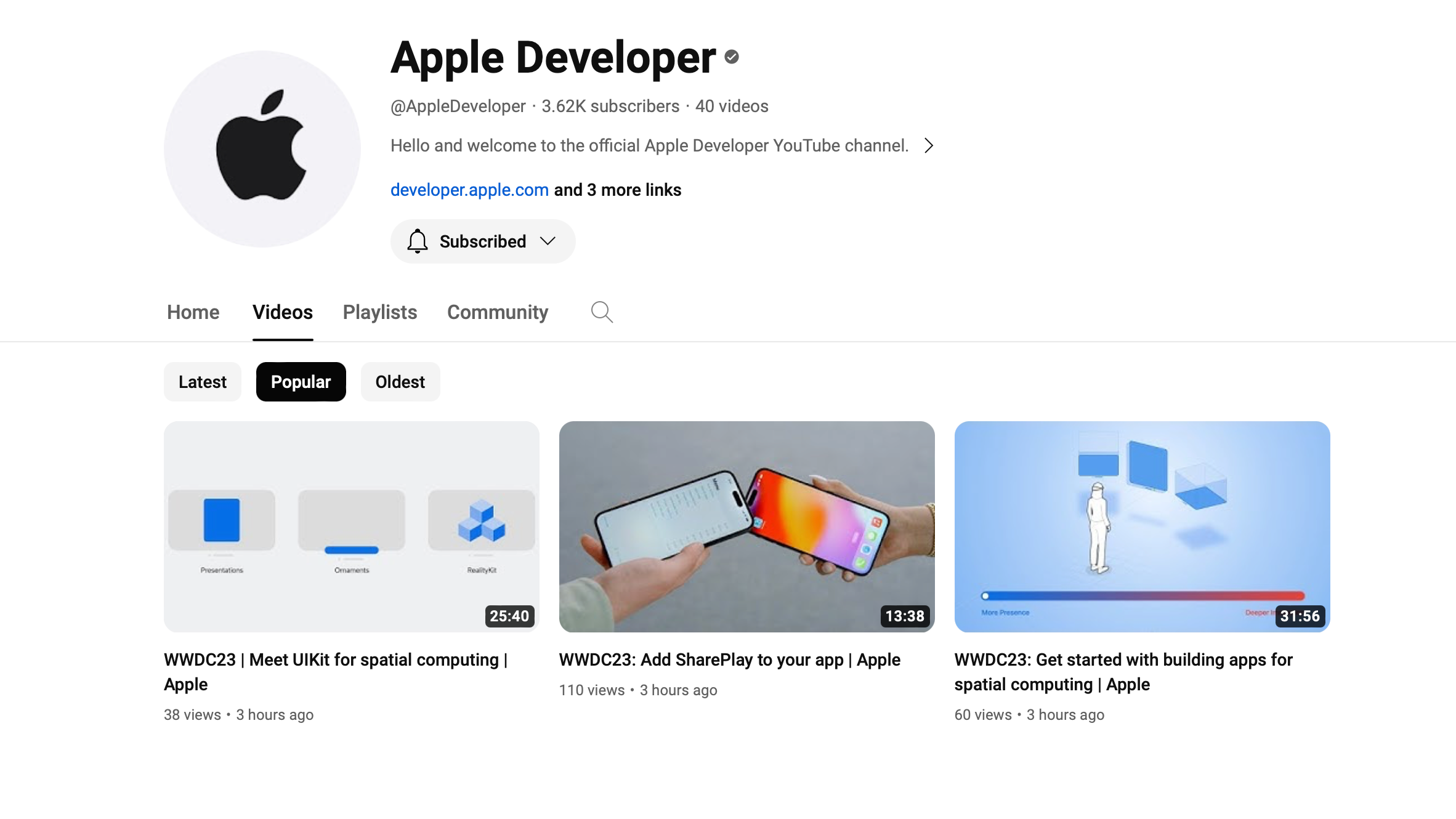
As of writing, there are 40 videos uploaded – so it’s not the complete set from WWDC’23 (yet?) and as such I unfortunately can’t find any Shortcuts-related videos. Once more are uploaded, and folks tune in after WWDC’24, it’ll be super interesting to see view counts and comments on these videos – we’ll be able to see what’s more popular/interesting to folks, as well as check on common questions in the comments.
Plus, for the intrepid Shortcuts user, all of YouTube’s RSS or URL functionality is now available for Apple Developer videos – I’ll be able to scrape the title, thumbnail, and descriptions to make quick embeds on my website, for example ?.